
Emboss node filter in the compositor
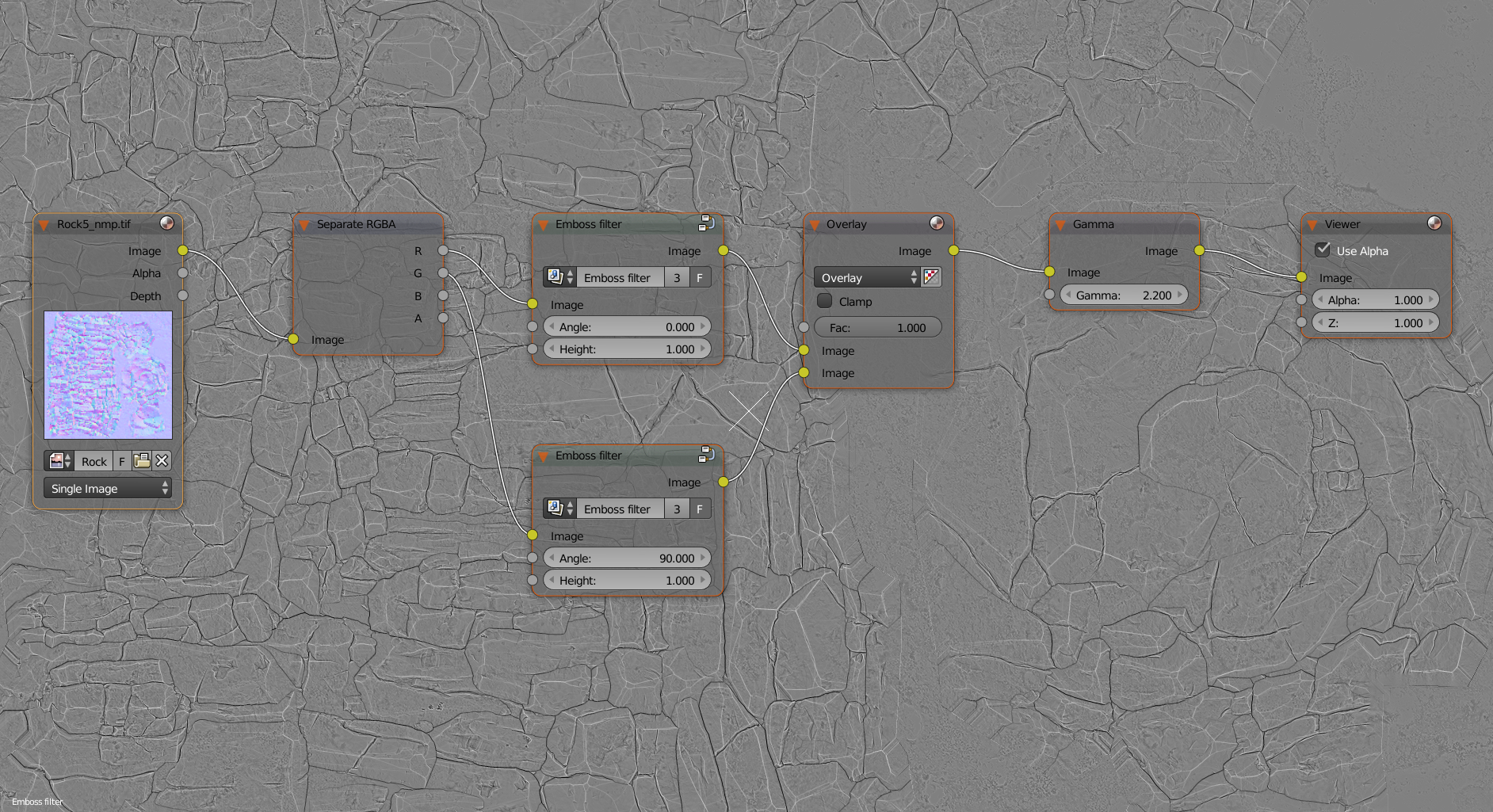
I suggest to add a Filter > Emboss node, this filter is used by game artists in Photoshop or other 2D software to convert a normal map into a curvature map. It takes 3 inputs: the image, the angle to get the direction and the height, it is the separation in pixel between the two images (each image is moved by half of the height value in a direction).
It is possible to create it by ourself but it involve the use of Math nodes and having a node directly available officially would be better because this texture is very popular. I have posted the node setup in this Blender Stack post with explanations on how it works: blender.stackexchange.com/a/102727/23134
2 Comments
Yeah, I'd prefer this as a bundled node group rather than a separate dedicated node.
I like the Idea. Maybe stuff like this could also be implemented as presets for Nodegroups that get loaded dependiing on your template (2.8 feature)