
More Selection Highlight Options
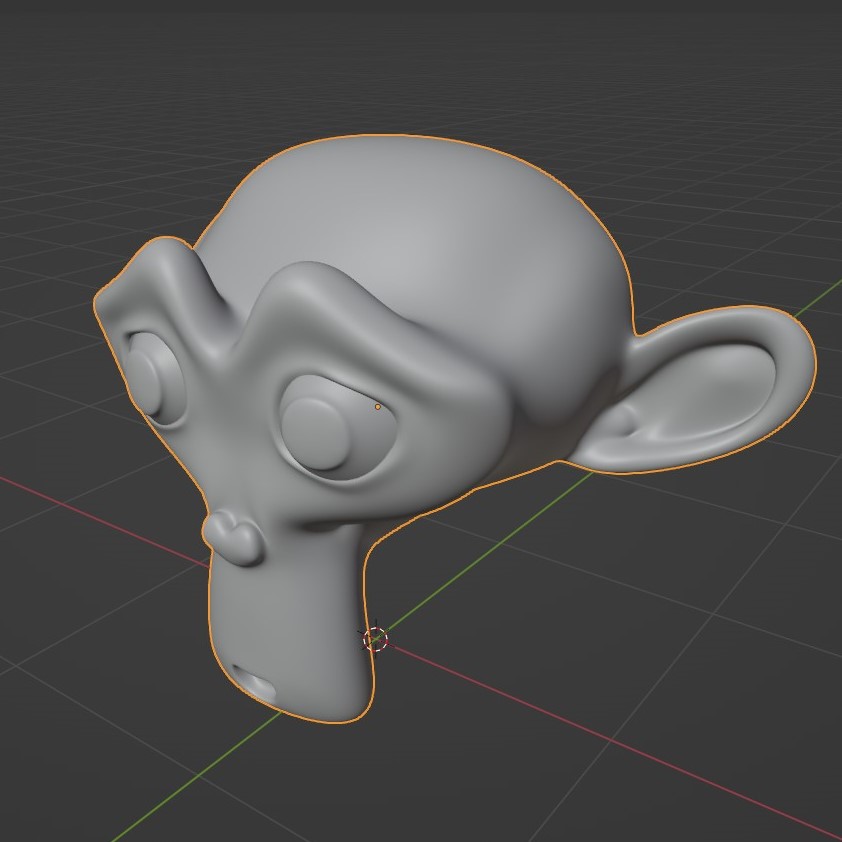
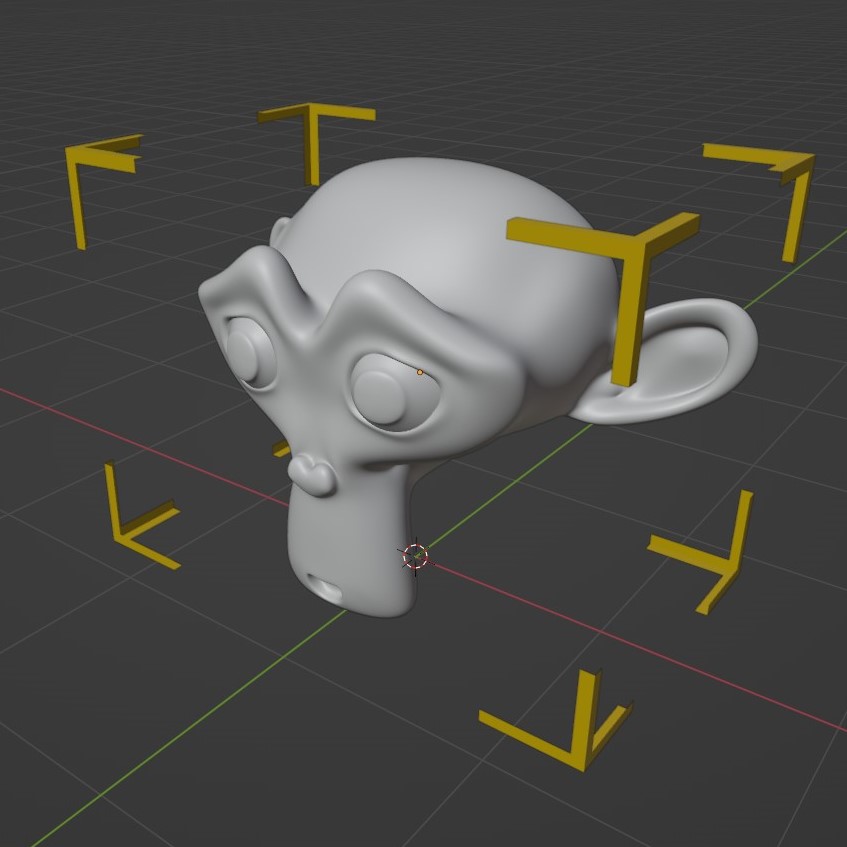
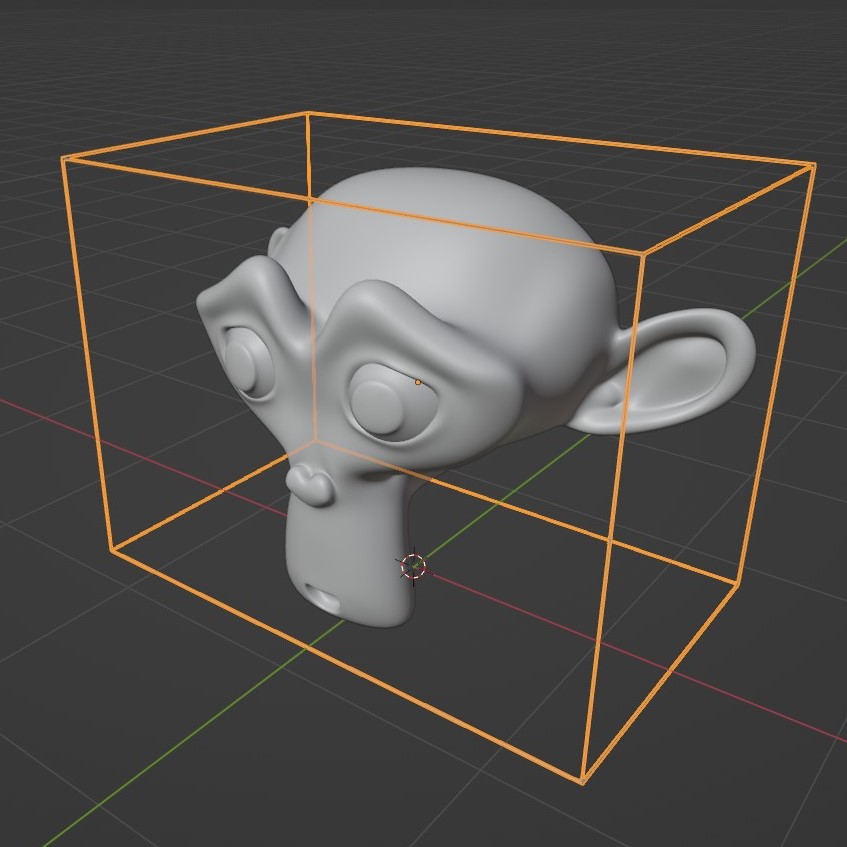
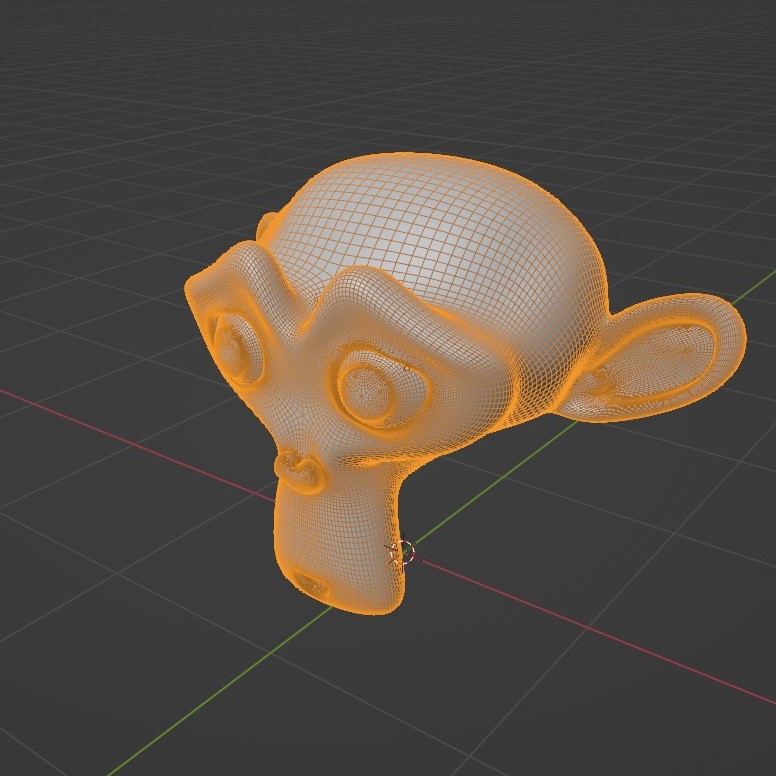
The current way that Blender shows an object when selected in viewport, is just gives an outline around the object. It's very simple and really great. But It would be much better if the users had some more options to choose from. Like the 3DS max like selection, or a Bounding Box , and Wireframe . The wireframe selection option is an interesting one as it will only highlight the wireframe of an object when selected. So users don't have to enable wireframe of all objects everytime they want to see or go in to Edit Mode . They will only see it when selected and goes away when unselected.
The current outline selection :
3DS max style selection :
 Bounding Box selection :
 Wireframe selection :
1 Comment
Sure, why not? You can already almost do that... Check out the settings in the object tab "Viewport display". For example, you can turn on "Bounding box" display for a specific object there, and then turn off "Outline selected"... Not quite it, but it's close.