
Add custom range settings of Simulation Zone to Properties Editor
Currently, we can set custom range of simulation zone in side panel of geometry nodes editor.
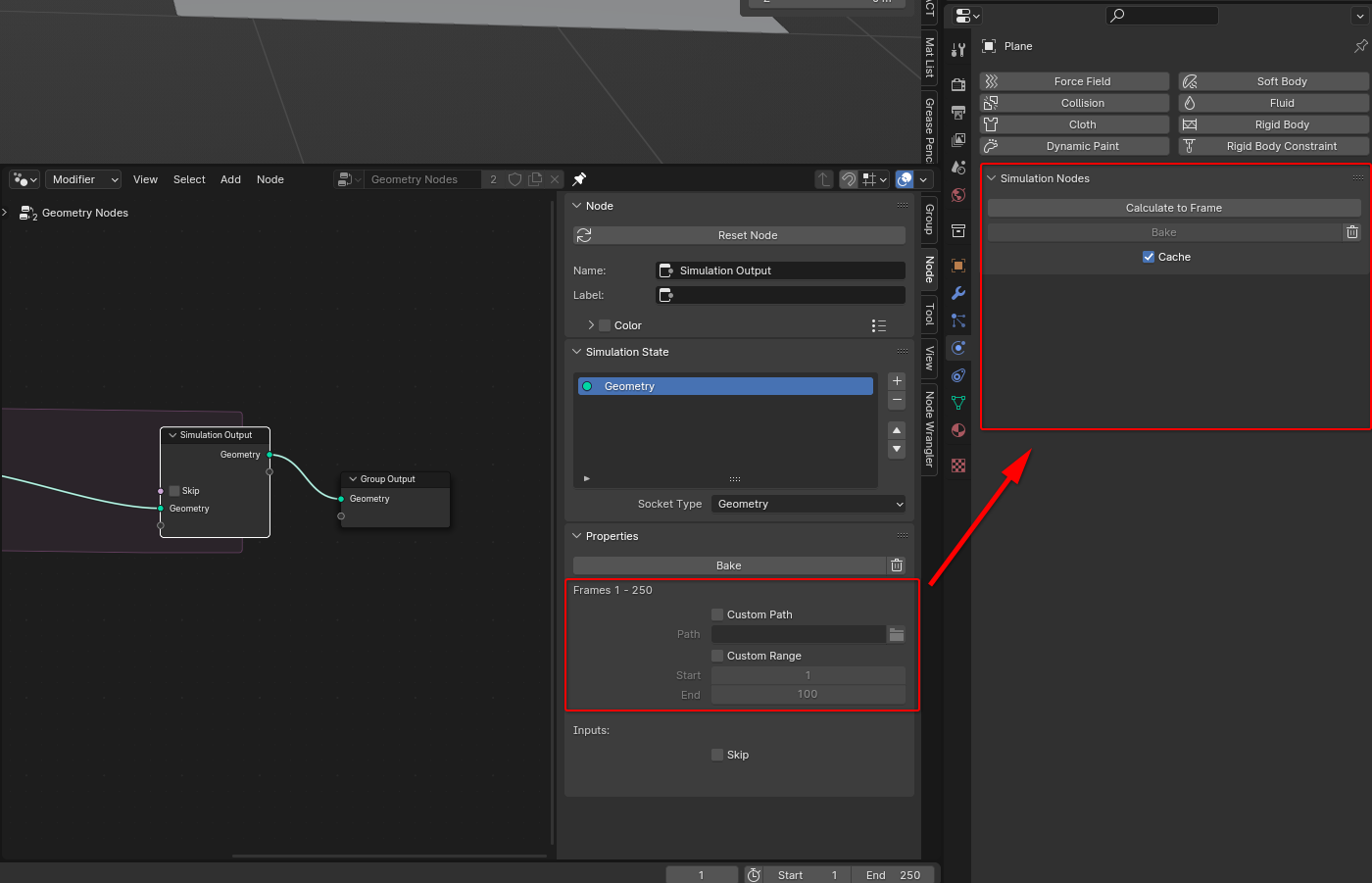 but it applies to each object individually.
When I want to use "Copy to Selected" to control the value of multiple objects using the same node at once, I can't do it here, so I want it moved to the Properties Editor.
0 Comments