
Proportional editing swith ON and OFF Problem while already editing
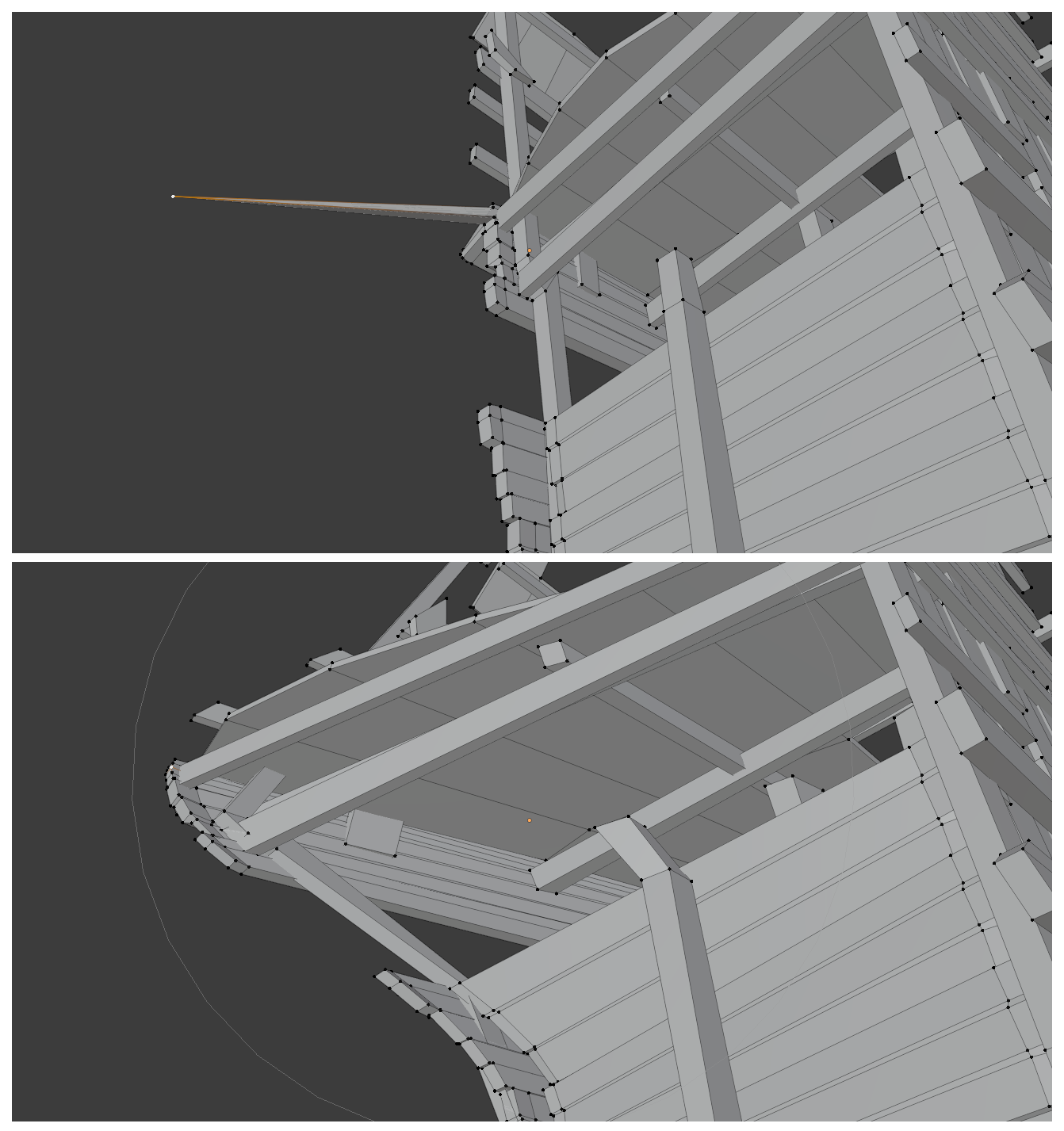
the problem is when I'm modeling anything, and for exemple:
- I selecte a vertice
- and hit G and
- moved it to an location,
And sudenly I realize I wanna also move the neighboring vertices
,
But I can't hit O to swith on proportional editing, instead I need to
:
4) hit rightclick do cancel the actions
5) hit
O
and then
6) hit
G
again and
7) move again.
Same story with scaling and rotating
There are extra 4 steps, instead just 1 little step of switching on/off the thing.
Good Blending, everyone :)
7 Comments
I don't know how someone downvote that, is just allow use the shortcut in the middle of action! Its simple and very useful.
That already exists in Blender. After moving, in the bottom left corner, you get a floating panel called "Move" which will let you alter the action how ever you like after completing it. - At least so long as you don't perform anything else that will overwrite it.
* @kram.fama * Good to know, but still, in some cases it might work, but also it's a lot of extra steps, and not quite the same. Thanks for your reply
* @korochanew * It's at best one extra step: You have to open up the panel that starts collapsed. Then it's literally just a matter of checking "proportional editing". It's more than one step but less than three :)
* @kram.fama * yeah, but still in case if I want to resize the influence, and adjust the position, it become problematic the way you proposed ;)
* @korochanew * adjusting proportion works the same way. You can change the falloff type, proportional size, toggle whether only connected geometry should be affected, as well as activate Projected (2D) proportional editing. If anything you get slightly more control because you can also put a very specific falloff value if you so choose.
The only thing that's harder after the fact is moving the position of the vertex, because you'll have to fiddle with the three axes manually, and if you moved in a weird direction, it'll not work as well as if you just moved around the mouse accordingly. (Unless your motion was axis-aligned in which case it's literally the same)
For that there could be tiny improvements (something to re-move the same way you were before perhaps) but I see no way to make that less steps than it already is.
It is a complete different situation, in this case I can't know if I move to right direction. the "O" shortcut on the middle of action would be the best implementation, it is really stressful need to cancel my action to just use the shortcut and I do this every day at least 3 times. :(