
Add option to Clear Rotation that rotates the object to align with custom transform orientations.
ignore! feature already exists!
(Add Align To Current Transform Orientation checkbox option here:)

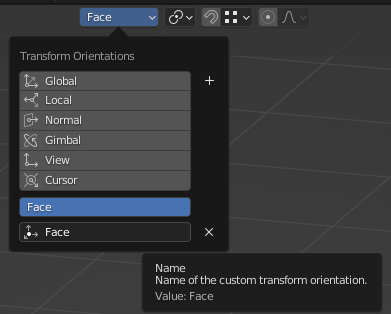
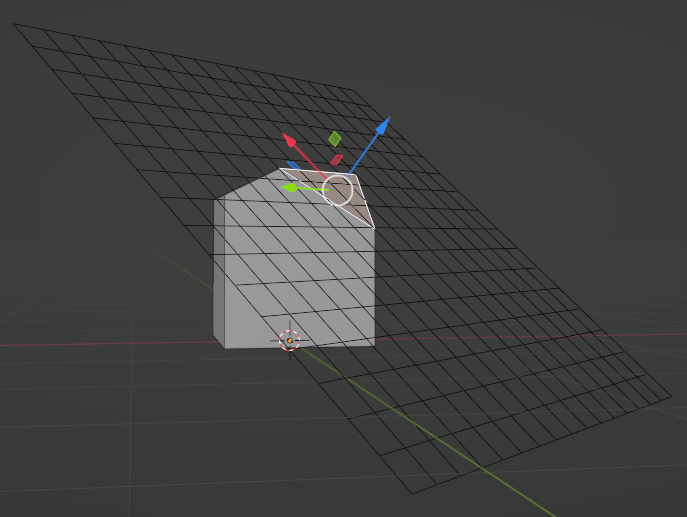
This will make it easier to create/align/use planes as work-planes on the fly instead of waiting hopelessly for a real work-plane feature.
Yes, I know an alternative workaround is to use Align View to Active Top to align the view to the selected face and then create the plane and use the Align to view option in the Add Plane 's Adjust Last Operation panel.
I also know another alternative is to configure the snapping options to face + center + align rotation to target, and then change the snapping settings back to what you actually need 80% of the time.
Doing it the way I propose makes it as simple as drag-drop an asset that has had its viewport display pre-configured to wireframe, make a new transform orientation which I needed to make anyway, then select the plane and press alt+r to align it to the custom orientation. This feels best to me.
2 Comments
How whould be that different to Transform> Align to Transform Orientation
lol, son of a ... can't believe that was there the whole time.