
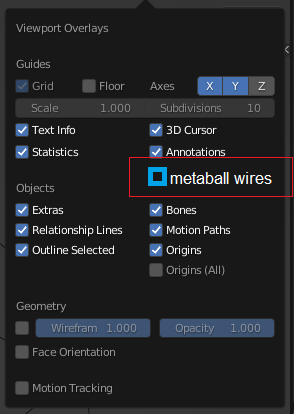
Option to hide only metaball wires
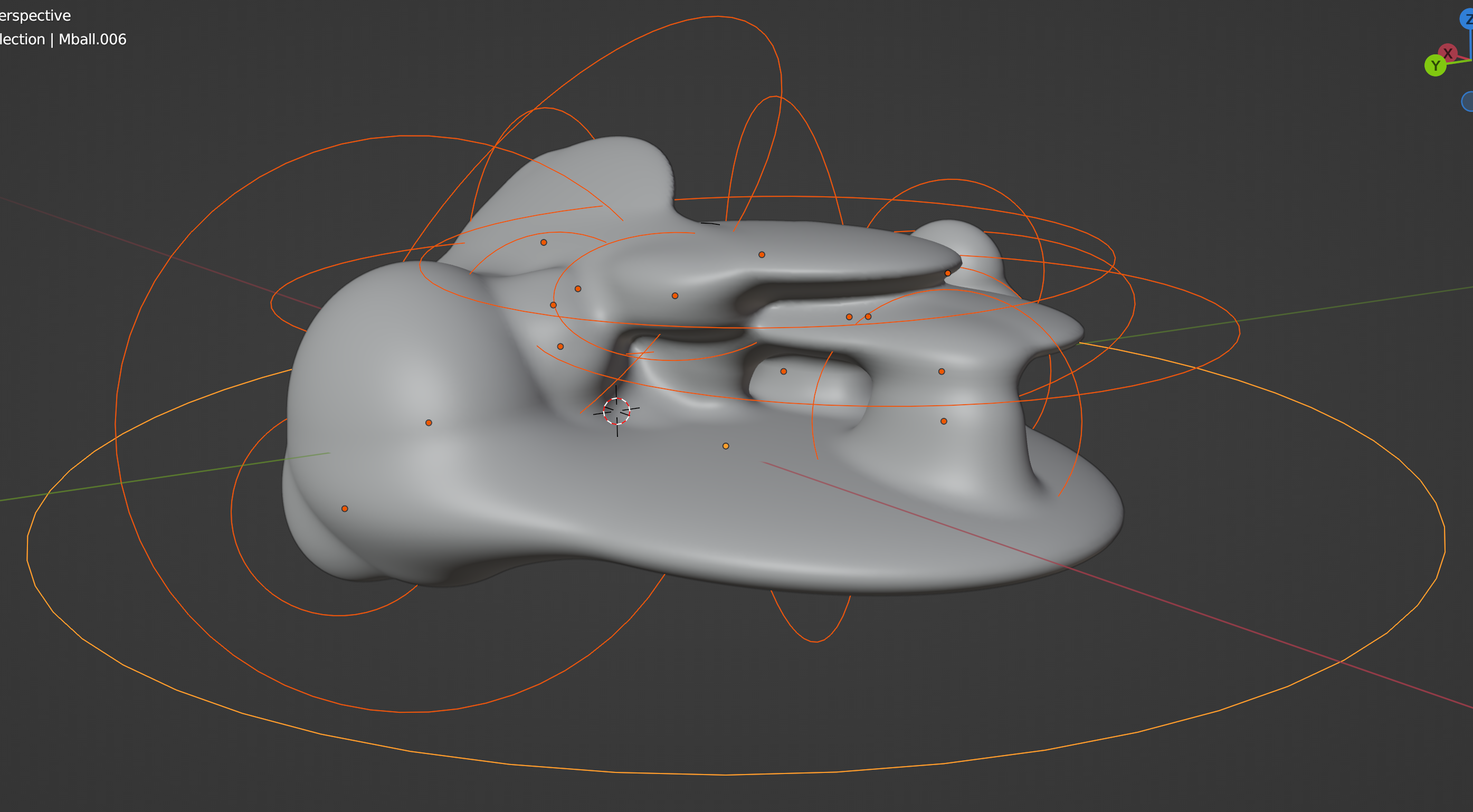
I use metaballs a lot, at certain points i want to temporarily hide the wires around it, but not other screen overlays. These wires can become very distracting, and are just useful for when modelling the metaballs, but could be turned off when not modelling them.
Any chance this could be added? plus one shortcut key
4 Comments
I think that should be covered by Extras checkbox, it's already covers empties / cameras and other guides:
Or be an option in properties object viewport visibility panel since it's covers similar things (name, axis, per object wireframes, etc):
Probes and lattice are also inside Extras. But separate options would be nice for another suggestion. I want to view light but not cameras or empties. I can hide the object by type, but as metaballs are part mesh that could not do the trick
I dont know about that because I find having extras enabled very useful. Maybe you could open extras and edit each visibility individually. another option could be to hide those metaball wireframes in the metaball green menu tab.
How is this feature going along? Did anyone make any progress? thanks