
Jump to *any* next/prev keyframe
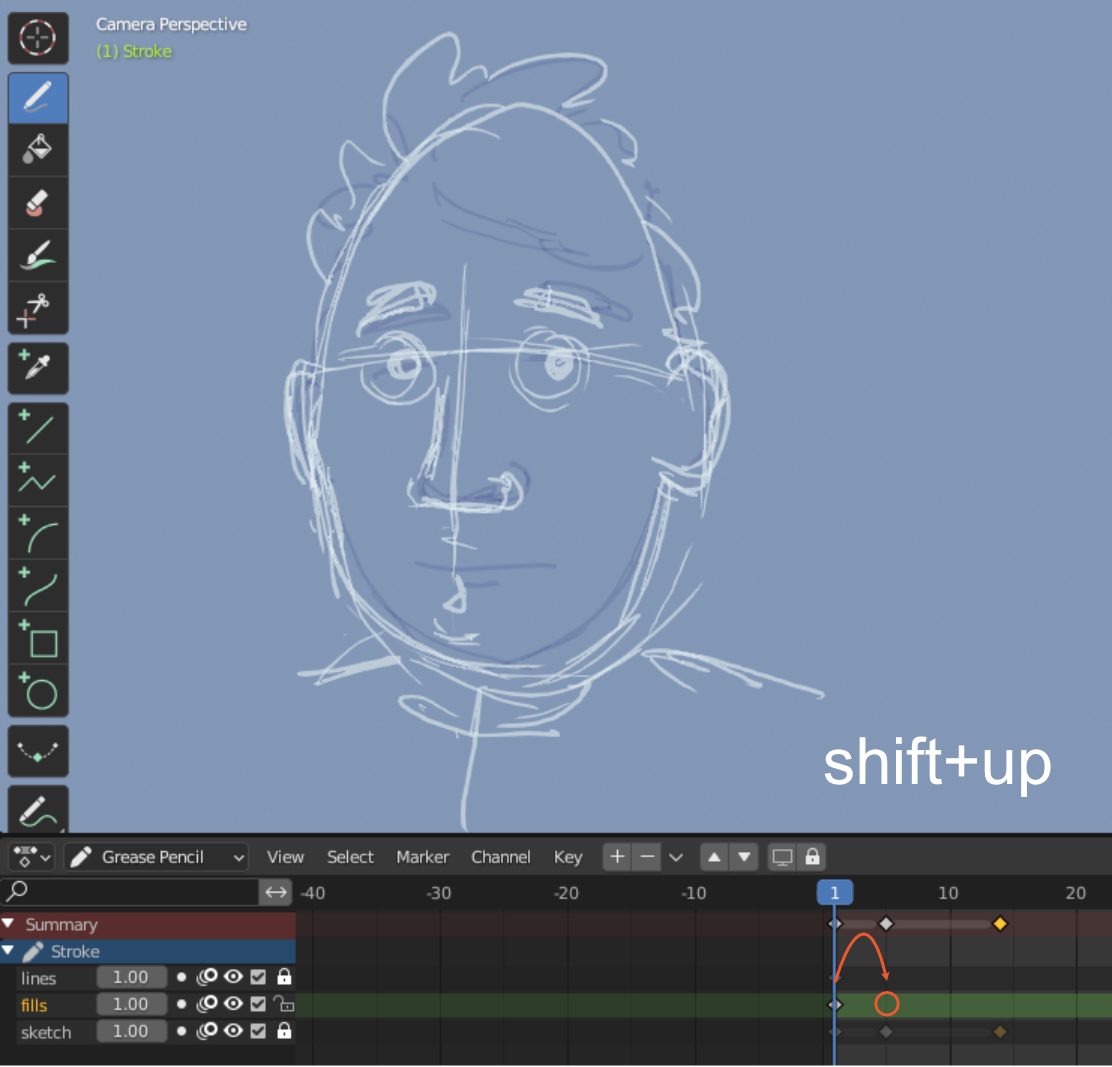
Currently, Blender jumps to the next keyframe on the same layer when pressing the UP key. This proposal suggests to provide a shortcut to jump to the next point in the timeline where any of the layers have a keyframe (see pic) while keeping the current layer active.
While I think this could be beneficial to Blender overall, but especially to Grease Pencil: With GP and frame-to-frame animation, it is common to have multiple layers and synced keyframes (see pic). Blender does not provide any shortcut to jump to the next keyframe until the frame is manually created/timeline manually adjusted.
I think shift+up/down would be great default for such actions.
4 Comments
Hey! You just need to uncheck Playback/Keying/ Only Keyframes from Selected Channels, then up & down arrow work accross all keyframes of all layer...
Awesome! Thanks for the tip!
Does this still work in 4.0? Where is this setting? In the Playback Pane in the View menu, there is an "only show selected" option, but unchecking it only shows the keyframes for all objects, it still does not allow you to jump to unselected ones.
It's request like "Adobe animate" where any keyframe can have control on timeline as functions (right):
go_to(1)as go to 1st frame, eg. from lastgo_to_first()go_to_last()pause(100)as timer/sleepBut this can be more effective if scene can be controlled as instances