
a loss feature of 2.79...
the background image, it was so clean, u could change views with the numpad and when u need to come to the model dont have planes on it or need to hide them... and its only select the image in a few seconds with 1/1 scale, can resize move and rotate, and change the opacity, too can select in what view is going to show
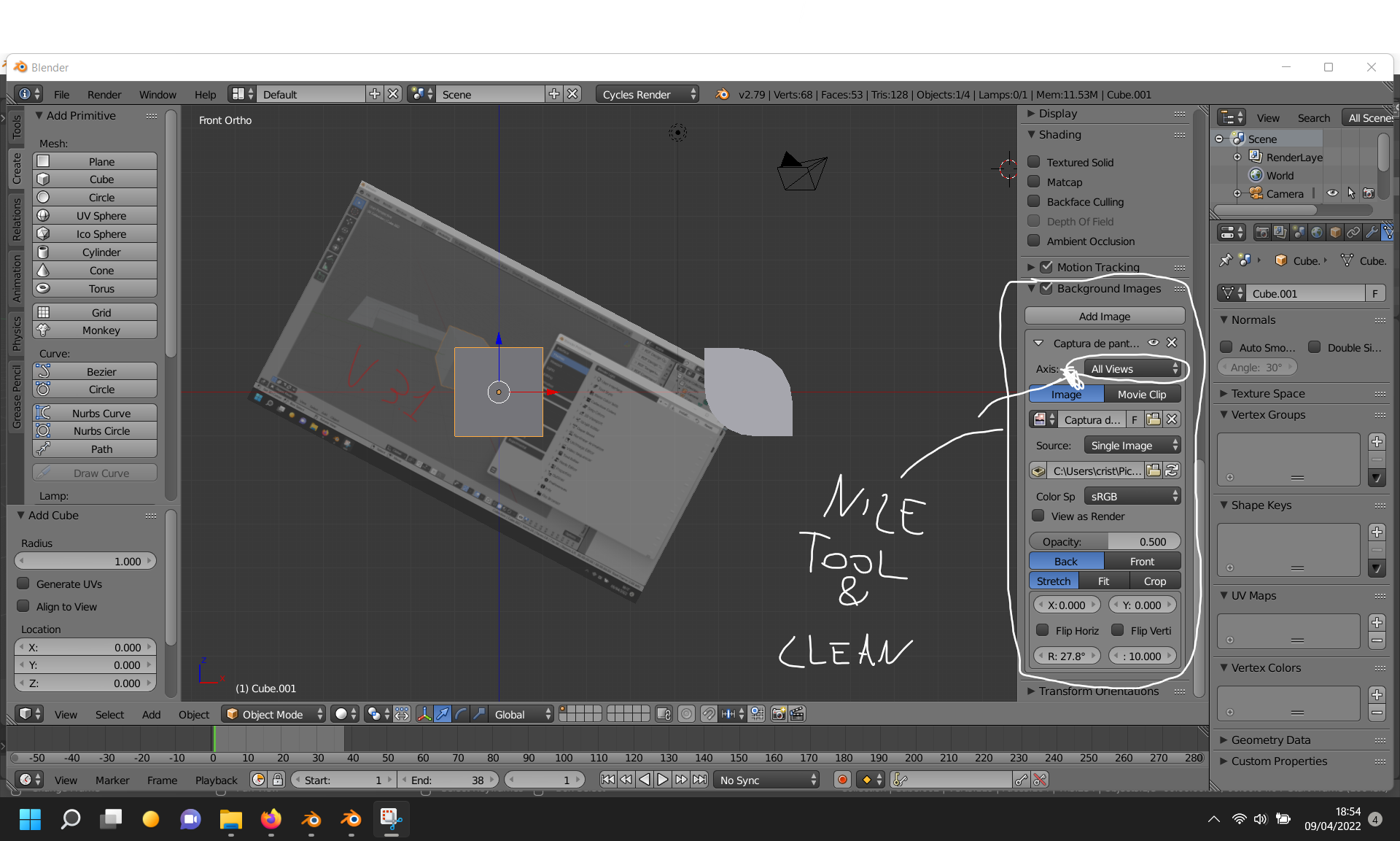
edit:
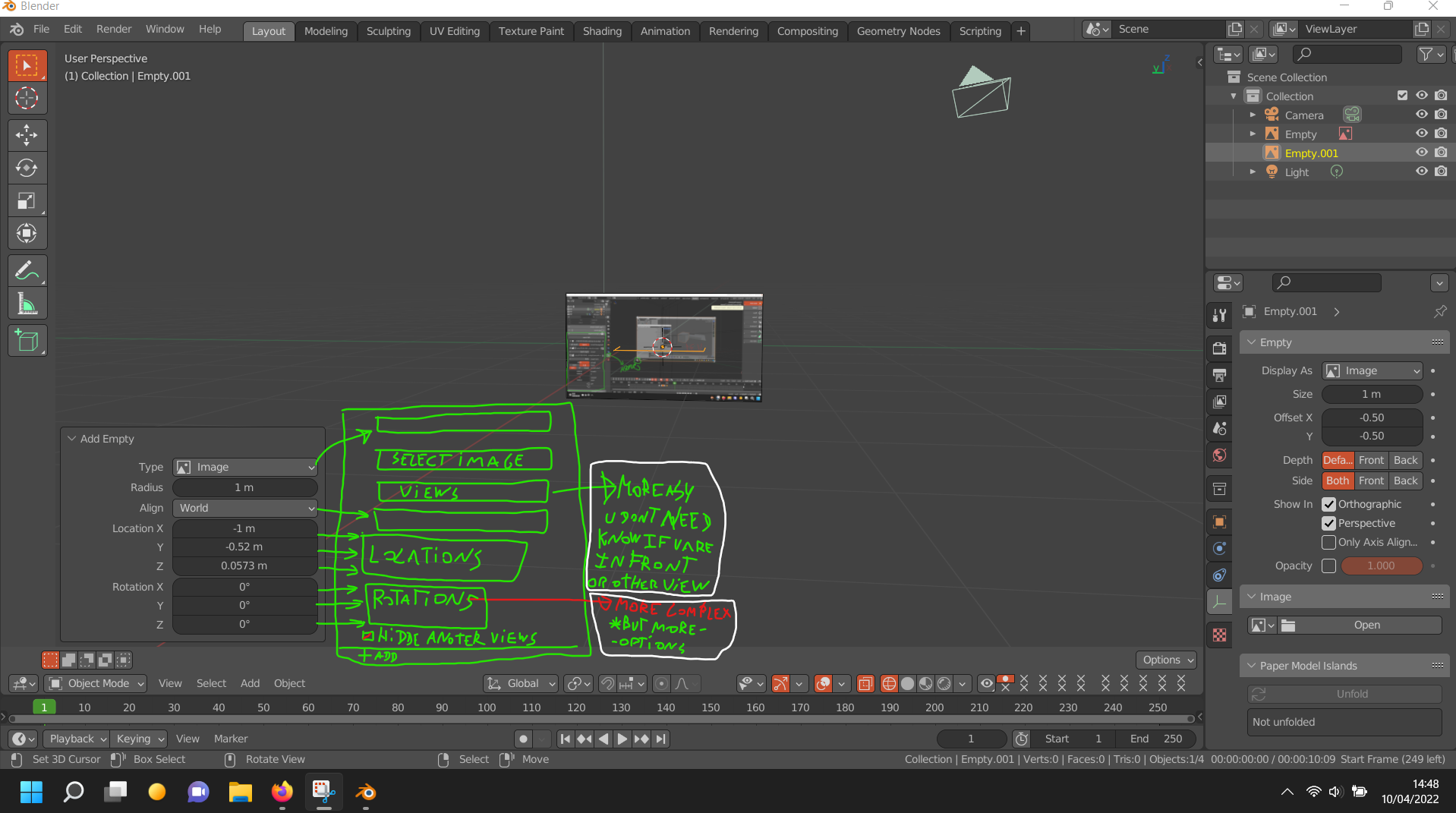
8 Comments
docs.blender.org/manual/en/3.1/render/cameras.html
docs.blender.org/manual/en/3.1/modeling/empties.html
its not the camera is the image plane, i know use of camera, this feature of background image i use for modeling specially, in a hour i edit the post and upload images of example, in 2.79 look in the viewport not in the camera
Look both links
i think i know what u are saying i post this in the comment of before, i looked this feature, its a image background but in the camera, for that u need cameras and change cameras positions, angles, isn´t the same, its more cumbersome and lose of time, so many thinks as changed of site and losed amazing features for that
in 2.79 is of that form: (its a model i made to print)
look this: youtu.be/0lF4hYKEI-U
(usually i work faster pressing shortcouts for the changes of view, in the numpad, but it wasnt my pc and dont have numpad, too i dont use the options for select a view for that i need hidden 1 image and unhidden another boths are in "all views")
for more content of that procces: artstation.com/artwork/KOglVX
You still haven't looked at the second link, haven't you?
yes but sorry i looked badly, but continue dont being the same it´s like maya or 3d max
but... every time that feature is going to use in top-right-another predefined views, u spend more time putting the posittions of the plane, could add 2 buttons, 1 for put it on specific view, and another for hidden in other views?
now:
feature:
i upload a image on bottom of the post
u could win seconds every time, thats not much on a single use but with a week and more reduction of times in another ones it reduce a lot of and that improves workflow
its me last post on this one, sorry for the inconveniences
just drag and drop from the file explorer to the viewport in whatever angle you need, and change settings of all empties at once using alt.
i watch this:
1.- Select the camera
2.- on the object propertys "icon of the camera" at the right panel
at the end, but it waste a lot of time to acces and u need a camera