
Linked files - improvements (repair path, management)
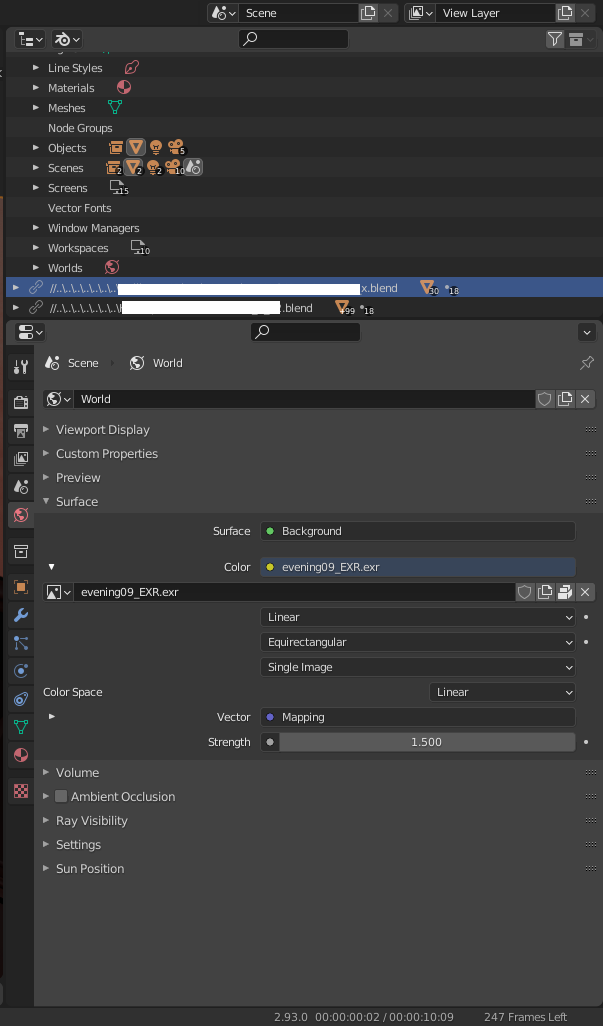
Right now if path is long, then looks like on image (cuted - in fact, there is place to have full path or more txt for this).
Want suggest:
-
repair path in right way (full or absolute path, or add additional line with path to file after opening tree with this linked elements)
-
add additional line in Blender Layer after opening Group/Collection from linked file where user can find/meet the path or change
-
Change path- give option to change path in Blender file menu (edit - RMB/contex menu) and Blender Layer -
Reveal dirwhere is linked file (open explorer in this path - RMB/contex menu for this) -
Open linked file in blender(for better and faster work - eg. for revert - RMB/contex menu ) -
Add option to select Layer from linked file!!!! (I think it's more important, additional line in Group/Collection as tree to select layer by checkbox combolist/radialbutton)
I think that linked file can be managed dynamically from Group/Collection as tree, where for whole project can be seted by checkboxes what to use to import/show, not right now where we have one option to select what we need in start of step of "linking"/importing, and the practice is bad when need changes - must delete and import again (coz revert not working here around other collections from file - right now I operating with changed files to emulate new layer [what a pain and bad management option with many files - try understand the request in area of this problem!!]).
I remind discuss about external files Working with external files as components
1 Comment
There is tip how to edit path, just rename file, then path is broken (different icon linking) and possible to change path and reload, but I hope it's not intended solution to do this.