
Customize 'execute' keymap
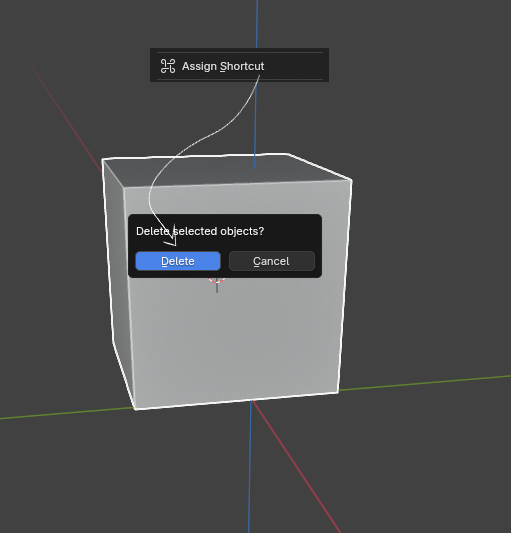
In Alias, some actions require confirmation via the SPACEBAR, which I find more ergonomic and time-efficient than Blender's ENTER key (avoiding the need to lift my hand).
It would be useful if any 'execute' operator, or at least those triggered by dialog boxes, could be customizable.
6 Comments
Your keymap is fully customizable, all up to you
What do you mean by that? Could you point me to the right direction in the keymap menu where I can change that keymap?
You can search the keymap for 'return' key and choose which to set for space bar press instead. You'll need to confirm you aren't disabling other uses you also need, but it is up to you to customize your keymap how you want since 2.5 series. I can't share a picture here, but open your keymap in Preferences and switch to 'Key Binding' and type in the search filed 'return' and then all the shortcuts using 'return' will list and you can then change what you want to 'spacebar' by clicking the key map and pressing the space bar.
I dont think this solves it. I know that you can customize most keymaps in Blender, but what I'm pointing out is the "Return" key that is deeply rooted in Blender's core: for example, hitting "Enter" after selecting an object, to confirm. This kind of keymap is not present in the Keymap menu.
This is confusing - you don't 'confirm' selection with the return/enter key in my experience.
Sorry, I meant "hitting "enter" after deleting an object, to confirm".