
1. Timeline UI Improvements
Animation is all about rhythm and timing. Clear, readable time divisions help animators maintain their personal "beat." Poor visibility in the timeline, especially when zoomed in, can break that flow and cause unnecessary stress. Studies show that recovering from such disruptions can take over an hour to regain full concentration.
If just 10 minutes of work time can be saved per person, for a community of 10,000 animators, that translates into a total o f 1,666 hours and 40 minutes saved.
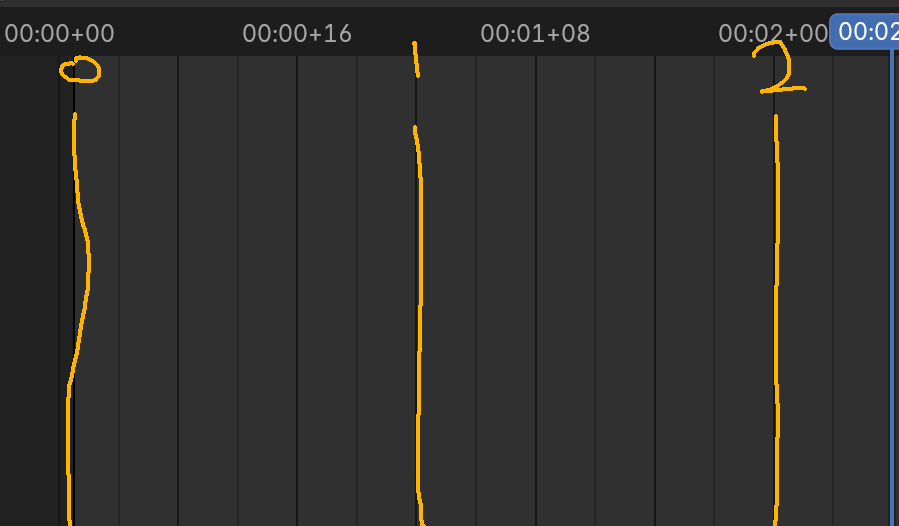
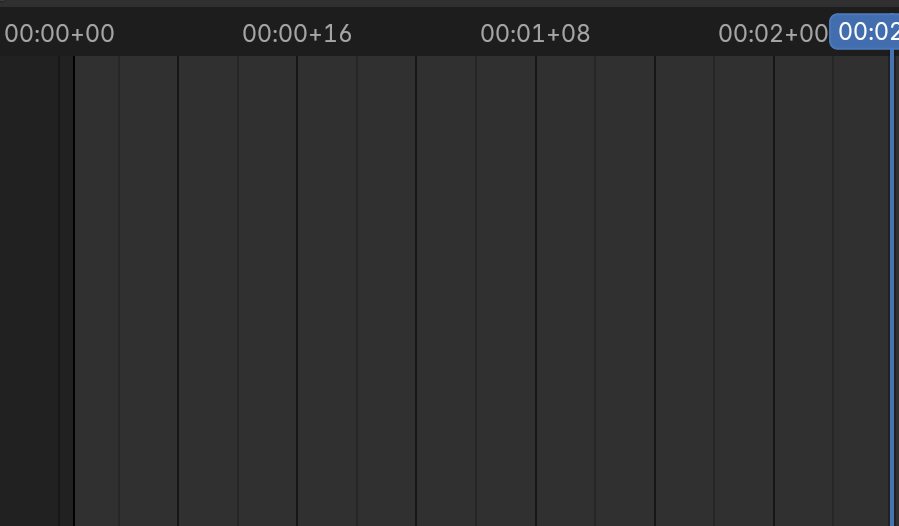
- Lock the timeline to display only second markers, even when zoomed in Currently, zooming in
-
replaces the second markings with frame-level divisions, which can disrupt timing perception.
-
Many animators work based on second intervals for rhythm, not frame-by-frame detail.
-
Please add an option or view mode that always shows seconds only, regardless of zoom level.
- Make each second marker more visually distinct
- Use bold lines or a different color to emphasize every 1-second interval, enhancing rhythm awareness.
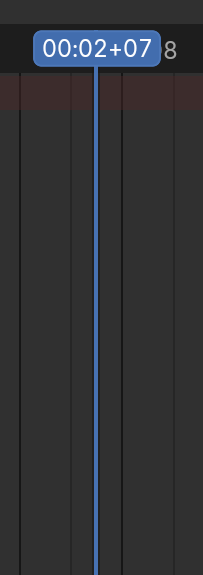
Keep the current display of seconds + frames (e.g., 00:01+08) in selected regions
- The blue selection area that shows detailed time is helpful and should remain unchanged.
3 Comments
really good proposal apart from the patches that slowk1d already mentioned, there are more changes planned
#143562: WIP: Anim: fps dependent frame display in animation editors and #143526: Add seconds checkerboard drawing to time editor
I think that point 2 (make second markers more distinct) is being adressed in 5.0: This patch already implemented some of it projects.blender.org/blender/blender/pulls/139398 But got pushback from artists for not adressing the problem, so a new patch is being worked on projects.blender.org/blender/blender/pulls/142858
For point 1, specifically change the view to only show seconds, can't you already change the timecode in preferences (plus enablimg "show seconds" in timeline view options)?
There is already a time display feature. What I mean is that the frame number is shown alongside the seconds, which reduces visibility.