
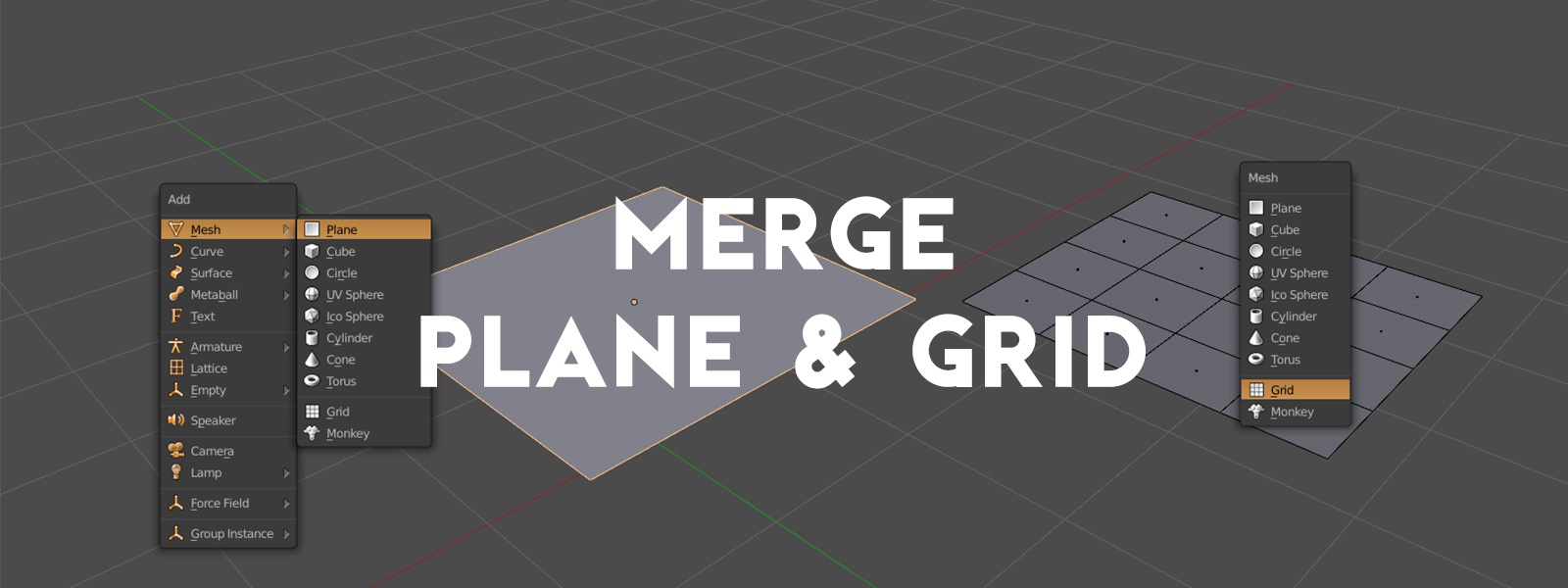
Consolidate Add > Mesh > "Plane" and "Grid" into a single primitive
Proposal explained at the very beginning of this video:
(click image to play video)

Here are the steps I propose to both simplify these two options into a single tool as well as making the options available during plane/grid creation more useful:
- Allow the X Subdivisions and Y Subdivisions of the Add Grid tool to be reduced to 1. Currently the possible minimum value is 2.
- Replace the Radius option with two options: X Dimension and Y Dimension
- Rename the Add Grid tool to Add Plane .
- Remove the current Add Plane tool and replace it with this new version of the tool.
6 Comments
But here's the question: Should it be a plane (no subdivs) or a grid by default? My guess is plane, since plane is pretty much the highest on the add mesh list, suggesting it's supposed to be used more than plane.
Either way I think you can tweak the defaults anyways, so that's not that big of a deal.
Personally I would prefer the defaults for X Dimension and Y Dimension as well as X Subdivision and Y Subdivision to be 1 so that by default you get the same result as you currently get when adding a Plane : a single quad polygon.
Let's take this a step further and also merge the cube. After all, a plane is a cube with no Z depth.
Here i realized something interesting, after seven years using blender(heavily) this is the first time i saw there is a grid primitive, why is this interesting, because for me its not a hobby, i work with it and study it and somehow this primitive had gone under the radar, i look many times for a subdivision option under the plane and the last resort was to subdivide the plane to get the grid. On one side i like the idea of having the subdivisions option on the plane, one less object in the list making it smaller, this also can be extended to the cube that also doesn' t have subdivision. On the other side, keeping in mind that blender by default, not sure the historic reason why, doesn't show the subdivision edges on planes and also its turned of by default the option to display it, the user its kind of obliged to go to edit mode to see if the subdivisions for the task work, i use the word obliged because its the fastest way to check the other way to check this its five clicks and half monitor away, for a hobbist this is trivial but working with it its a big difference in speed just tab/pie menu into the edit mode to verify and then delete or subdivide.
Here's the difficulty (and perhaps it's merely a matter of documentation):
My guess is that this is the most likely reason the two were never merged. Again, this could probably be solved on the documentation side of things, but they're concerns worth considering.
I don't think it is a valid argument. A plane primitive have an "align to view" option in F6 panel that is probably mentioned in tutorials. Existence of number of vertices for cylinder or segments/rings for UVsphere are probably quickly learned by a newbie. Subdivisions settings as F6 panel properties for a plane can not stay unnoticed during a long period of time.