
Themes: Axis Colors
Currently, Blender only allows you to set the color of the X, Y, Z axis:
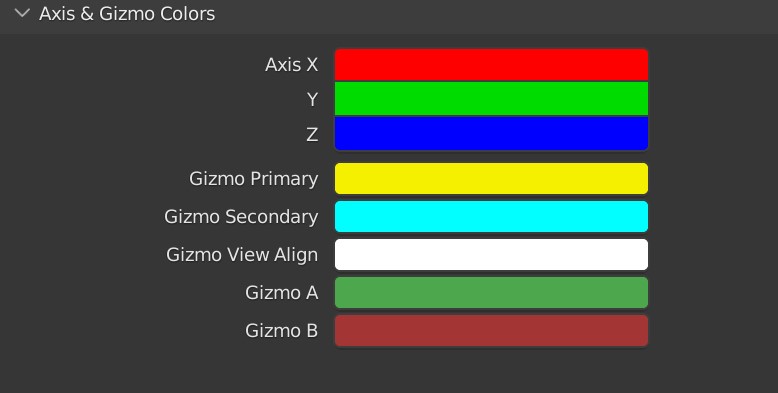
In other software, you have the ability the set individual colors for each translation. X Location, X Rotation, and X Scale can be different colors for example.
The advantage of this, is that it's easier to tell the axis apart when you need to, such as when you're working in the graph editor and have multiple X curves; it can be confusing when you have two red X curves, and you can't tell which is Location and which is Rotation without going to the left panel and selecting it.
1 Comment
I was about to make a new post baout this but I'll just comment here to avoid duplis.
The Graph editor will see the biggest improvement by this as having multiple f-curves of the same color is not good. Here is a mockup of what I think it could look like:
I dont know how to add files to comments
Here's how it could look in the preferences not forgetting about W quaternion rotation wich should also have a distinct color
And here is how I imagine it affects the gimball
Please excuse the godawful color scheme.
And while I'm here: There does not seem to be any way to change the colors of curves that does not belong to an axis, like custom properties. Maybe it could be possible to have a pallette with an arbitrary number of colors that those curves can pick from.