
Game Art Pipeline - Smoothing Group Table and Dialogue
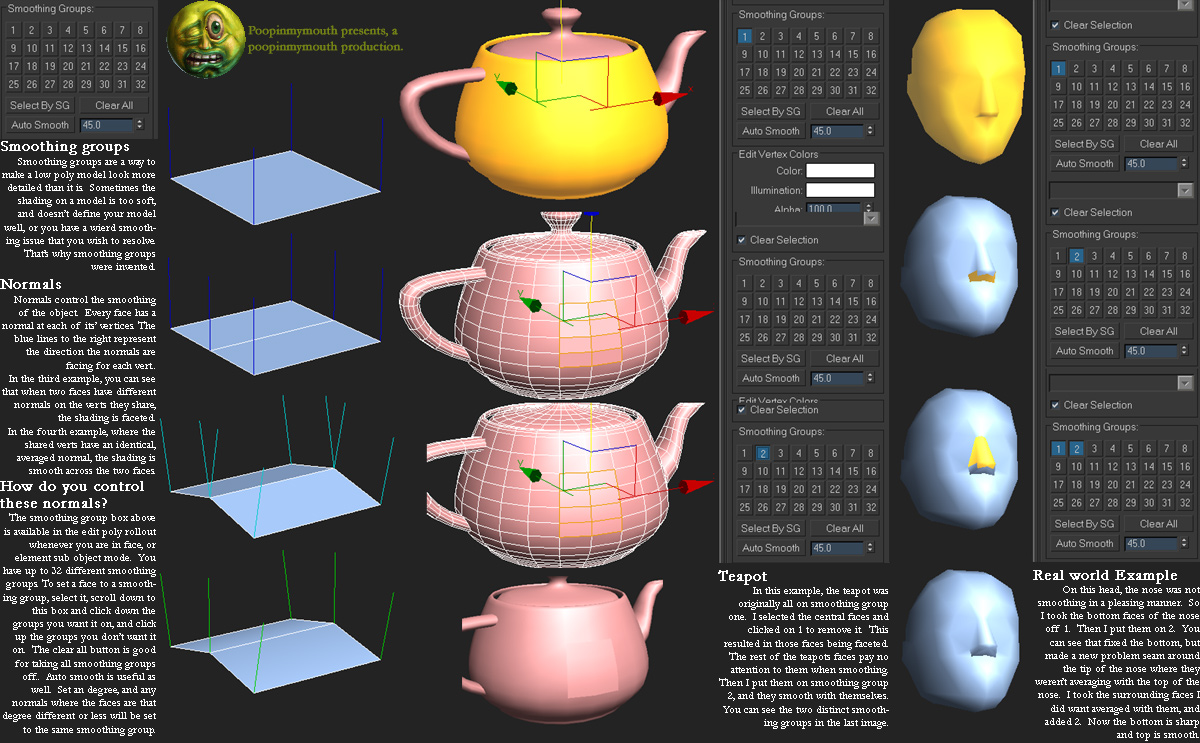
It would be nice to have a smoothing group dialogue similar to 3DS Max's or Modo's where the smoothing groups are laid out in a grid. Right now, we have "Mark Sharp," but that's not the same as smoothing groups. When I go to other software, the "sharp" edges are not seen as smoothing groups, and certain functionalities don't work.
This would make the program more compatible with ZBrush, 3DS Max (and other modeling suites), Substance Painter, RizomUV/Unfold 3D, and the game engines, Unreal Engine and Unity specifically.
4 Comments
I know how everybody using blender cares about sharps, saying there is no needence in smoothing groups, but sg it's just representation of same things, and having both (like max do) is cool feature, which, you know, sometimes uses in studios) and, as i know, blender wants to get there. No one in max, also having sharps, says "hey remove this freaky smoothing groups away"). Also i think blender should make autosmooth normals 180 degress by default (like for example phong shading in cinema), or there is a way to convert mix of visual autosmoothed faced and sharp edges only into sharps?
* @impacman * There is an autosmooth feature in the mesh details panel in the lower left. I tend to set that to 180 degrees, check auto smooth, and then I mark edges as sharp as needed. However, this still doesn't enable smoothing groups. It's purely visual for use within Blender.
Guys don't give it " - " votes. It's his first try. It looks like bullying :)
Smoothing groups and polygons in modeling apps is just kind of top level application representation for user.
On low graphic level normal things work like 3 vertices = 1 triangle. In cases when multiple triangles use same vertex if it smoothed it's one vertex with one normal and etc. vertex data. If it is not smoothed - actually on GPU level it is two vertices with two normals and etc. what Blender can show if you enable normals visualization.
Hint for 3D Max users to work with Blender hard edges ( I start with 3D from 2014 Max, work with Max few years, now completely switch to Blender but all in my team still use only Max ). For me in 99% of cases
PolySmootherwork fine. If you want to support guys pay 35$ or if you not ( same as most of Max users ) of course it exist where it exist ( if you know what I mean with this picture )I work with UE4 and FBX. For FBX you need to export from Blender with smooth setting " edges " then import to Max with " generate smoothing groups " turned OFF ( Max generate crap ... ). When you run
PolySmootherfor your model it said that " found specific normals " and propose to generate groups. Most of cases it work OK.I may be wrong, of course, but I suspect that you one of newcomers and your level of understanding Blender abilities is kind of " not as deep as it can be ". Most of people who ask for this is those who come from Max end etc. and looking for things they was familiar with. I felt same when started learning Blender ( I see myself two years ago ). It's like when someone feels presence of a lost limb, as if it is still there, and feels discomfort from the fact that it is not...
Specific Blender subelement level mechanic allow to set " hard edges " from vertex/edges/faces levels. In conjunction with " Select similar " mechanic and selection system in general it gives lot of very interesting advantages... Looking back today, I realize how flat and limited was Max " groups ". Of course someone may find it convenient to use. So it it will be implemented - OK. IMO Blender don't need it at all. We need Poly Groups as addition to Vertex Groups to improve selection and make it even more powerful, but smoothing groups...