
Time Node for Node Editor
Be cool if there was a Time Node in the Material Node Editor to easily create some animated effects without the need to do all the following with drivers.
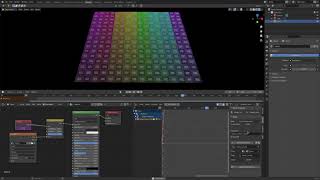
Be cool if there was a Time Node in the Material Node Editor to easily create some animated effects without the need to do all the following with drivers.
9 Comments
I think it's easy enough to write
#framein a value node, not worth making a time node.Maybe it is worth more improving the docs and information so people know these things.
* @zorro.weaver * Yeah need more accessible info on this type of stuff.
* @zorro.weaver * It's easy, but it's hard to even know it exists, so a node containing such thing makes sense IMHO.
* @-L0Lock- * so 'frame' node can be just presetted value with driver. It will not conflict current system and will make such option visible.
* @ Vyacheslav * Yeah, sounds nice! I think this can even be done via some addon in the meantime... I might try it some day...
You just have to type "#frame" in the input you want to add a driver to.
"#" is a shortcut to create a driver, and then you put the expression "frame" to match the current frame. Afterwards, you can change it with any mathematical expression directly into the node input field.
* @Alexandre Labedade * Oh that's pretty cool, though this is one down side with Blender is not knowing this could be done.
Have you tried using a driver on an input node's value?
* @muhuk * .....That's what I did in the video, just it would be good if there was a inbuilt Time node for simplicity...