
Automatic contraint to axis by holding the relevent key
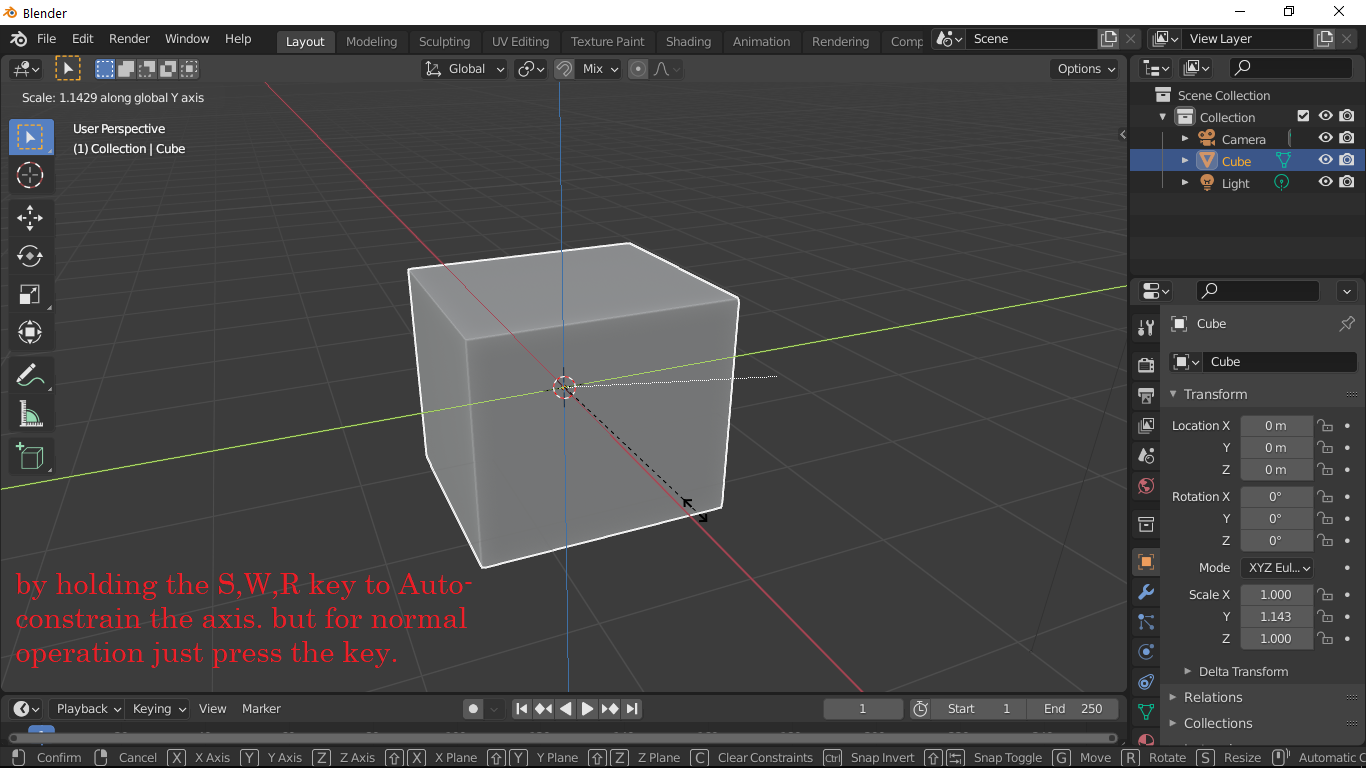
Instead of MMB to change axis, Simply just press and hold the G(move), R(Rotate), S(scale) key to define the axis while transforming. Currently we have to press two buttons to constraint the movement in Particular direction but as Y key is very far away it is slightly difficult, also the MMB is little hard to press, some keyboard and Tablets also don't have MMB.
Example : I want to scale the object in Y axis, I just have to Press and HOLD "S" key and then by moving mouse I can lock it to Y axis easily. there is another solution like if we press s key then scale operation takes place but if we hold the S key then a pie menu with X,Y,Z or XY,YZ.XZ appears. Holding time(ms) should be defined in the preferences as per the users speed
2 Comments
I like it. Holding down G is equivalent to pressing G and then holding down the middle mouse button. Simple. Less stress on my fingers with my 5 horrible mice that all have stiff middle buttons.
I would like to add:
hold G, move mouse to indicate you want to move on the z axis, click middle mouse once to make the z axis disappear, now you are moving only along the x,y plane.
I think most people just tap S, and then tap Y to scale in Y. (also: Tap S and then Shift+Y to scale in XZ)