
Outline - Multiple object selection
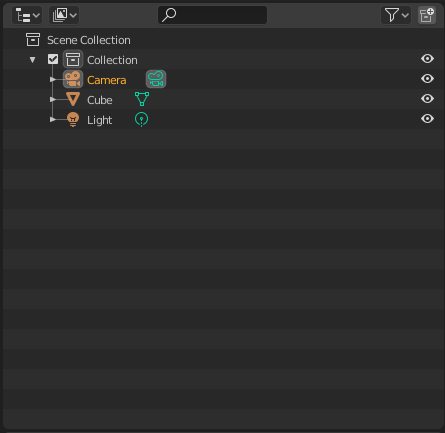
Im using "Industry Compatible" keymap and what bothers me the most, is whenever i have to select multiple objects in the outliner.
Maybe consider to add windows standard selection to the outliner, "Drag select", "Select + shift select" and "Ctrl + click" for deselect
3 Comments
Do you mind describing the current behaviour? Anyhow, there's a problem with that-- Maya uses standard file-select behaviour in the outliner but not in the viewport (they end up being opposites). Blender prefers to remain internally consistent accross operating systems, even if it means breaking the OS's conventions a little.
There could be a slightly different Industry Compatible keymap for each pre-compiled OS installer.
Also, bear in mind that the outliner is welll-known by the devs to be insufficient, and is actively in development by a GSOC student. Becuase it's a small, focused, important project, it's reasonable to expect some of its features to land soon in 2.81 and beyond.
* @Josephbburg * Yes so currently i select every object individually by holding down shift + left click, which can take quite a long time.
Okay i see and thanks for the heads up.
Duplicate of this proposal