
Loop cut in edit mode for surface object
Loop cut already exists in blender, but only for mesh objects to insert edges and vertices into the object. and in surface objects it would be used to insert segment (segments) and point (vertices) into the object, when that action was done it would look like this:
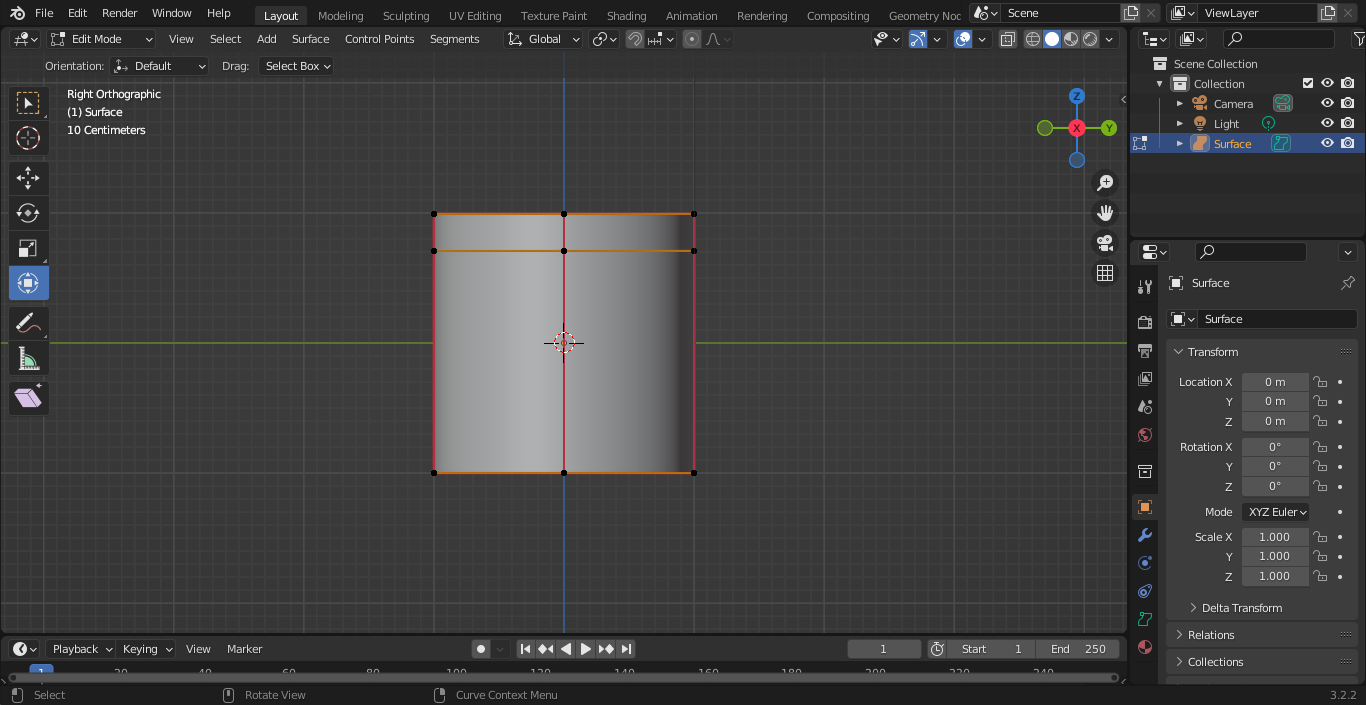 it is already possible to do it without Loop cut for surface objects, but it requires more time and nerves, here is how it looks:
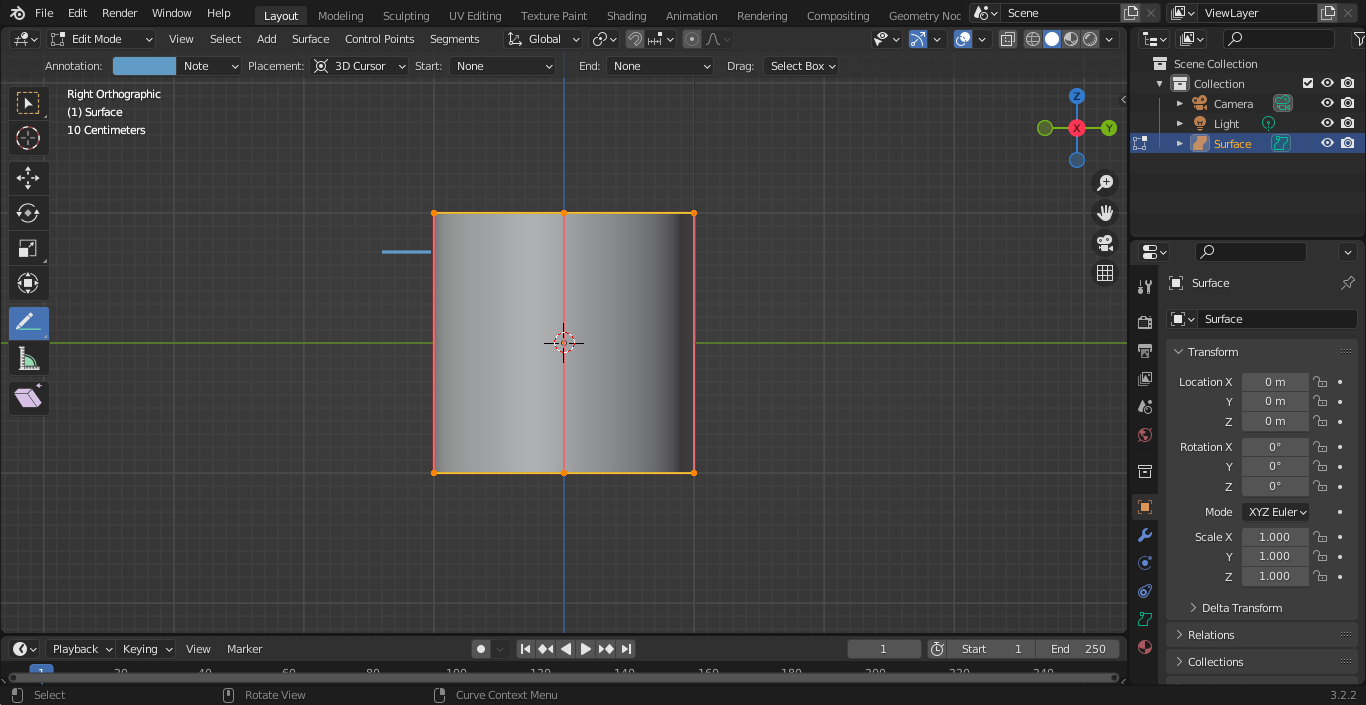
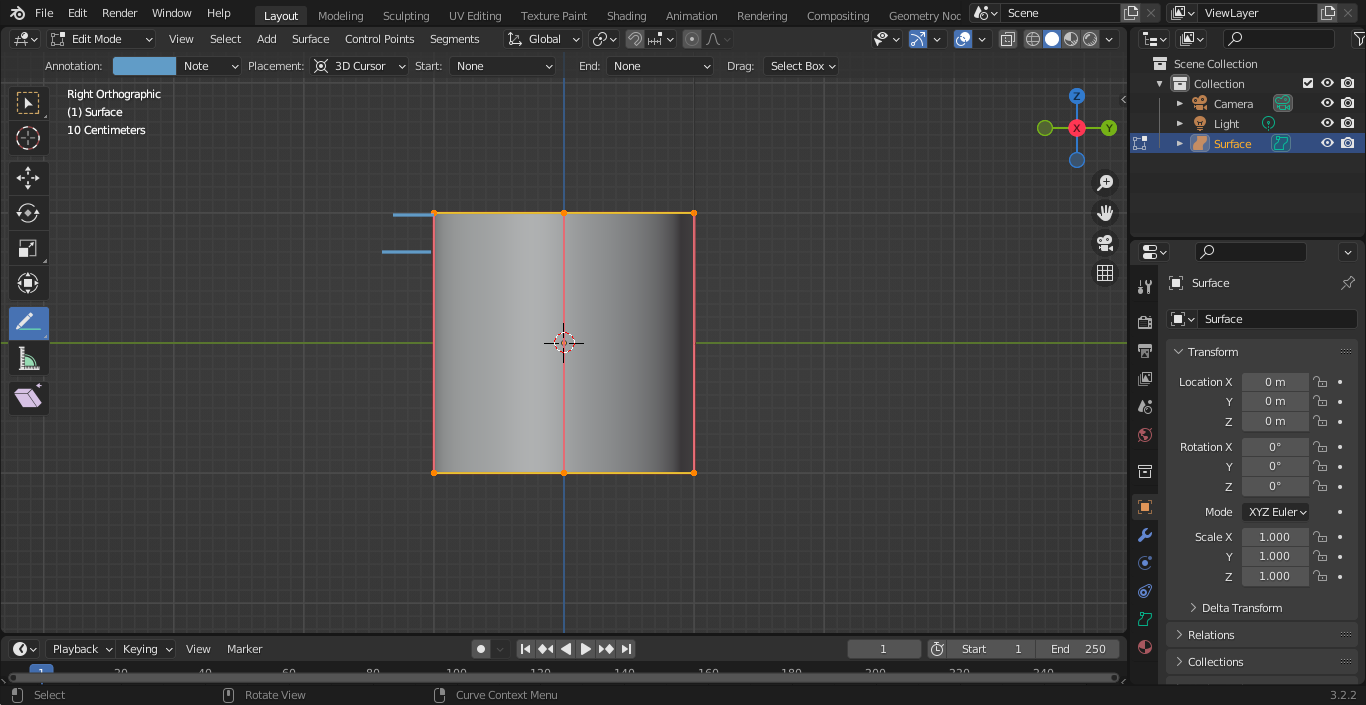
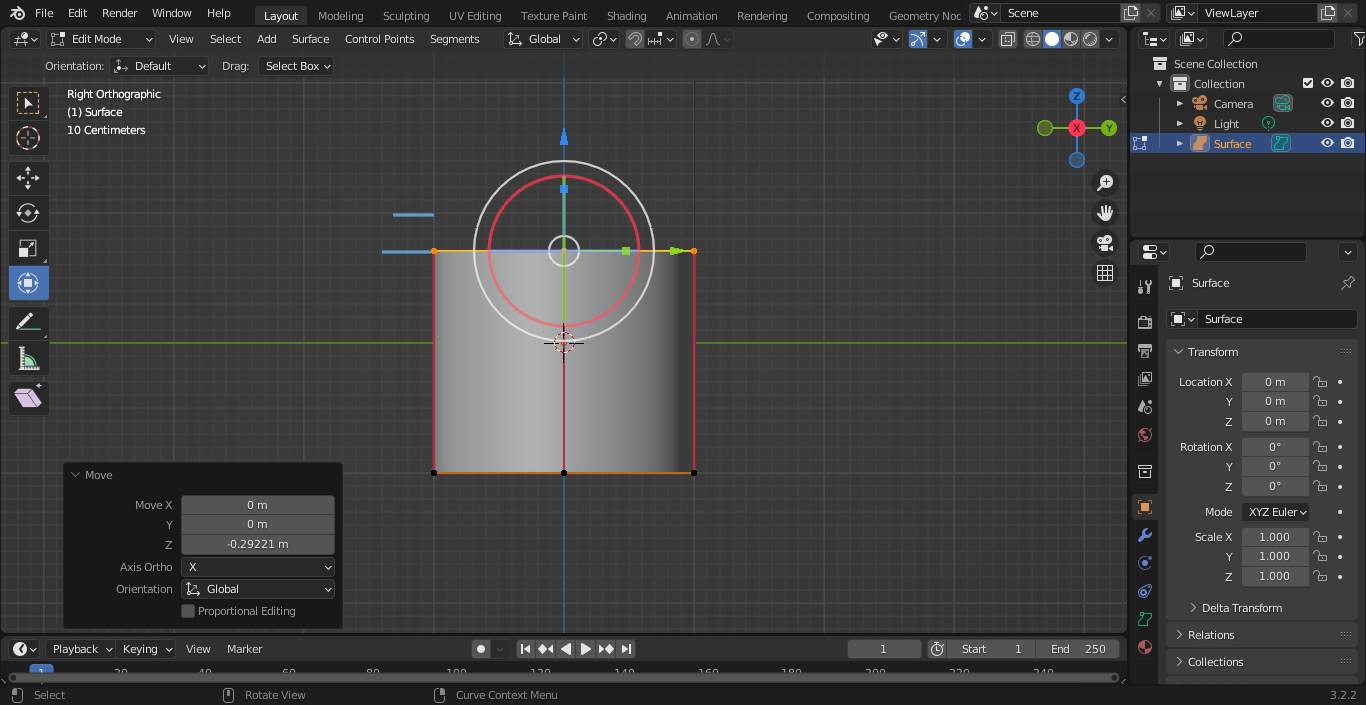
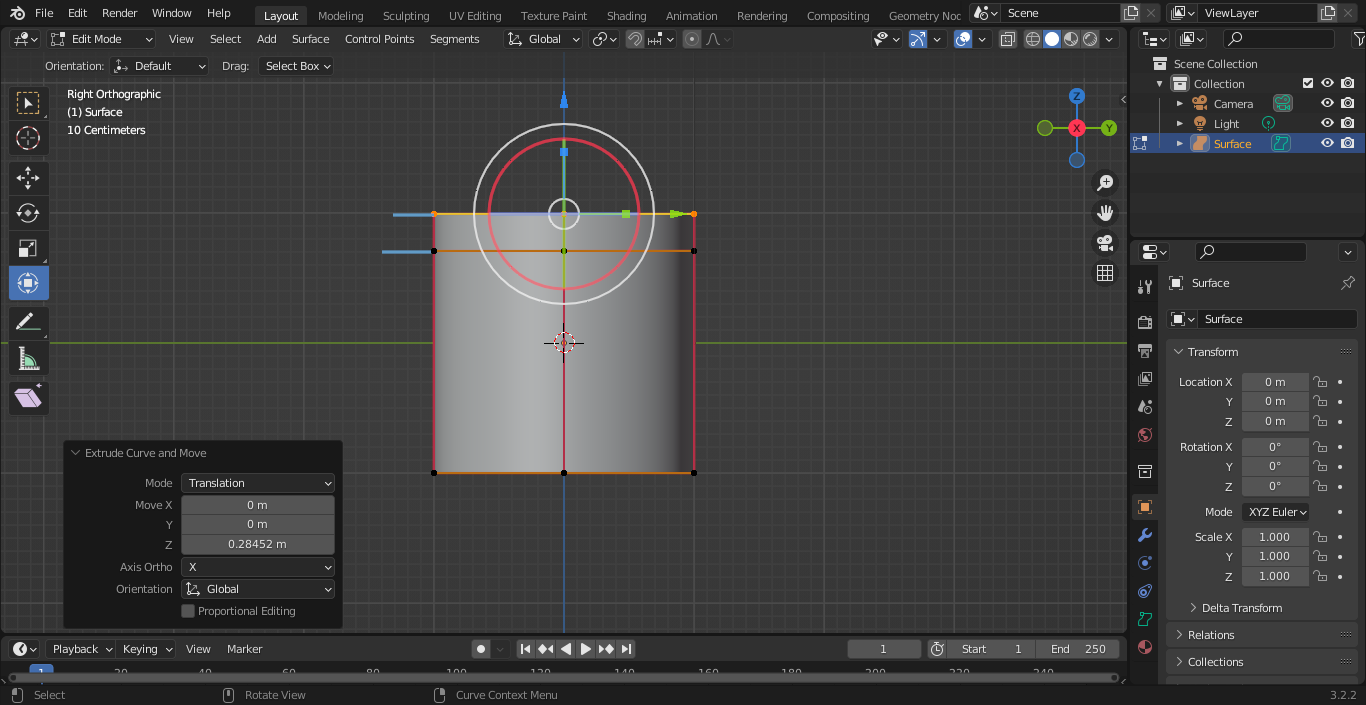
Loop cut for surface objects would work similarly to loop cut for mesh objects:
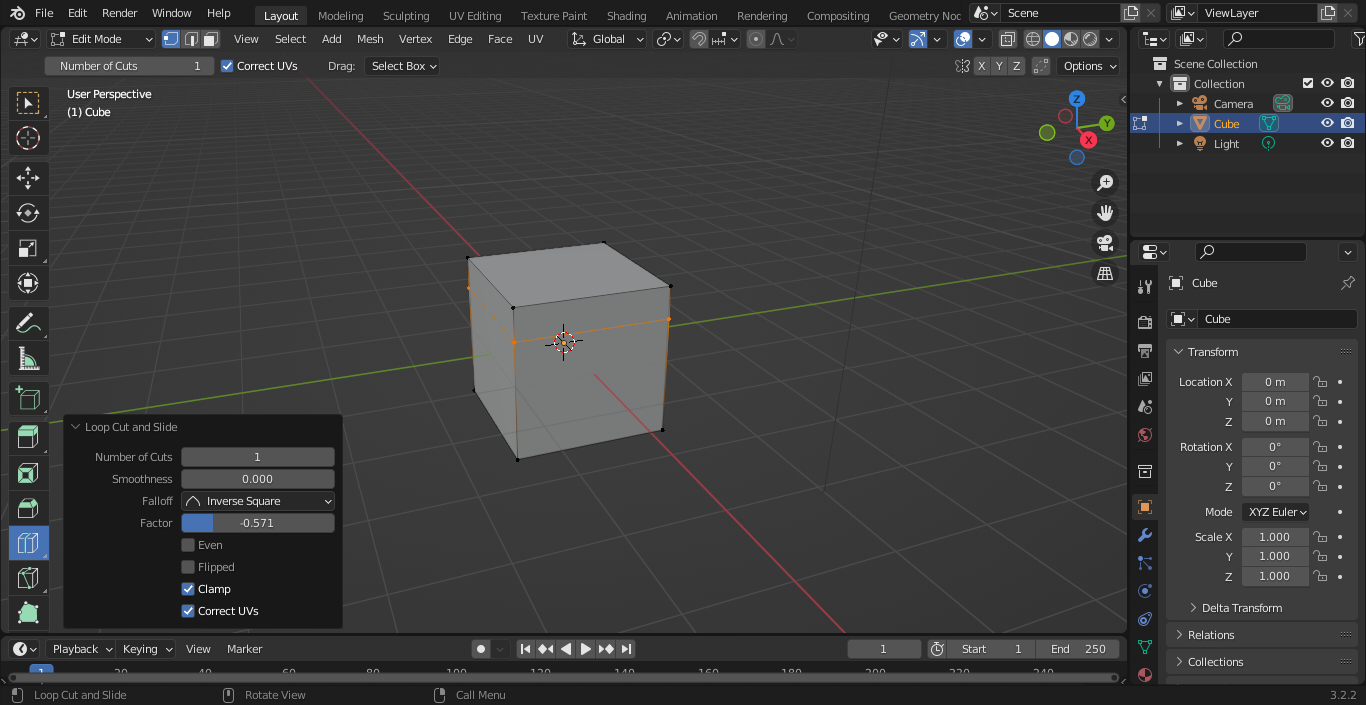 but what if Loop cut for surface objects would be used to insert segment (segments) and point (vertices) in surface objects as well as edge and vertex in mesh using loop cut for mesh objects.
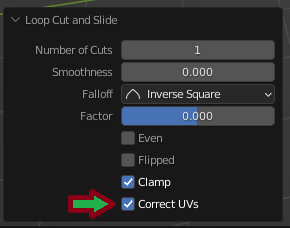
Loop cut for surface objects would not have an option for what surface objects do not support for example:
but what if Loop cut for surface objects would be used to insert segment (segments) and point (vertices) in surface objects as well as edge and vertex in mesh using loop cut for mesh objects.
Loop cut for surface objects would not have an option for what surface objects do not support for example:
2 Comments
blender.community/c/rightclickselect/qBgbbc/
I think it might be easier to ship blender with some geometry nodes converters to make meshes like surfaces, instead of having to duplicate every functionalities to this old object type