
Hide edges in Display Stretch mode in UV editing
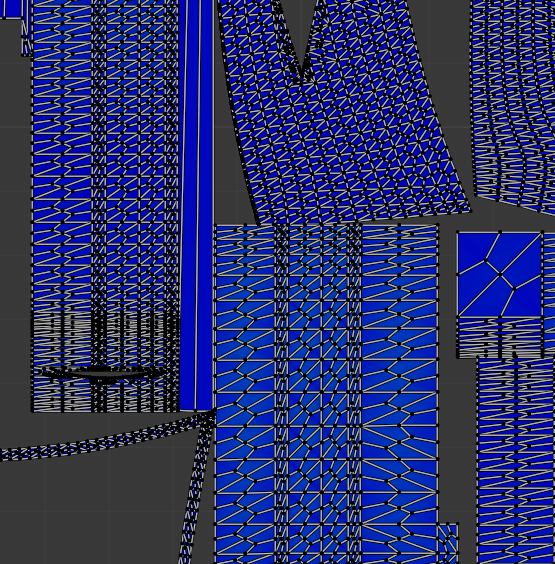
It would be useful if we could hide the edges/vertex to better see the stretching. If I zoom out too much the edges basically hide all color variation of stretching. I have to keep zooming in individual spots to check for any stretching. Hiding overlays will hide stretch mode as well.
3 Comments
Already possible if you turn uv sync off, enter edge mode and set uv opacity to zero:
But I agree what it should be easier to do.
This is neat! It would be cool if the opacity also affected vertex/face mode as well.
Currently, there is a GSOC project for improving the UV editor, maybe you can mention this here: devtalk.blender.org/t/gsoc-2023-uv-editor-improvements-feedback/29485