
Timeline Controls
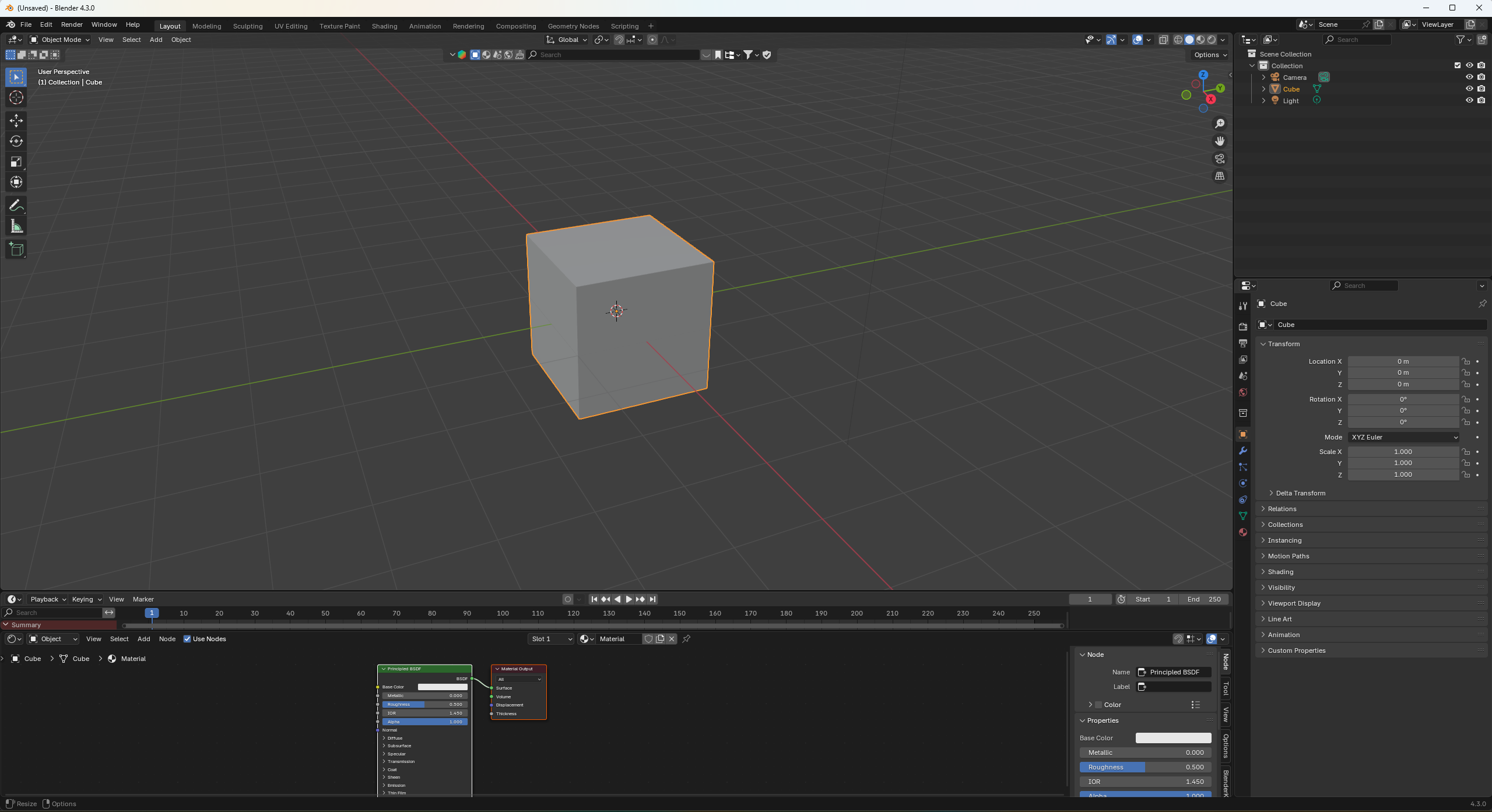
I often need both timeline controls and some other editor in place. I am user who use space shortcut for search, not play. My workaround is to add timeline editor and scale it's height and place it over bottom editor like some horizontal strip. Yes, all play controls can be accessed with shortcuts and I do use shortcuts extensively but sometimes I just want to use the mouse and move playhead back and forth.
Problem with this setup is that I, and maybe other users too, want to resize other editors to do some work, for example shader editor, and resize them back to see the scene.
Solution 1 All animation related editors should have time controls with playhead. Including shader editor when user is working on animated materials. All animation editors have this space in the top middle to acdomodate timeline controls.
Solution 2 Blender should have independent timeline controls all the time on the screen.
4 Comments
We are actively working on that. I can't promise we'll make it in time for 4.4 but the idea is that every animation editor will have a footer that can be popped open to expose those controls
That's really nice. It also assures me that I'm on right track with my ideas.
This is the page for that if you're curious: projects.blender.org/blender/blender/issues/131102
Any workspace I need to be able to work with one, I add a timeline editor at the bottom of my screen - often, I animate poses for product shots and I switch images on my brush with the use of an image sequence, timelien mapped to the frame count.