
Use stylus to quickly change Stroke Extension length for fills
Currently the Stroke Extension length for the fill tool can only be controlled via mouse wheel or page up/page down buttons (afaik?). While coloring it'd be great if we could do all of this faster and via the stylus.
Proposal
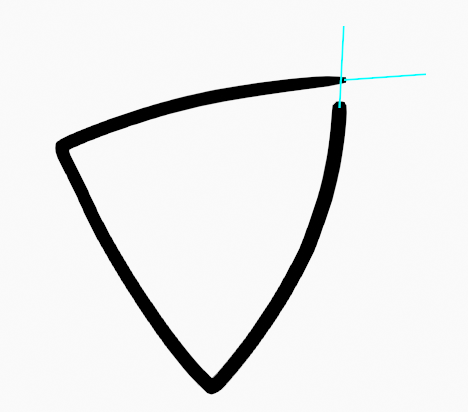
Allow users the option to create fills like this:
- Click and hold at the fill target position
- drag while holding to interactively adjust stroke extension length (if fill tool settings are using stroke extension)
- release to create the fill.
1 Comment
Implemented for version 3.4 developer.blender.org/D16128
MMB together with the stylus movements extend the lines.