
Color Management Function (Read icc profile of display)
Is it possible to add a function to allow blender render preview to read the computer display icc profile? i.e. read the computer's ICC profile and remap it to the preview. Also Blender output image does not contain color space info.
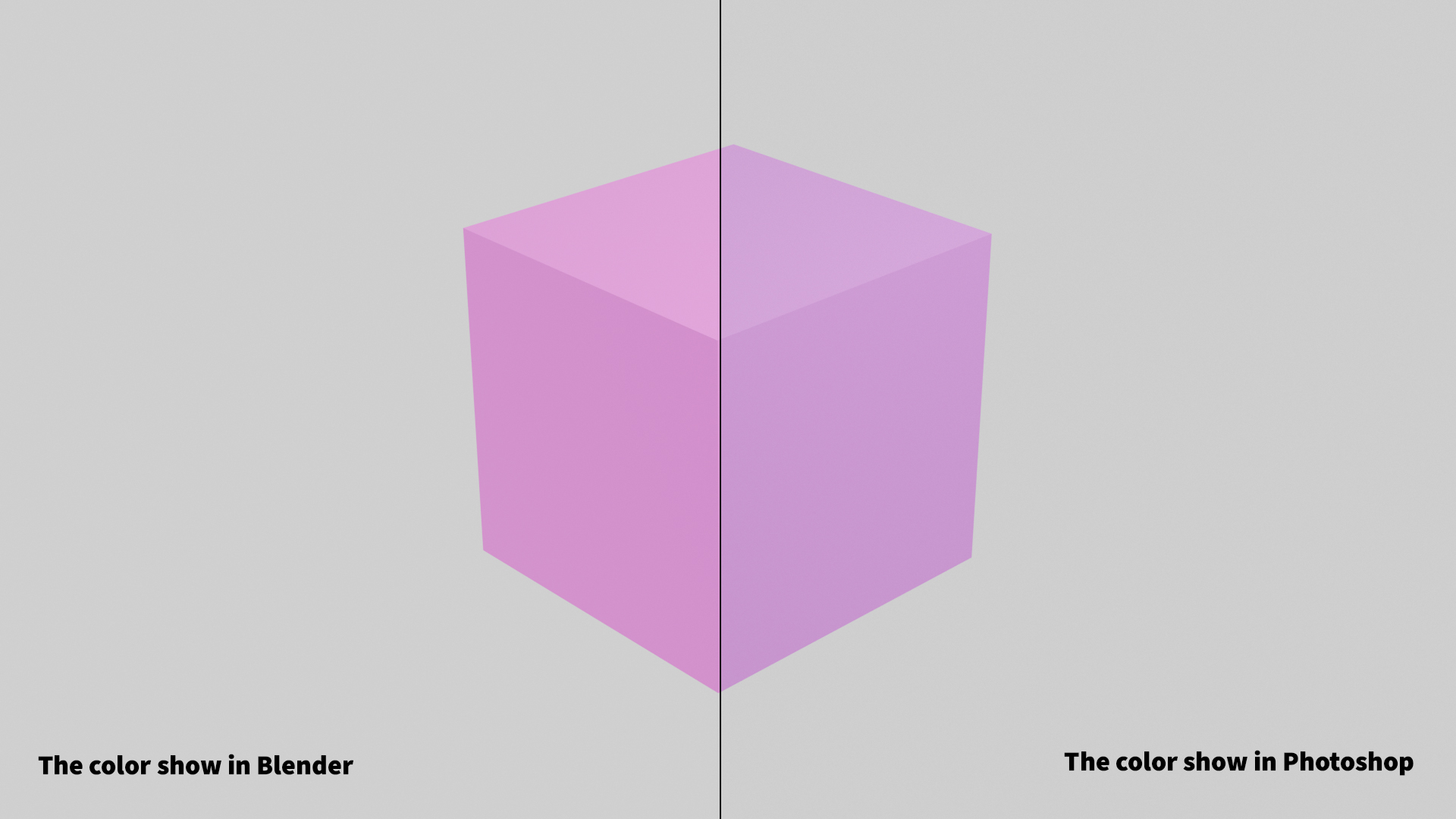
The image below shows the color inconsistency between blender and photoshop. The image displayed in blender image viewer is oversaturated.
The image show below explain how to get consistent color in the program.
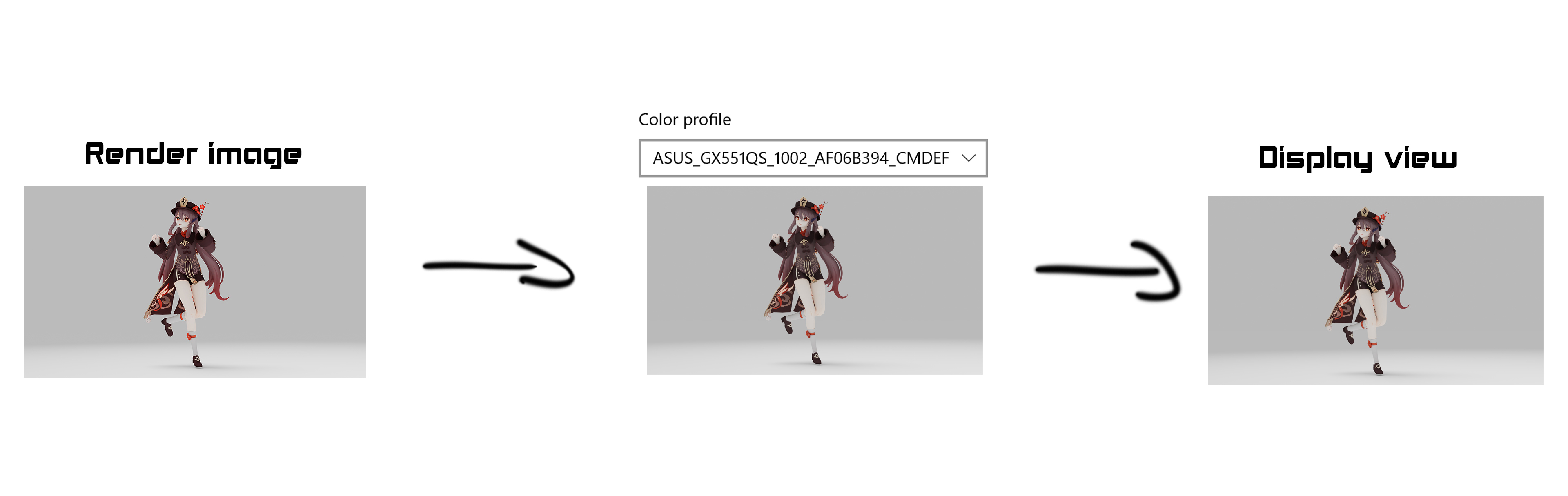
- The image output should contain color space info.
- The display icc only influence the preview not the file. (consistent on any display)
This happen on windows 10 with wide color gamut display. (Display have icc profile) not sure about macos and linux.
4 Comments
Right now, the only way to solve this problem is by creating a custom LUT (using 3rd party software), then modifying the ocio.config file by hand to use this LUT in Blender.
This has a few issues and annoyances though:
An ideal solution would be proper ICC monitor profile support, so the viewport display gets adjusted based on the monitor's colour profile, independently from the rendering colour management.
An intermediate solution would be a way to load a custom LUT, and have Blender automatically bypass it when rendering. But that would be more like a sort-term hack than an actual long-term solution.
Yes indeed. i can set my pretty nice calibrated EIZO cg2700s to different profiles, depending on intended use, incl diverse HDR, BT2020, P3 etc .... the only one i can use now with Blender is sRGB, which is a shame. Display profile and preview generation should be completely independent from render/output.
I am using color management for 20 years now, and am a bit astonished by the implementation in Blender.
I expected to be able to feed HQ 16bit prophotoRGB textures/images to Blender, and get it rendered as clean as possible to an output in PpRGB or better.
Will exporting textures from PS to exr and render to exr solve part of this problem? Or am i stuck with forced internal conversion to sRGB in Blender?
a solid color management workflow between blender and photoshop (sRGB) is urgently needed. rendered images on a wide gamut display with common photoshop settings (sRGB, Adobe RGB ...) differ greatly from the rendered image in blender. a huge problem on mac also! apple studio display (XDR Display P3), macbook pro M1 (XDR Display P3).
YES PLEASE!!!! macOS facing the same problem.