
GRIDSNAPPING BASEPOINTS
As carpenter I need to position furniture precisely in rooms accurately.
Holding Control (mac), while grabbing a Object (G) activates Grid Lock. This makes moving the object by increments very easy.
Holding Control to activate gridlock does not work after having selected a Base with G and B.
Request: Grabbing by a Base should snap the Base Point selected to the Grid while holding down CTRL.
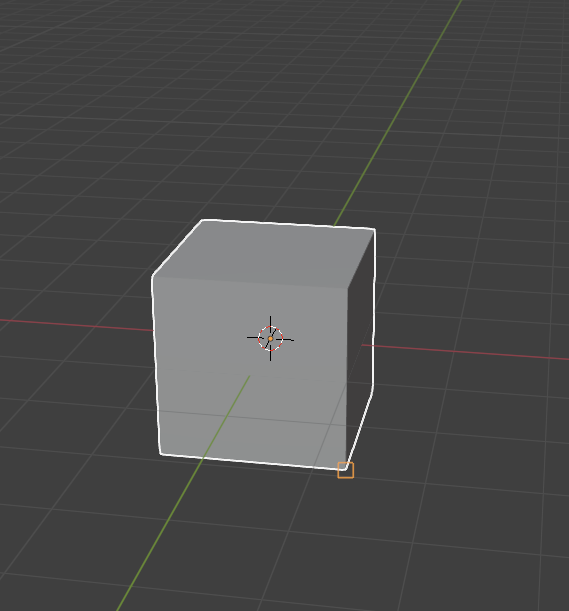 (picture shows how the basepoint doesnt snap to grid + holding CTRL)
As far as I know it is not possible to snap the Base point to the Grid.
This Workflow would be more efficient then to change the origin point every time. Changing the origin is bad practice because it messes with the physics and centre of weight.
Thank you :)
1 Comment
Hi Jo,
Have you tried doing this with the 'Grid' snapping target enabled? I'm able to snap to the grid easily this way and by holding SHIFT in even smaller increments after setting a base point.