
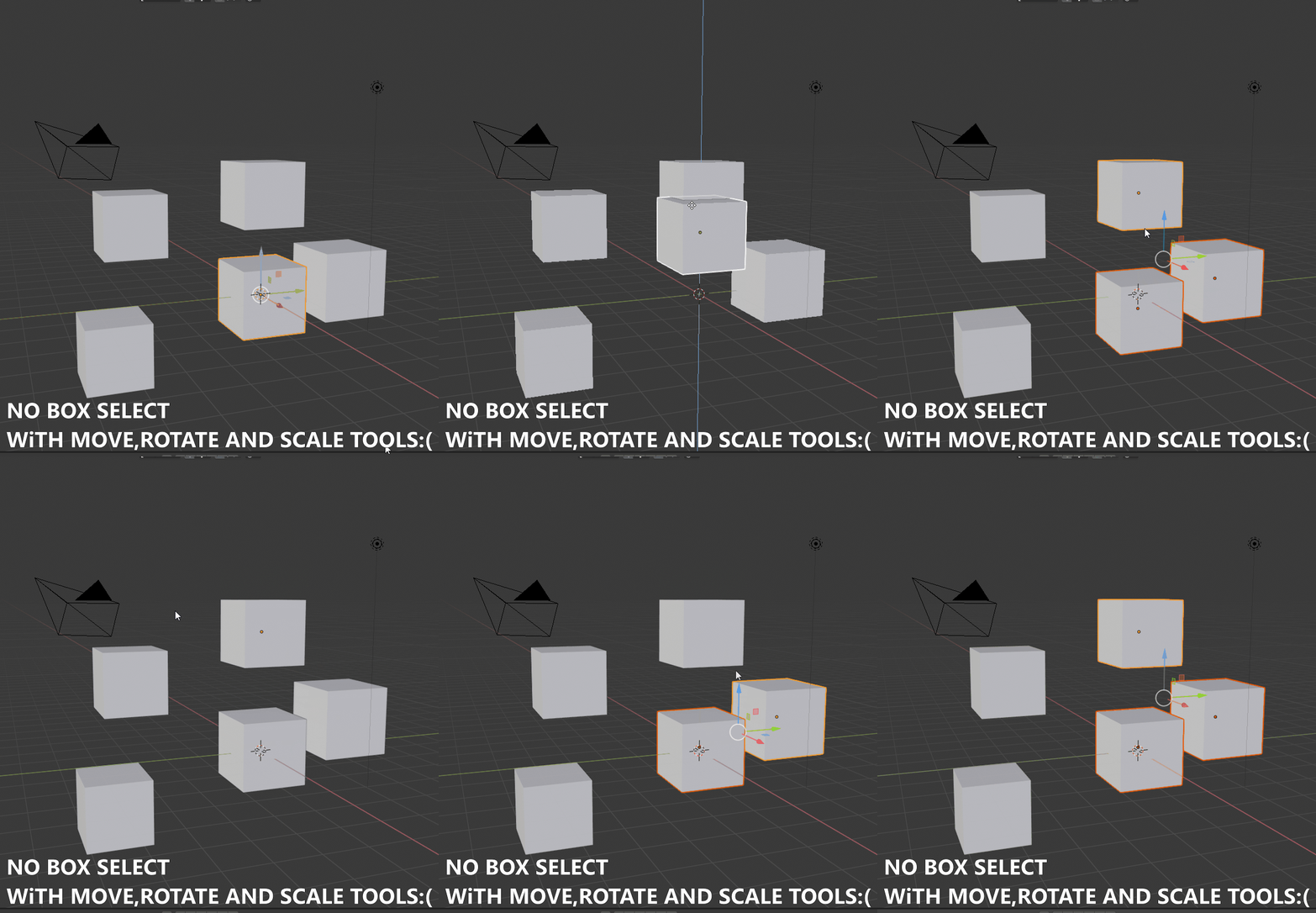
Click and drag Box select with Move,Rotate and Scale tool
Objects selection in Blender 2.8 is inconsistant and doesn't make a lot of sense for people coming from others packages : we can already select other objects while using move,rotate and scale tools, but only with a single click (one object at a time) and by pressing B for box select. I think it would be faster and more intuitive to select with a simple click and drag . And it will be even better if we can click and drag for box select with any modeling tools. Thank you ! Blender 2.8 is amazing.


3 Comments
Though this is not standard blender keymap, see a workaround for this here blenderartists.org/t/a-proper-keymap-for-blender-2-8/1145406 . In addition to box selecting in all modes without pressing B there is DoubleClick for selecting Collections and many other improvements.
* @Ge Ro * Ty ! It's so much better. It would be great if users can choose alternatives keymap by default. For someone using mainly 3dsmax and a bit of maya, it's very easy to use.
Yes! This small fix would remove a bunch of extra unnecessary button presses and clicks that i now have to do just to do the most basic of actions.