
Render preview thumbnail as file icon
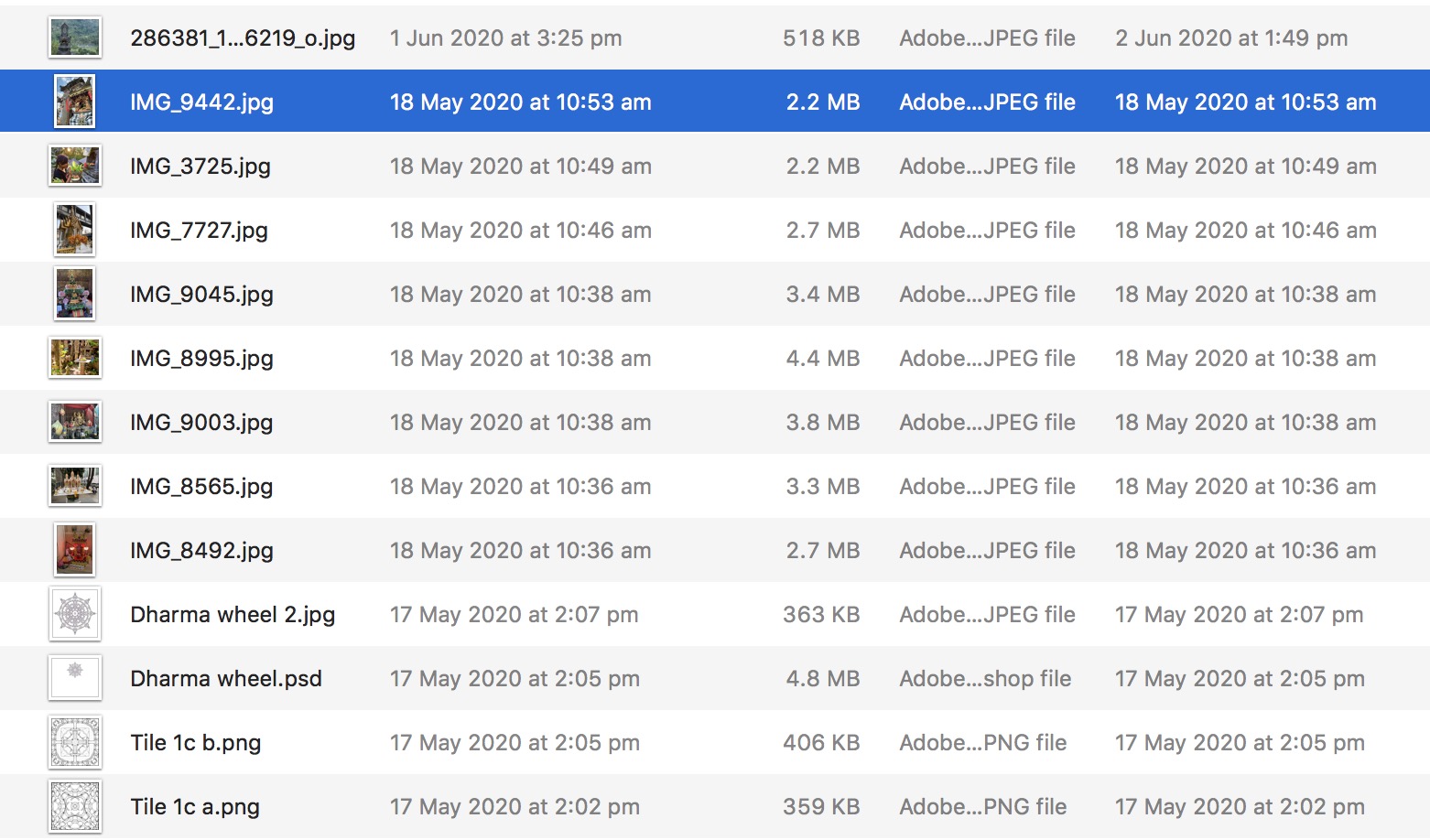
When browsing files in a folder outside of the blender open dialog box it would be wonderful to see some visual of what the file is... like .jpg or .psd files... ...Could nominate which render slot or viewport preview to choose in the save file dialog..
5 Comments
In Development - projects.blender.org/blender/blender/pulls/107072
you can try out connecter designconnected.com/connecter ..it can preview a bunch of 3d files and picture formats, you can view .blend as thumbnail and I thing .hdr and .exr
Actually a separate software as Blender file browser would be great. But if not there is also the possibility to save colored thumbnails. As I wrote on another post here:
I have noticed that if I delete the camera from the scene and save the file it will create a color thumbnail. I am using this trick for the last versions (since 2.80). It would be great to have it as an option without deleting the camera. Colored thumbnails will help finding the right file faster.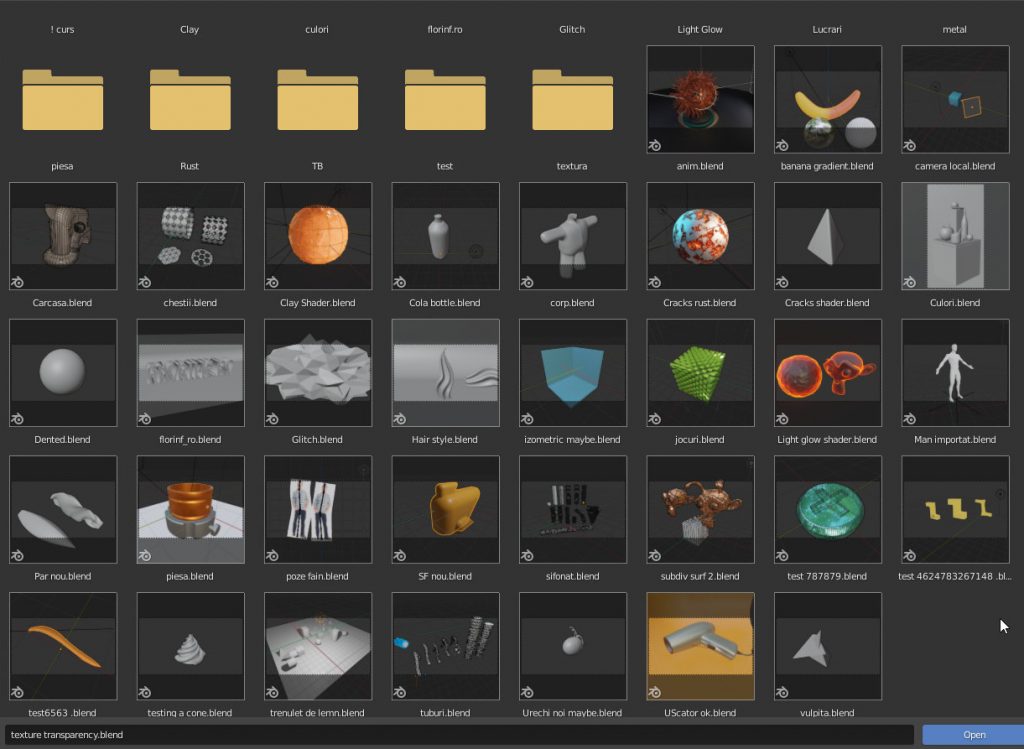
Blender supports basic thumbnails, It should work like this:
Though you need to either install blender using the .MIS file, or once run blender using the
-Rargument via command line do register your installation and the thumbnails should work after that.