
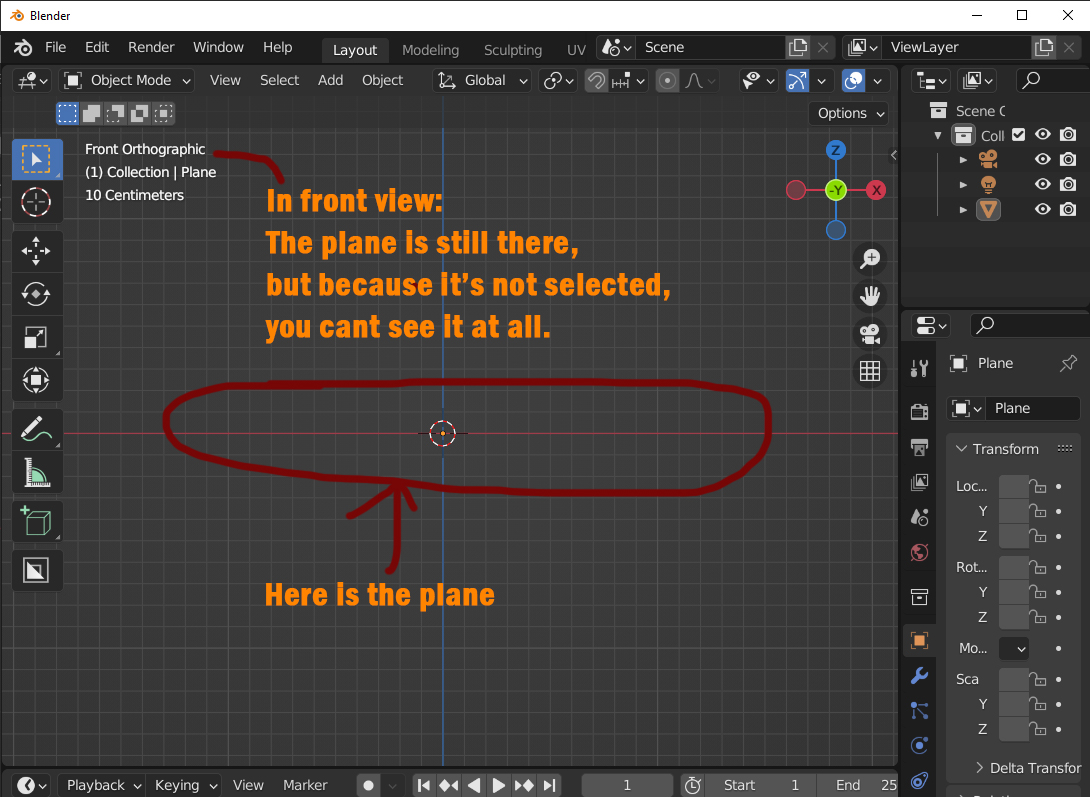
Flat object (plane) is not visible in front or side view
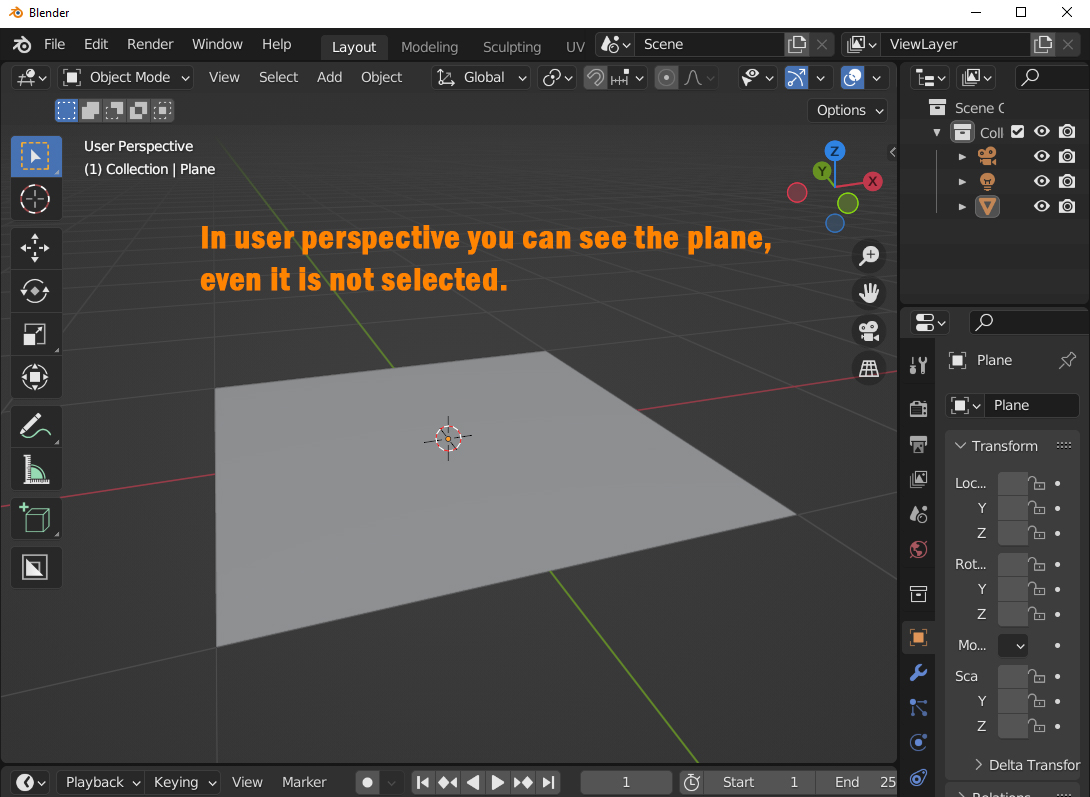
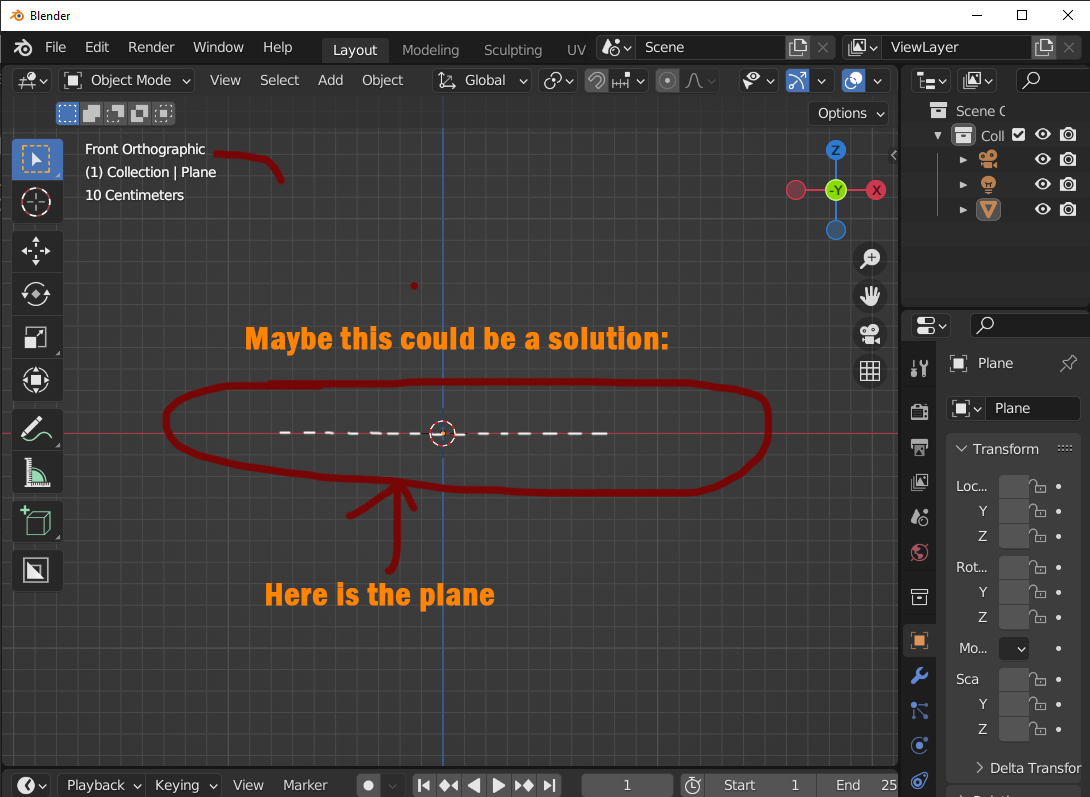
When you have a plane in your scene, and it is NOT selected, you surely can see it in user perspectice. But when you switch to sideview or frontview, it seems, that the plane disappears. But its of course still there, but you just can't see it anyore. That makes it hard to place something on it exactely...
5 Comments
Yes please, 100%
I agree with you, only the wireframe support this, but it should be an overlay even in shaded, that you can disable like the outline for example.
Yes please...
There are already multiple options available to do this. Might be that those are not known, or not working for all cases. If so please let us know.
We haven't added an automatic option as it is a computational task to detect if an object is co-planar with the view. Also the wireframe extraction is quite heavy. Enabling this be default would impact the performance for heavy scenes, hence the current options are manual.
Note that enabling bounds on those objects would be a good solution both for performance and making sure that you would be able to see.
Yep, the good old bounding box. It's an option. I am not a programmer, but to show the same line, in Bounding box and solid mode should not be that hard. But I guess you have so many major probs to work on, that this has no priority... But thanks for your answer anyway...