
Plane is not showing at Orthografic views
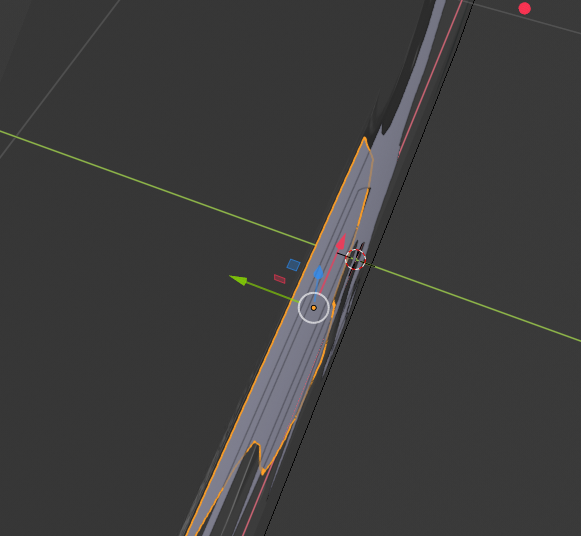
When using a "Plane" or another very thin geometry, it doens't show up when you switch to the upper or bottom side of the orthografic views, one way to solve this problem is to keep the "orange outline" when selecting the object in the view, just to know where is located the object.
2 Comments
In Blender 2.8 everything behind the camera is not drawn anymore, even for orthographic cameras. when you select the object, it's ensured, that this object is in front of the camera. (at least that's how perceived it)
Also you can enable solidify temporary. But yes, it will be nice if viewport outline will work for thin objects too.