
Add touch controls to Blender!
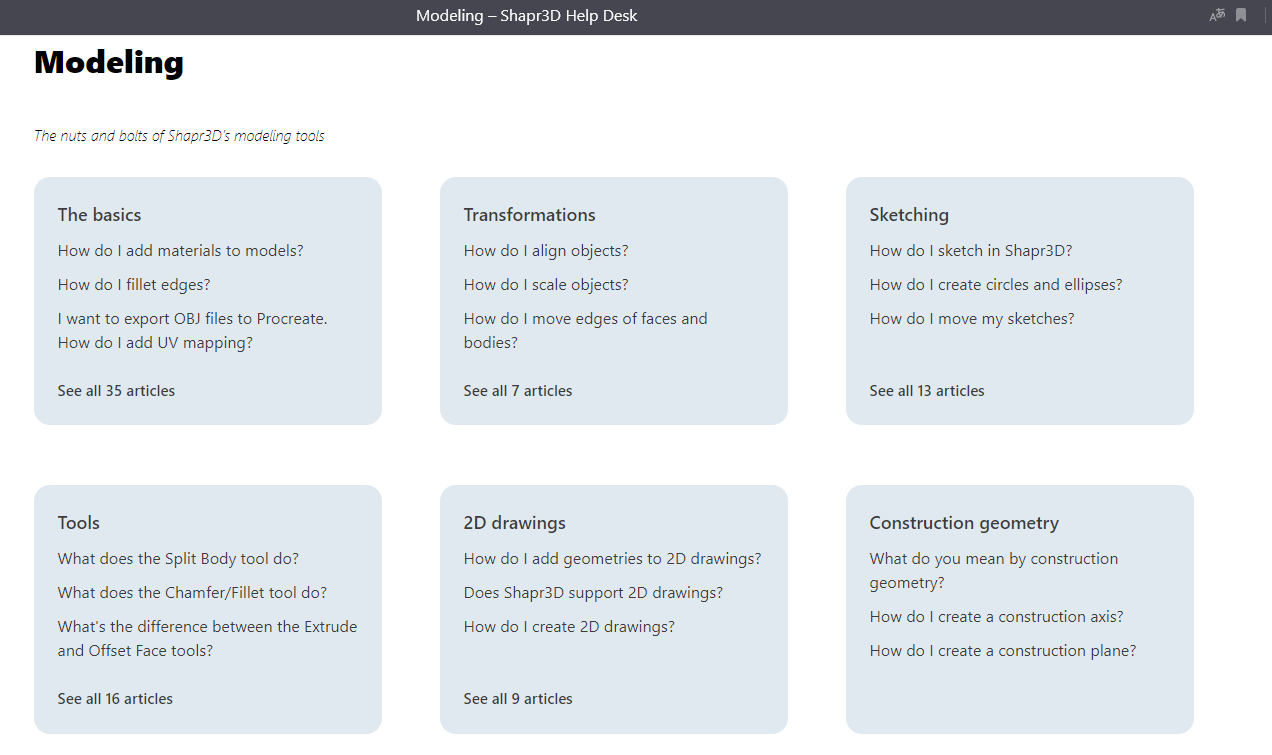 I would like to be able to work with a stylus in a blender on windows tablets (Aser, Microsoft, HP others) without a keyboard and mouse. An example of such control is in the program for Ipad "Shapr3D". I understand that few people will use this, but I really want to. especially since people use Blender to draw animation and sculpt. Another program for sculpting is under the touch control of this Sculpt program for both Android and iOS. What is missing for touch control is gesture control: orbiting with fingers, not with a stylus with the button held down, zooming in and out with fingers, scrolling through lists and hierarchies in settings and projects, the ability to cancel with a double tap like Procreate / Infinity Painter and other drawing programs. Many gestures have become industry standard. I would like to have the ability to control a blender such as its weight - light and not requiring a lot of equipment. Now there are many Windows tablets, but the problem is that such tablets cannot be used without a keyboard and mouse due to the fact that the programs are not designed for touch control. I dream that someday such a control will appear in Blender.
2 Comments
While I agree with this post, the biggest issue is that it's been proposed a couple times in here. You're in good company, this has been a popular idea for a while
I saw touch controls in Android demo and I am wondering why it's not working in regular blender on PC? I tried on Linux with a touchscreen, zooming in/rotating/panning with 2 fingers is not working currently.