
Allow selecting mesh from material slot to be both additive and overriding
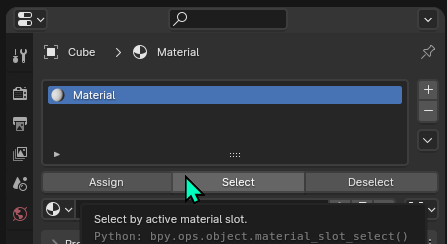
When hitting the select button in a material slot, it additively adds the material slot's mesh to the current selection.
Issues I consider
- It's annoying having to manually deselect things first when we want to override selection, and a waste of time.
- By the button title and tooltip, I would expect to select, not "add to selection", the behavior is unexpected from the GUI cues.
- I doubt a lot of people want the additive behavior most of the time. I am running a community poll to be sure .
Solution:
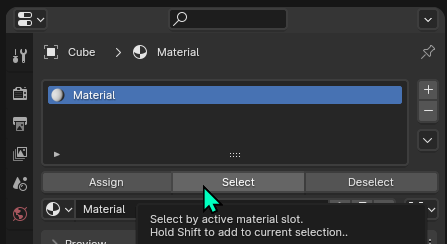
- Allow holding ⇧ Shift to have access to either additive or overriding selection.
- Make it override the selection by default it above asumption correct.
2 Comments
Makes sense. It's standard within blender that selecting replaces the existing selection or extends if shift is held. It's a no brainer, really.
I actually agree on this. I don't find it too troubling to just click in space and drop the selection, but I find the default additive nature to not be optimal. I'd rather additive be a modifier key, as you describe.