
Implementation of features for mixing files of different versions and possible protection against accidental changes.
Where did I get the idea from: I created a simple blender file with a sphere and a cylinder to create an animation with Blender 4.1. It worked when accessing the animation area at I, but when clicking on the timeline the position changed, it got stuck and the blender cracked. I tried to open it with version 4.0 even with 3. x. The same effect opens with a click on the timeline and crashes the blender. It is possible that changes have occurred through access, malware, or actually it is a bug, I don't know why it does this.
I propose that the development team create a feature that checks the integrity of the file and warns the user that it is compatible, possibly saving the crash somewhere to be introduced in development.
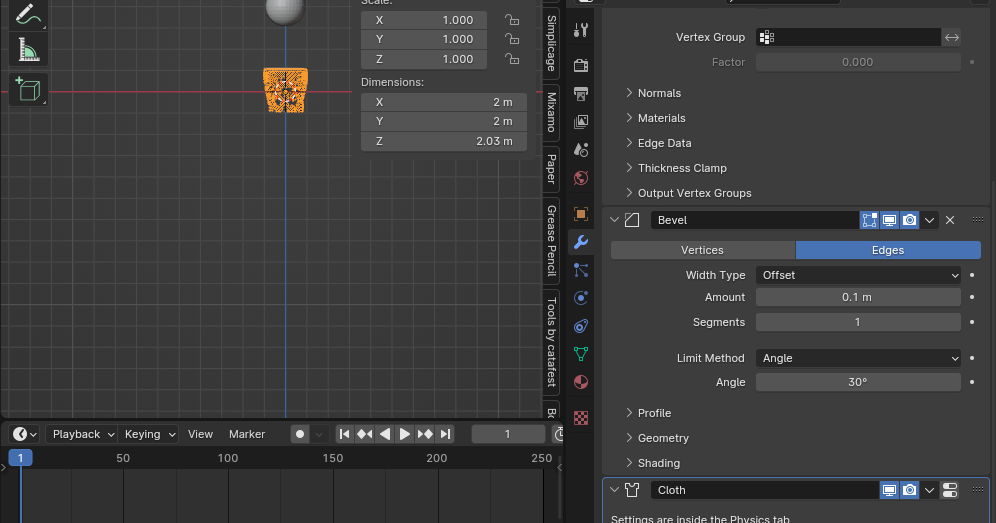
Here is an image in blender that crashes when I click on the timeline in the latest version 4.1 and the same effect in 4.0
2 Comments
To me, it just sounds like you created a scene that crashes, either because it contains something fundamentally leading to a crash, or because you made it using a development build that introduced an issue.
From there, several things come to my mind:
4.1 is still in development, bugs and crashes are pretty much expected in development builds.
Any bug can (and probably should) be reported to the devs. I advise you to do it via the menu Help ► Report A Bug and provide that file if possible, it would greatly help the devs and that's the primary way to avoid this kind of issues.
I don't think there is a way to programmatically predict consistently and efficiently whether a file can possibly crash in any situation.
Backward compatibility (opening older file from newer Blender) and Forward compatibility (opening newer file from older Blender) are never 100% guaranteed in any software , if not outright made impossible sometimes.
That's why good practices to always blindly apply anywhere are to always create a backup of the file before opening it with a different version, and to expect to be unable to open a file made with a different version, and otherwise expect data loss/corruption .
That being said, backwards is more frequent than forwards for practical reasons. It's kind of like the difference between asking a toddler to count up to 100 before it even learned to say a single word, versus asking a teen to say "daddy".
Blender in particular makes efforts to be able to open older files to some extent, and documents precisely "breaking changes" and any compatibility issues on every Release Notes .
Also see: Compatibility — Blender Manual
Blender does efforts for backwards compatibility, forward compatibility with LTS builds, and warning the user of possible issues.
They have: it's called the Release Notes .
Yes, i understand you're asking for someone to code something. Just go forward with the idea that a file is NEVER compatible with a previous version (even if some actually are), and you'll avoid such problems.