
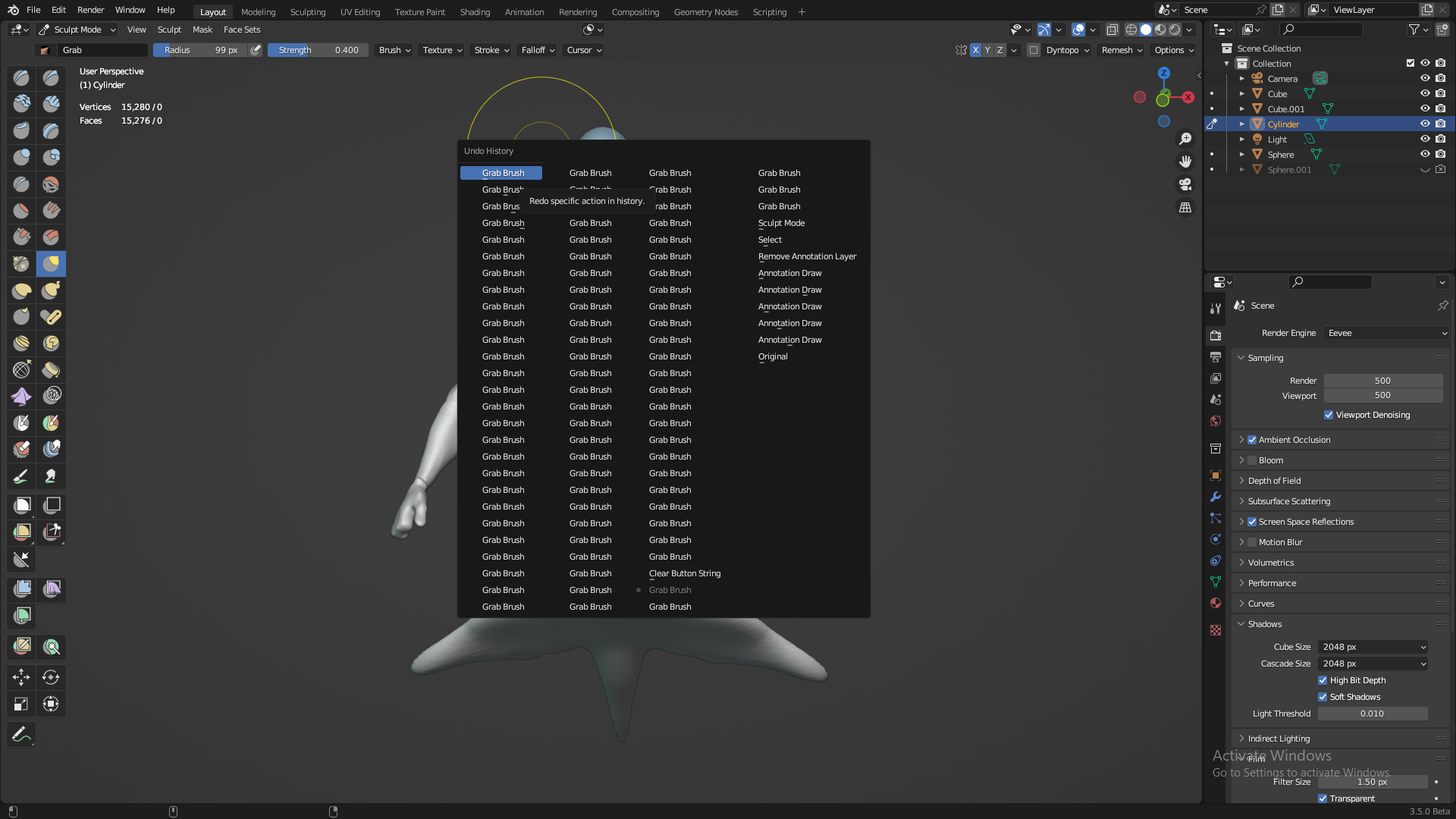
undo history panel
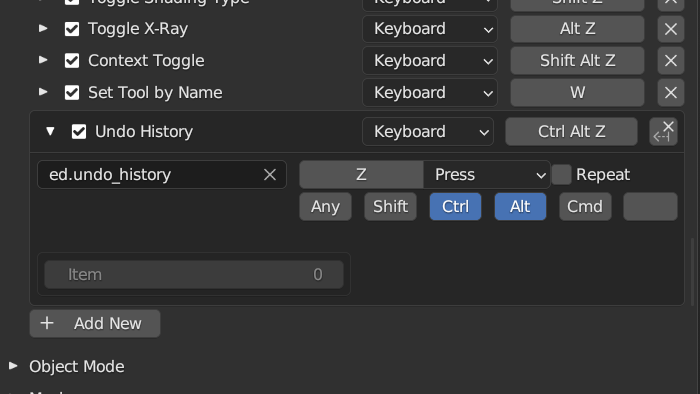
undo history panel is so useful for navigate all steps you done in the 3d viewport . unfortunately its not enable by default neither have a shortcut . so i set it as CTRL+ALT+Z because this shortcut is not use for anything in blender . so i hope the developers enable this feature and make it CTRL+ALT+Z by default
4 Comments
I am not sure what you mean by it being not enabled by default.
It works just fine with factory settings:
As for adding a shortcut, it used to be assigned to Ctr Alt Z , but it was removed during the 2.80's keymap cleanup with many other tools because back then we had reached a point where the keyboard was basically full and made customizing and keying new features impossible.
You can always set your own shortcut via the right click menu. It will probably never be added back to the keymap.
in my case its not . because i have to assign shortcut in keymap . this feature has`nt binded to shortcut
Yes, and that's normal. A feature not being enabled isn't the same thing as a feature having no keyboard shortcut by default.
Not everything is going to be in the default keymap. That's why it's best to just make your own.