
Add a Specific Lights Category in Object Overlays.
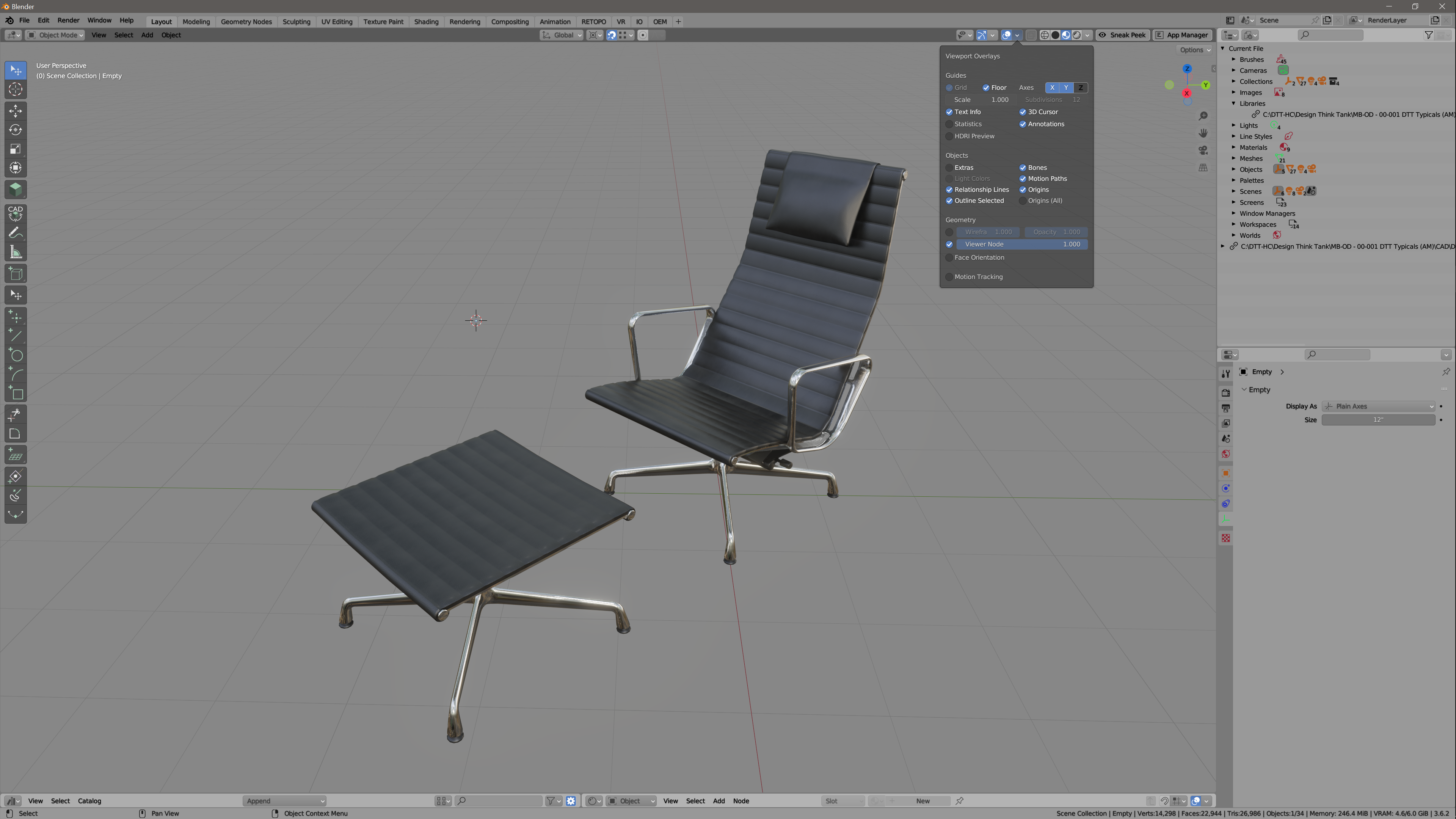
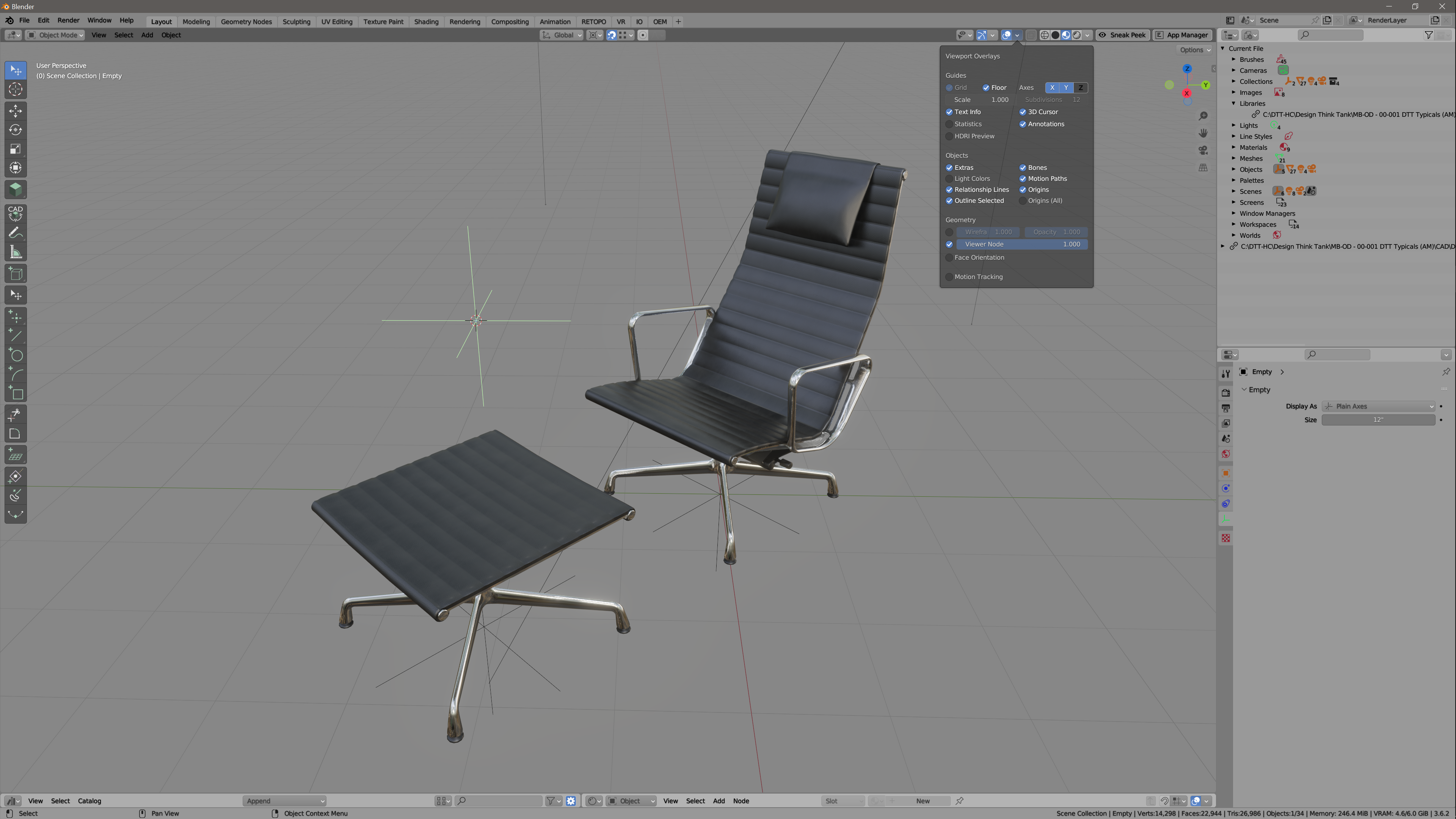
Currently, the only way to hide lights (the outline depicted in the viewport) is to disable all "Extra Objects" in the viewport overlays.
Any attempt to hide them using collections or the actual light objects in the outliner, results in the lights no longer contributing the scene in the viewport. (I am referring to working in EEVEE, not Cycles. which I would assume is that way most people work up to the point that they are ready to render.)
When you uncheck "Extra Objects", this includes a plethora of things I may not actually want to hide. For instance, (wink), I often use many empties as locators for instances, or for control point hooks, etc. If I disable Extra Objects, they all disappear. The lights, (especially spot lights), create the most visual distraction when I am deep into my work.
My proposal, is to add lights, (and maybe even empty objects), as their own checkbox within the Objects section of the Overlays panel.
1 Comment
Would be even better if the Lights could also be disabled by type. :)