
Grid Material Input Node
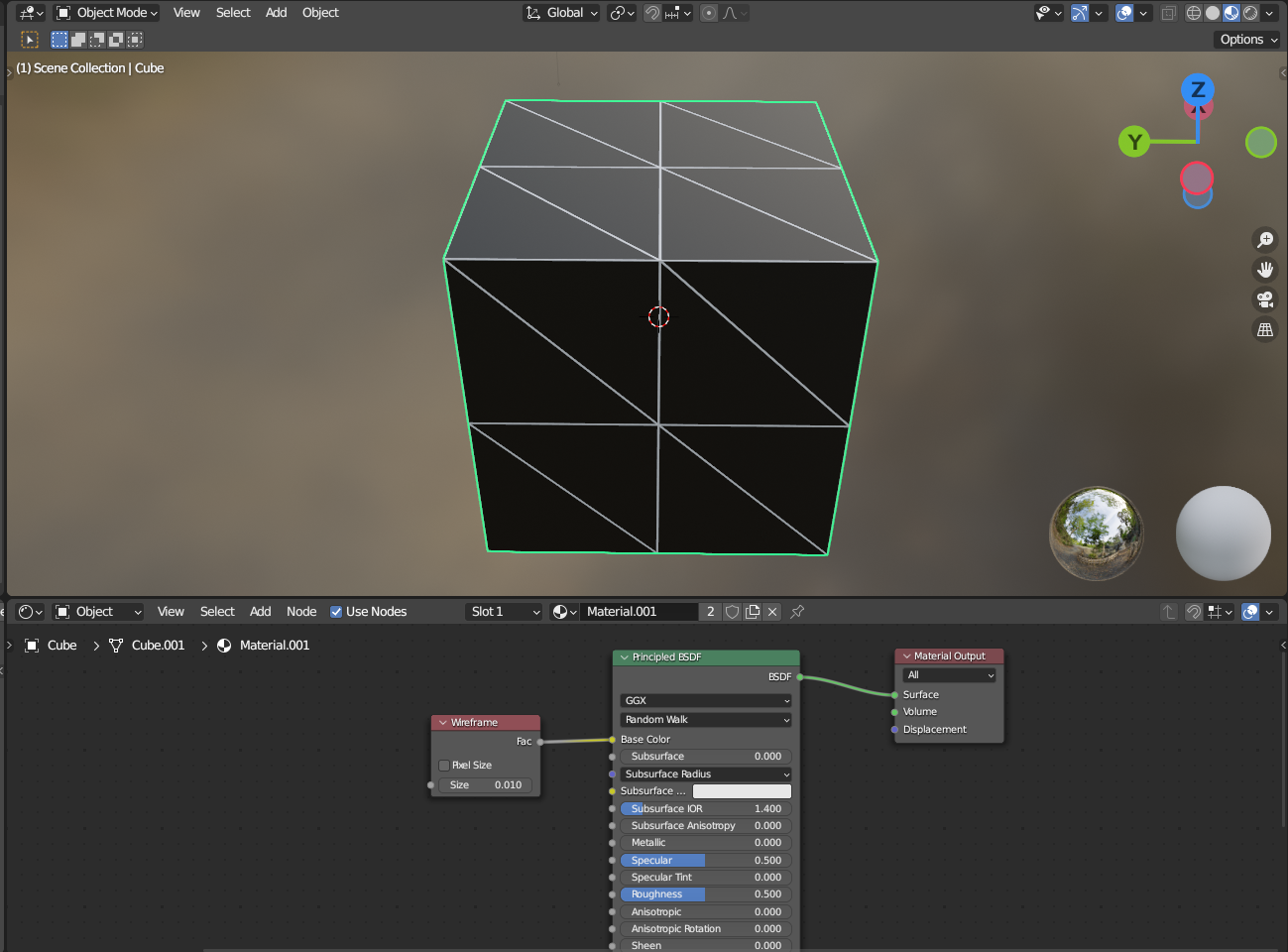
A grid material input node that projects the grid into the object something like the wireframe input node
example below:
UE grid material example:
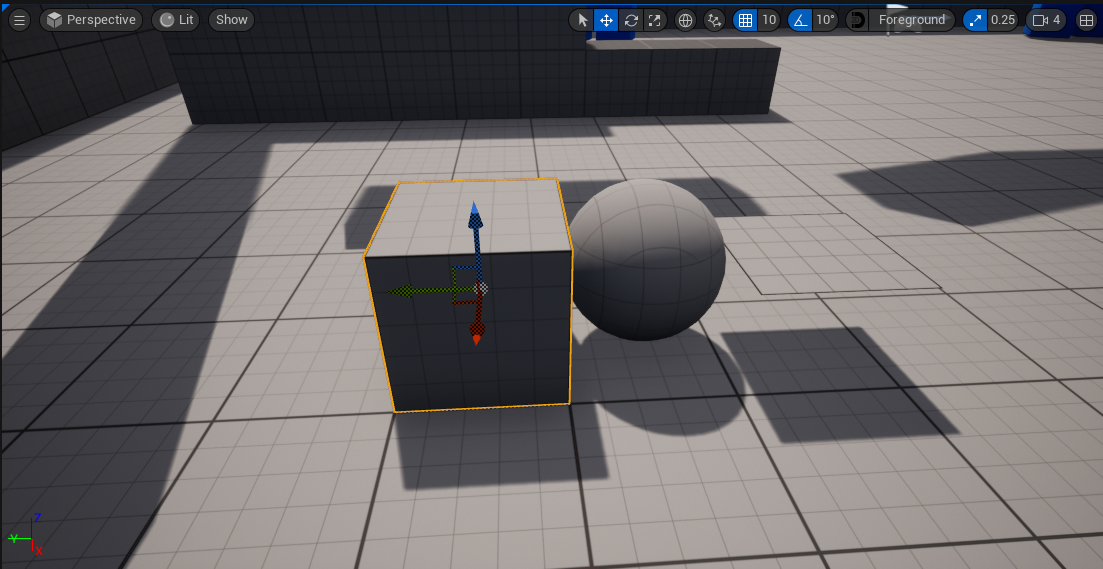
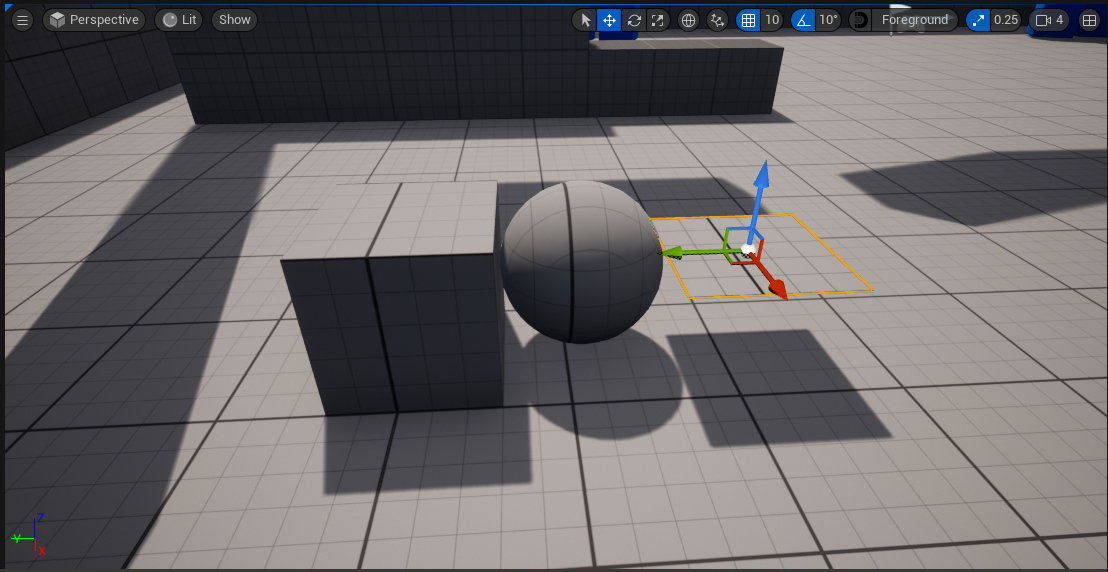
as you can see below, the grid projects into the object as you move it, this is useful if you need to place objects at a specific place also gives you visual feedback, this would also be useful when sculpting if you need specific measurements
6 Comments
its just global triplanar texture
just create same material in blender as it is in unreal
(tho making that to extended blender download/ official assetpack if it will happend some day could be way to go)
You can also turn on the wire frame overlay for shaded in the view options.
it is not the wireframe of the object that i want to display it is the grid
Ah. Sorry, I interpreted your words in the wrong order.
Blender can generate a grid texture already. Just add an image texture node, click the new icon and set the type to UV/Color Grid. Set the projection to Box. You can play with the Blend to hide the box projection's seams if you want.
For the worldspace mapping, use the Texture Coordinates' object mapping with a different object as target, typically an empty object at the world center.
doesnt update in real time as you zoom in closer the grid with the texture doesnt match