
View layers panel inside the outliner (optional feature for faster render management)
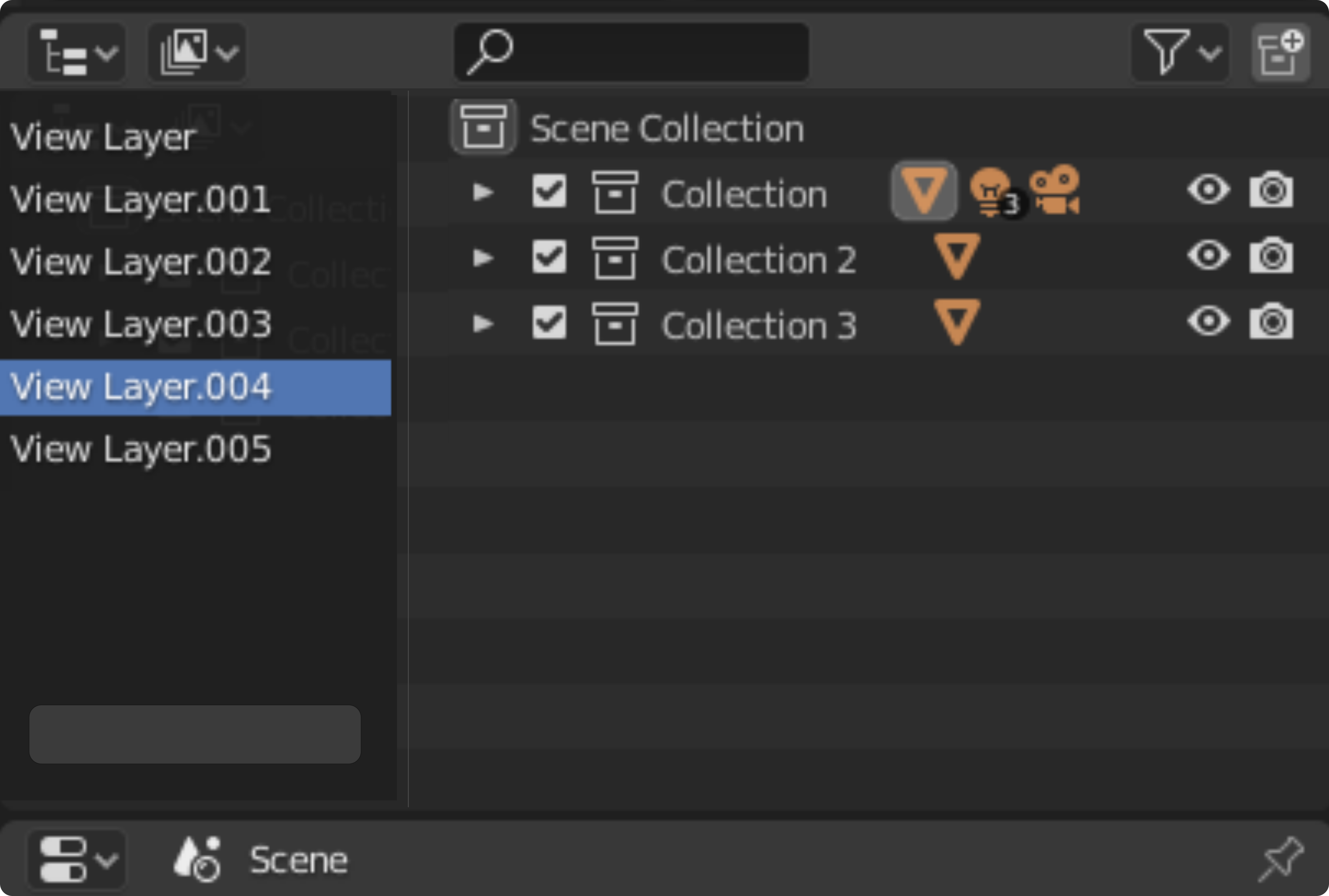
Hello guys. I would like to propose a feature that would allow the user to manage the view layers using the outliner. This can help make a the users render management workflow faster and easier.
To those who might be worried if this just takes a lot of viewport space, in many most situations this feature will only be used in late stage of the project. This is mostly for the purpose of rendering management but it may be also useful in other different ways.
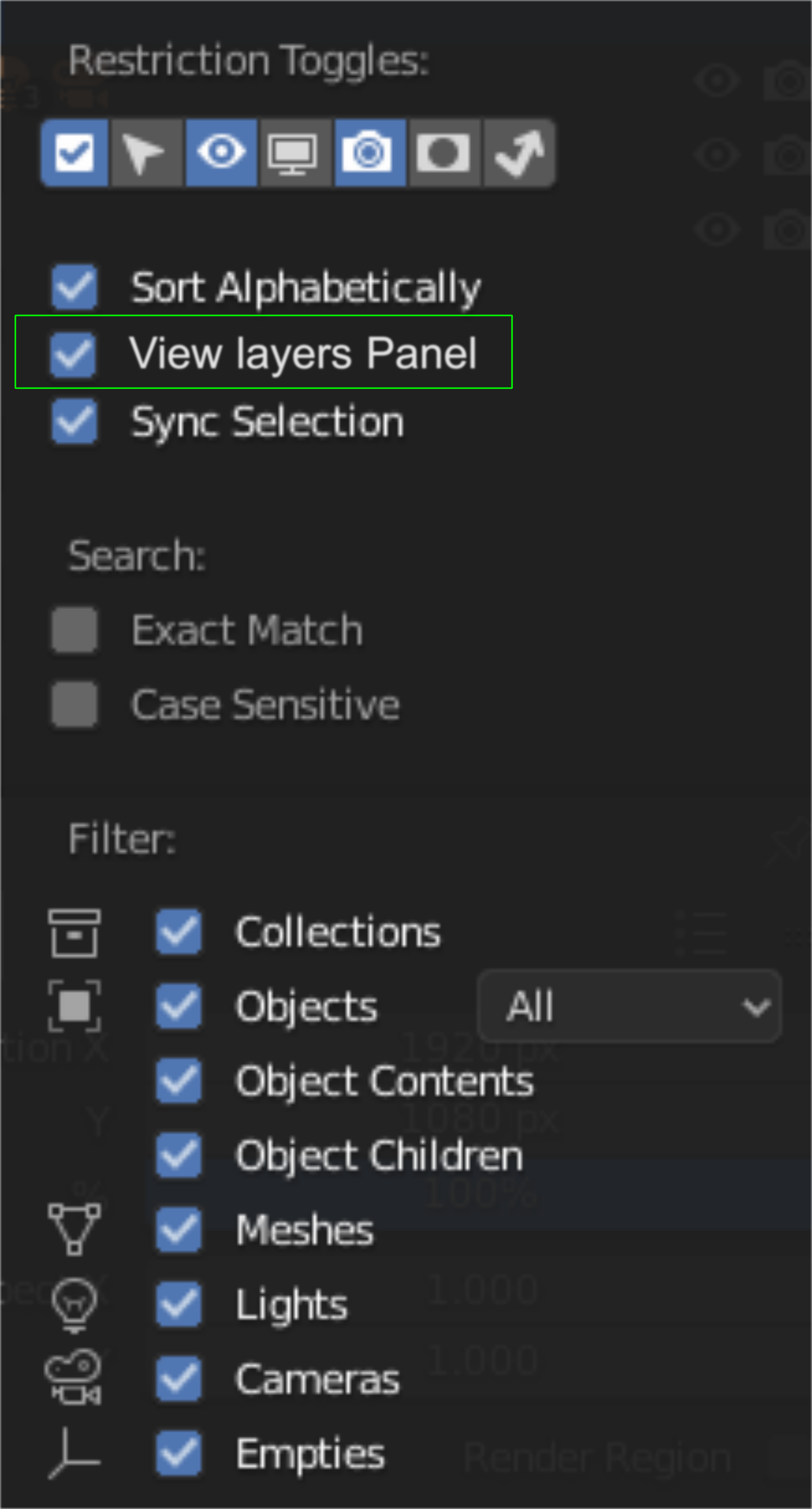
Enable View layers panel in the toggles menu.
Clicking a view layer will automatically change the items on the right side of the editor
2 Comments
I'm assuming you mean this to be in the View Layer display mode of the Outliner. In the default layout, the View Layer selection drop-down menu is available right above the Outliner. Am I right in thinking you basically want to replicate this functionality within the Outliner itself?
* @Jason van Gumster * Yes. I have found that the drop down menu workflow is is fine within the small scale but when a project goes on larger scale this might help in managing the collections much easier.