
MISSING FEATURE From 2.7x!! "ALT Multi Tweak"
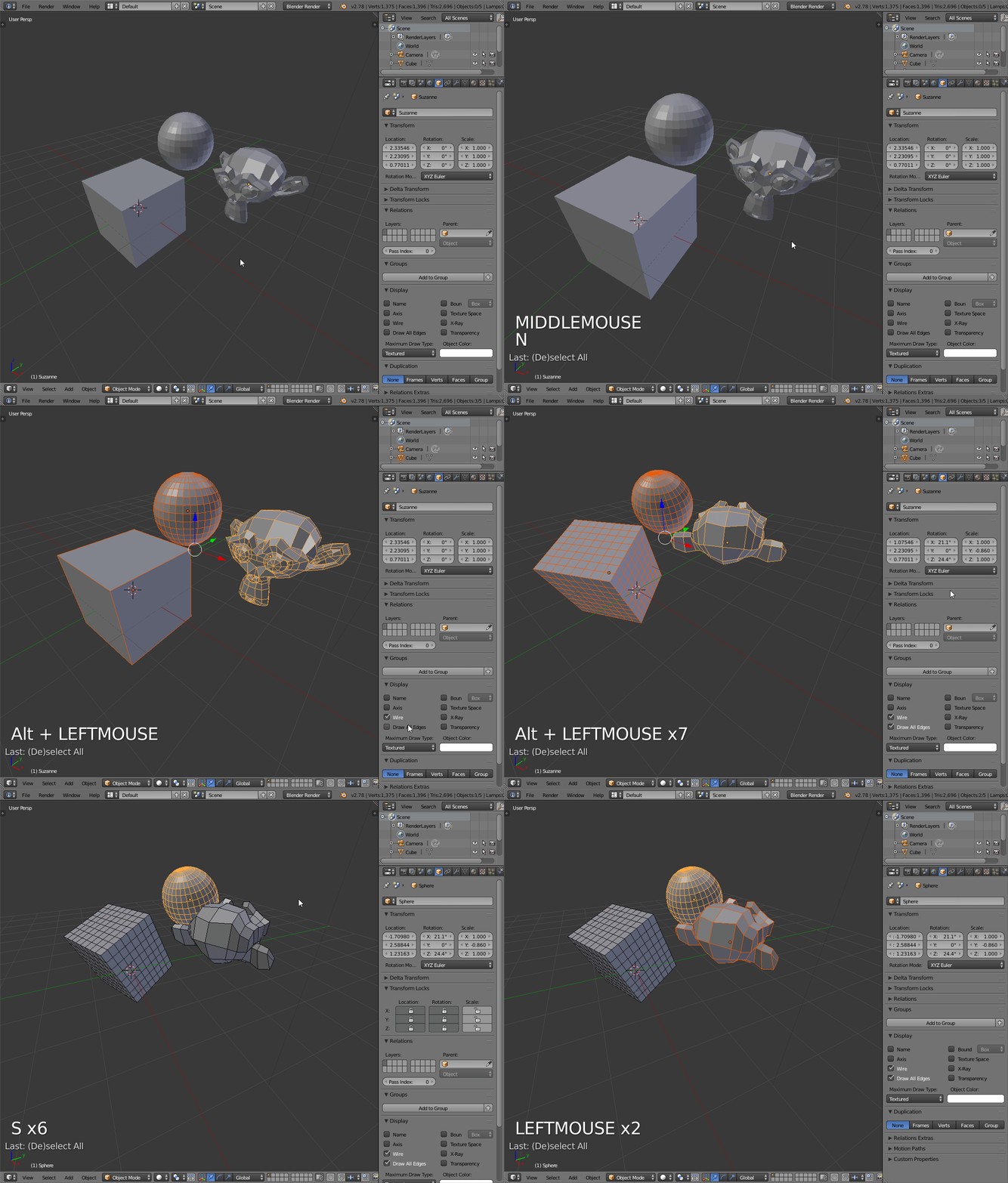
Back before the UI update a Feature that I think is essential was lost! This feature is holding "Alt" to change the properties of Multiple Objects.
Have you ever wanted to change all selected Objects to display only Bounds, or to Activate Autosmooth on all of them for the Weighted Normals Modifier to work! Well, back in the 2.7x Days any shared settings that you would see in the Properties/Object or Properties/MeshData section could be changed for multiple objects all at once by holding alt when selecting the option or input field!
I am making a proposal to bring back this functionality as I know of no current method to do this! If you are aware of how to do this in 2.9 please please let me know <3
Edit: In addition to bringing this feature back, its functionality could also be added to the Outliner for another proposal that asks for the ability to change Visibility, Selectability etc for all selected objects with one click!
4 Comments
Alt+click still works for me for most stuff. Alt+click in outliner is bit special case since it hide / disable stuff in viewport so alt+click stops working (not sure if bug or oversight).
* @fructdw * Interesting your right, Alt clicking works but not if you choose a different keymap as default? For me I transferred over my custom keymap setting and this didnt bring over the alt click. Now Alt clicking scrolls, I can't find an option to edit this functionality either. I looked through the New Keymap settings to find it in there too with no luck.
* @fructdw * I have investigated more and I worked out the issue, it doesn't work with "Emulate 3 button mouse" enabled! Thanks for letting me know that it still works this has made my life abagiliian times better <3
* @TheWizardLord * Then please mark this request as done.