
Vertical Node
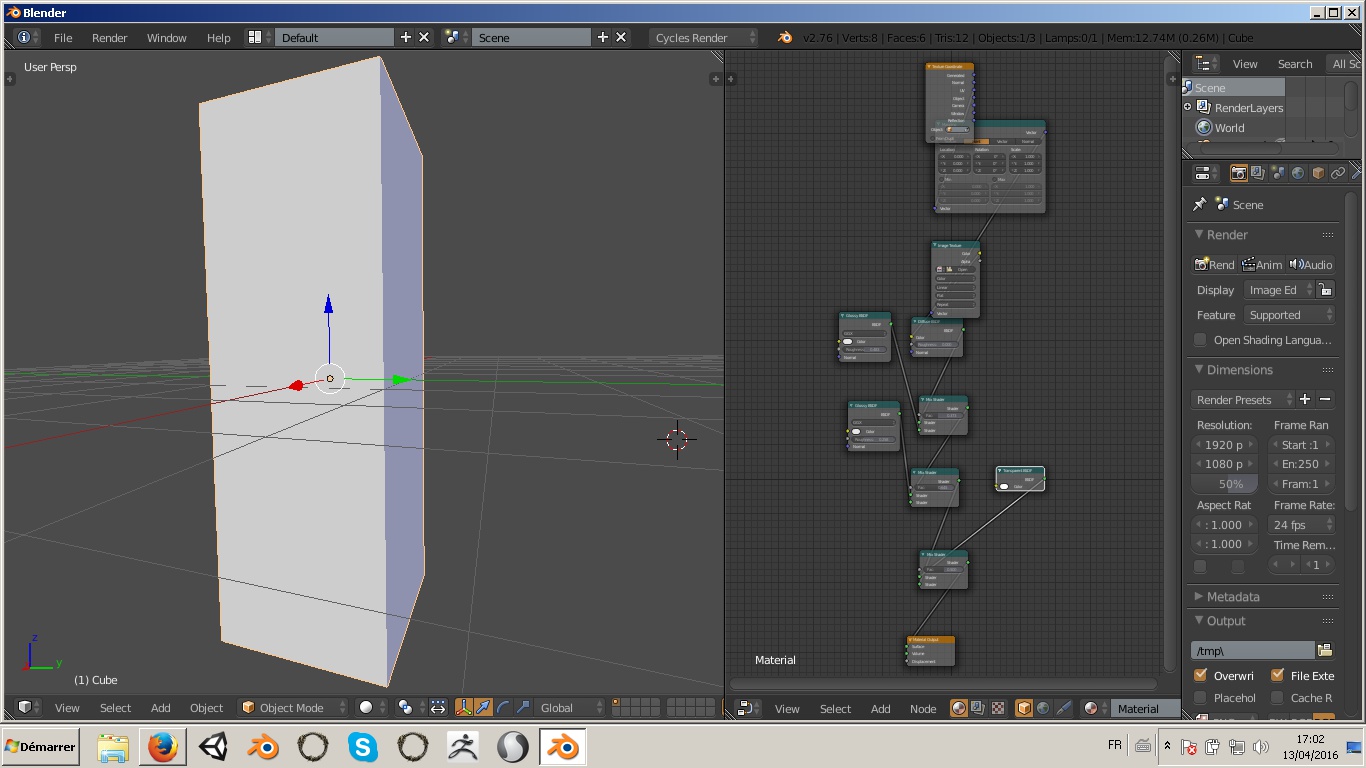
This is a small improvement I think would be useful for alot of people. Most people nowadays have a wide screen monitor, it is therefore more efficient to split the screen space vertically. Nodes being from left to right can very easily become annoying, taking up more space then necessary (especially if you're texturing a vertical model such as a human). Having the ability to change the inputs to the top of the nodes and outputs at the bottom (or vice versa) would therefore be extremely useful.
5 Comments
Perhaps you could take a complex node with a lot of inputs and/or output (like Lightpath in Cycles materials or the Separate RGBA node in the Compositor) and show what you would envision it looking like in a vertical orientation.
Would socket labels be rotated? Would node headers be rotated, too? How might we handle custom group nodes?
well just thought of the labeling of the sockets..if you leaf it horizontally it takes up a lot of space but if you rotate them, it is kind of weard to read..will try
Or you could save even more space by splitting your windows vertically instead, so the node editor is on the bottom...
The problem is that you lose alot of space when working with a vertical model or scene, you constantly have to change the size of your windows or move around your 3d view to look at different parts of your model.