
Upgrade for Trim tool
Current trim tool can be used for making big rough changes to the overall shape of the object that you sculpt, but not as much for adding details and making small accurate changes. I think trim tool needs much more settings and flexibility, such as:
- Ability to use curves (requires this to be added too blender.community/c/rightclickselect/MLcbbc/ )
- More ways to control depth of join/cut shapes (3d cursor/slider)
- A mode for creating new separate objects as alternative to join
- More ways to control their exact placement. Like projecting onto the surface of another object ( from view plane or scene planes)
- Automatic smoothing and bevelling (also for the corners) of the resulting shapes
- Possibly it's own pie menu for quick switching of the tool's modes
Below is the demo of such tool by twitter user Rodesqa in a program familiar to everyone
twitter.com/i/status/1368607185350107138
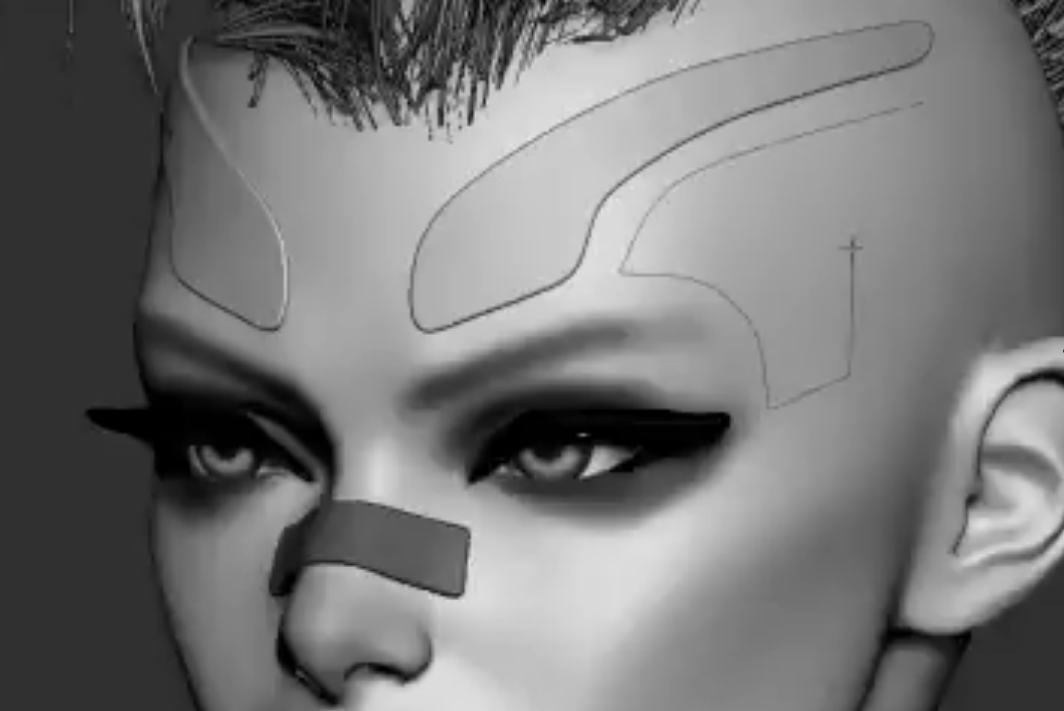
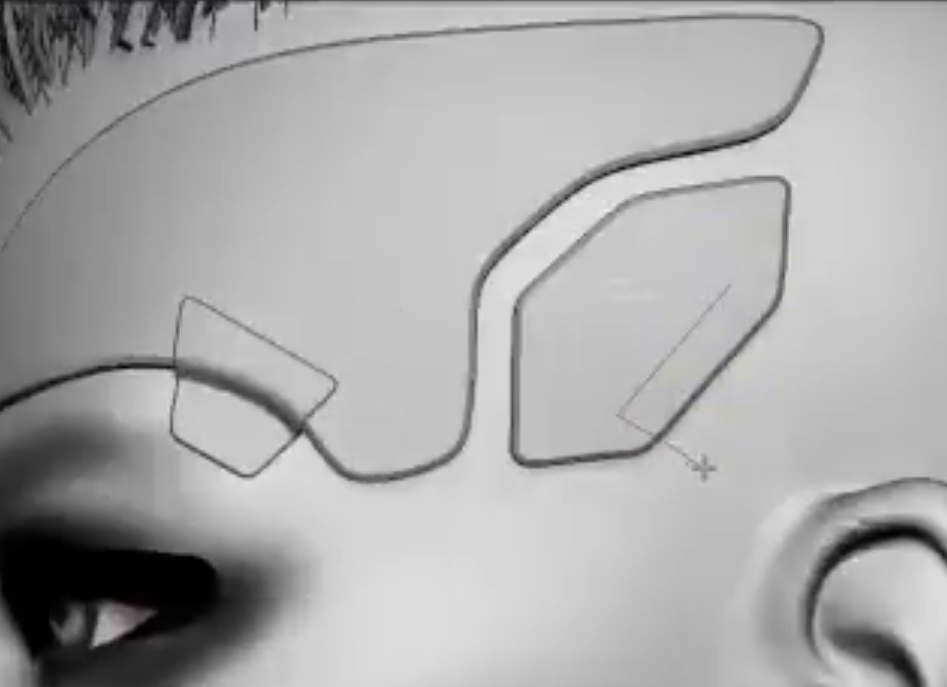
4 Comments
Amazing useful feature. Pablo has made a project brush, its not the same but maybe might be expanded in the future.
Oh, nice, is there a demo of it anywhere? I couldn't find it
Its in the alpha builds. Here is a demo: blenderartists.org/t/pablo-dobarros-master-plan-for-sculpting-and-painting-development-news/1150731/7465 might be merged at some point in the future.
I know there is a bit of similar functionality in Atelier Sculpt Addon by JF Matheu and although I appreciate his work, it is limited by what's currently possible in blender and not as convenient as reference
P.S. I attached the same video as in the twitter link, but it's still proccessing