
New transform orientation: line (axe)
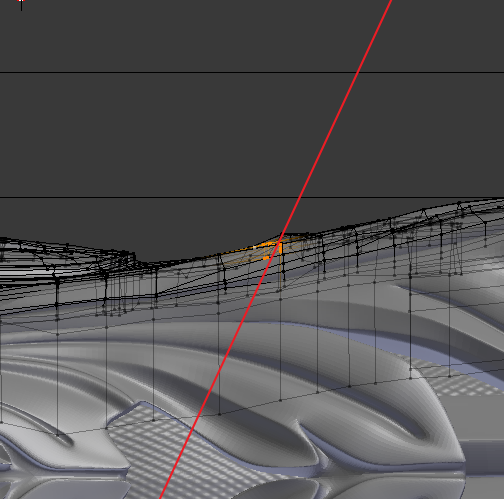
How it should work. Select the part of the mesh, then create the transformation axis (about which I am writing here): just set the start and end points of the line (future axis of rotation and transformation). The selected elements will rotate along this axis. A line is drawn from the projection view, but the axis itself in 3D space is between the selected elements. Thus, we, for example, will be able to select a sphere, draw a line along which we will stretch this sphere, and voila. The sphere is the simplest example; in fact, we can quickly select and transform difficult parts of the mesh. This would be more intuitive than a 3D cursor or "view" orientation, as for me. Sorry for my English.
2 Comments
I like that, it beats having to rotate the camera a certain way to get the right transformation
@Kavukamari: In many cases you are already looking at the object from the right angle. I had a case when I modeled a rosebud, it was rotated at an angle, and I needed to squeeze it in height, but since it was rotated, it was difficult to do. If there was such an axis, then I would draw it and squeeze the rosebud in the right direction.