
Save & close
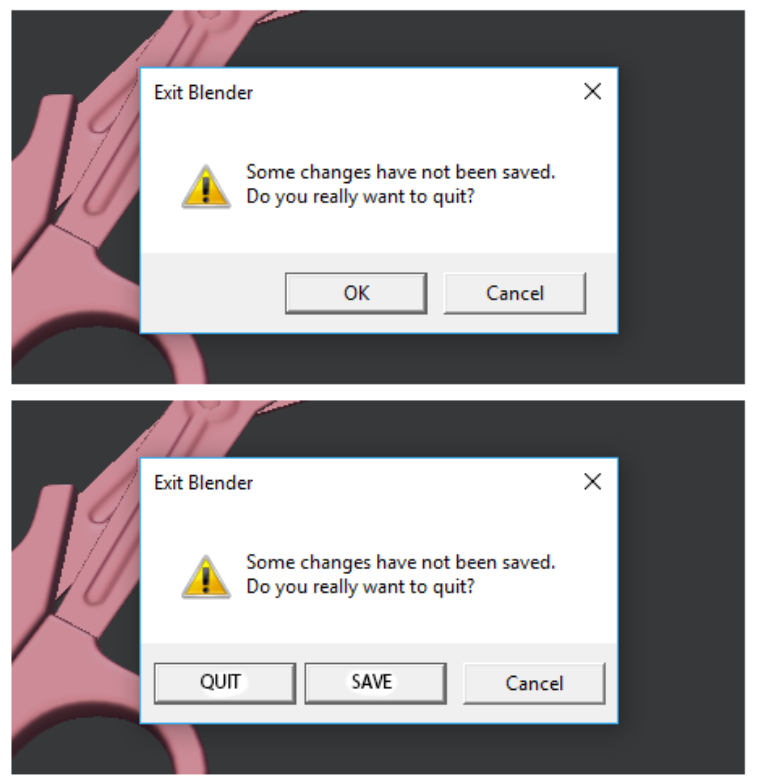
It was a good idea adding pop-up menu when you exit Blender. It prevents losing many and many work hours after closing program. But this can be even better with one more “SAVE” button.
If I forget to save before closing Blender:
- exit program (than pop-up menu will show)
- close pop-up menu
- save file
- Close program
If I forget to save before closing Blender with “Save”:
- exit program (than pop-up menu will show)
- press “save”
The same pop-up menu must be shown when you working in one file, and you open another file project. And maybe naming of buttons must be changed. “OK” to “quit” and new “SAVE” can be “SAVE and close”
0 Comments