
Side by side stereoscopy distorted?
The side by side stereo view (to look at cossed eyedly) appears to be distorted/swaged. Not sure if this is a bug. As a feature it would be nice to see it in normal proportions.
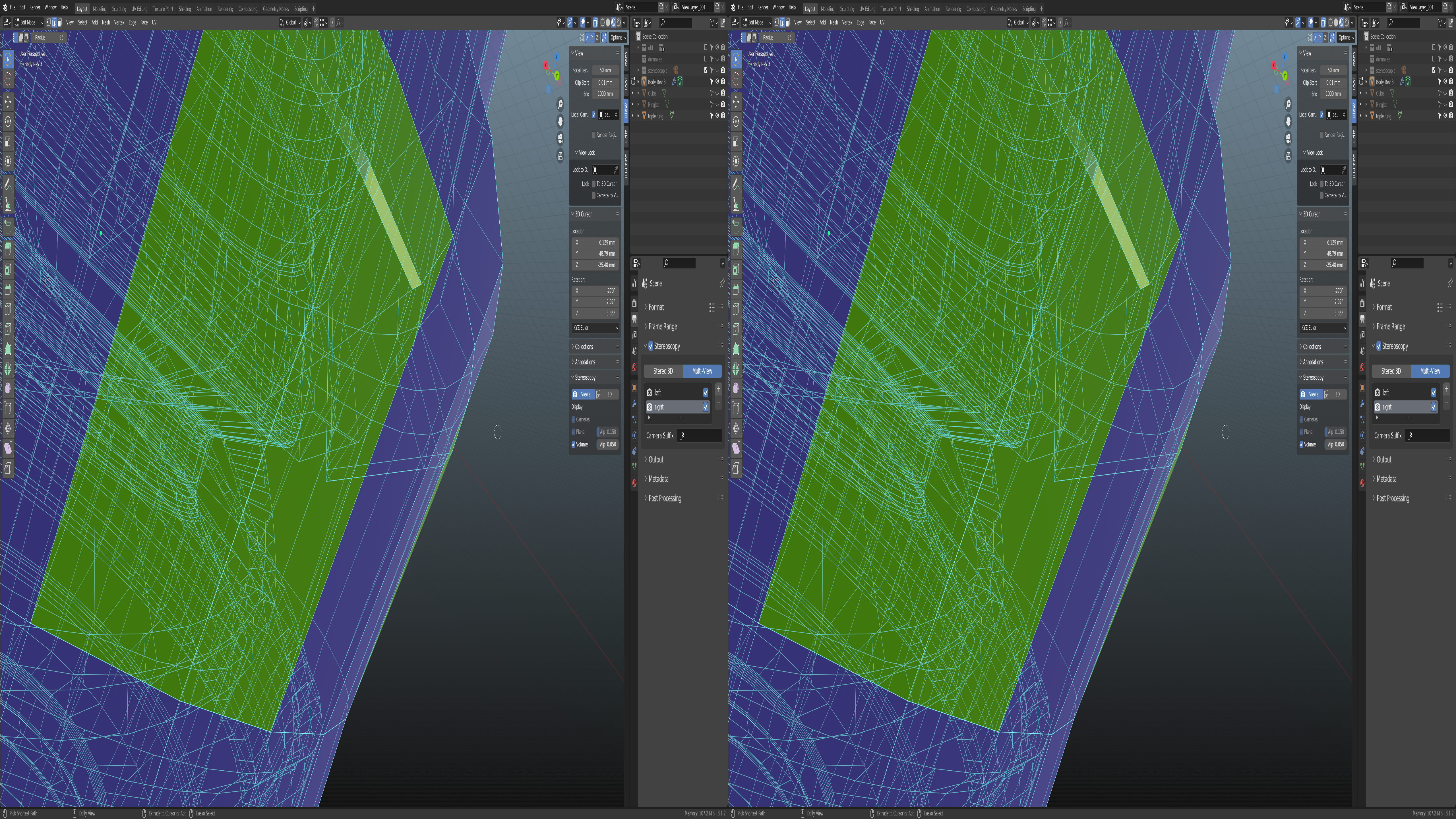
The side by side stereo view (to look at cossed eyedly) appears to be distorted/swaged. Not sure if this is a bug. As a feature it would be nice to see it in normal proportions.
2 Comments
It is not distorted, it is compressed on the x-axis according to the Half-SBS format, in order to be expanded by a 3D TV or monitor i.e it is not meant for crossed-eye viewing.
But there is another problem: I tried the image on my 3D monitor and it has zero parallax i.e you only see a 2D object behind the screen, not a 3D one.
You need to adjust the camera settings in Off-Axis mode, for example the interroccular distance should be adjusted according to the size of your object, the distance of the camera and the desired perceived 3D size, and can be between 0.065 and 2.0 (parallax adjustment - until you see enough visual difference in side-by-side ).
You should also adjust the convergence plane value without crossing your eyes, so that the left and right images coincide on the object's part that you want to be on the screen plane (the rest appearing behind, or on the front of your screen).
Alternatively, watch this tutorial which is specifically made for cross-eyed viewing in Blender without appearing compressed: youtube.com/watch
This website is for proposing new features for Blender. To post a bug request, please open Blender and go to help → report a bug and follow the guidelines.