
Grease Pencil Material: Texture Spacing, Angle, & Scatter in Dots/Boxes Mode
Currently, Blender users can only control the Stroke
Mode Type
,
Style
,
Use As Stencil Mask
,
Color
, and
Alignment
in the Grease Pencil Material. Brushes do not look as the artist intended (as in Blender TexturePaint or image editors) because of this lack of customization.

By giving the user control over important brush parameters such as Spacing , Angle Jitter , and Scatter in Dots/Boxes Mode, brushes will look exponentially better in Grease Pencil.
Spacing
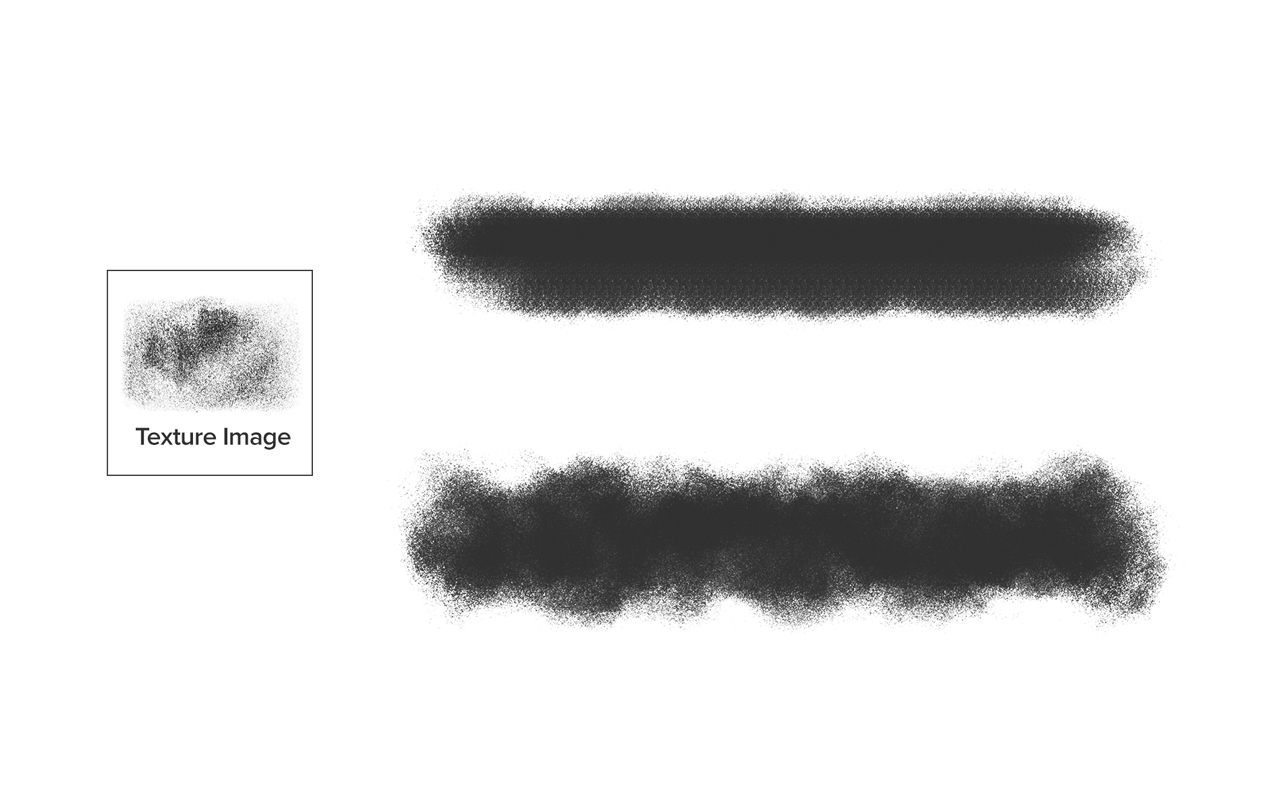
, the distance between brush dots/boxes, is essential in unifying brush strokes. Great for creating bristle brush looks. It is implemented in Blender TexturePaint brush. In the below example, the first two strokes were made with an image editor. The last stroke shows Blender's Dots without Spacing (Input Samples: 10).

Angle Jitter
is random brush dot/box rotation along the stroke. Nice for organic objects like clouds, leaves, etc.

Scatter
randomly shifts position along the stroke. Excellent for things like grass, snowfall, paint splatter, etc. It is implemented in the Blender TexturePaint brush and called "Jitter."


6 Comments
In the brush settings you can add jitter to UV to get angle jitter, and various other settings to randomise your brush tip. Still, the best thing to get naturalism in strokes would be to allow animated brush tips that cycle through a set of tips.
Always upvote w/e makes Grease Pencil better / more like CSPaint and other software.
When it comes to spacing, rn you can kindasorta "hack" better spacing by subdividing your line and switching to dots/boxes mode, but that's very obviously unideal. Being able to change the spacing of line mode strokes would be excellent.
This has now been implemented in 5.2 with the Placement modes and Randomization
Would be great if you could also control the spacing with pressure
is this a suggestion or it's something Blender already have? please I need this if it exists
* @ann199040 * it is available in blender as properties of the brush, not of the material