
Zoom factor of edge length under Viewport overlays
Currently the edge length is shown in very tiny letter which can be seen by microscope or by zooming very far away. Also there is no option to change the color of the measurement.
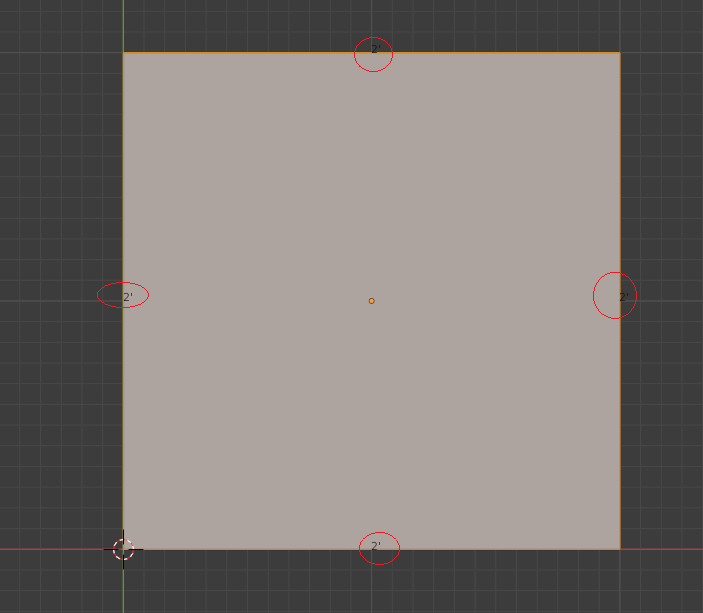
Currently the edge length is shown in very tiny letter which can be seen by microscope or by zooming very far away. Also there is no option to change the color of the measurement.
3 Comments
You can change the color in Preferences>Themes>3D Viewport under [Edge Length Text] but there doesn't appear to be an option to change the text size....
The option to override the text size and color should probably fall under Viewport Overlays since one might want to change it often depending on mesh density and the type of material.
* @roosterdog * Maybe even go as far as adding dynamic depth changes to the color and text so as to make it all much more readable from any position???
You can use the 'Measurelt' plug-in that comes with it, but this plug-in may be a little tricky! Because there's so much to control.
可以使用自带的'Measurelt'插件,不过这个插件可能稍微麻烦一下嘛 ,因为可以控制的太多了