
Preserving Flat Colors in Blender Compositing
When adding a background color with an Alpha Over node in compositor, the chosen hex value is normally altered by the active color management (ACES, AgX, Filmic, Khronos).
This can make a flat white or brand color appear off instead of staying consistent.
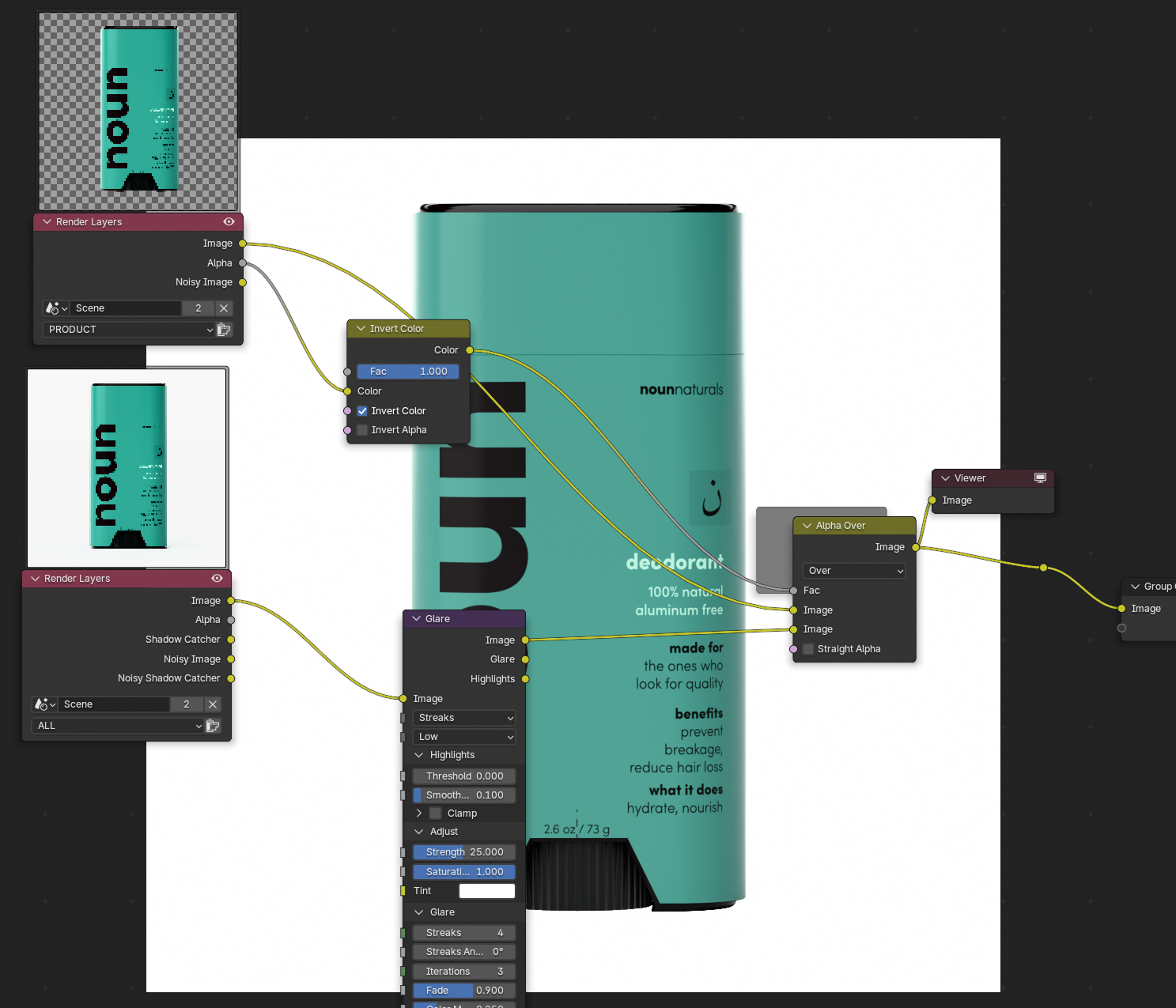
To avoid this, you need an option to bypass color management so the background color renders as 100% pure, unaffected by the view transform. Currently the only way to force 100% white is using an
image → Alpha Over with white → Glare (high strength, low threshold) → Alpha Over with a transparent image.
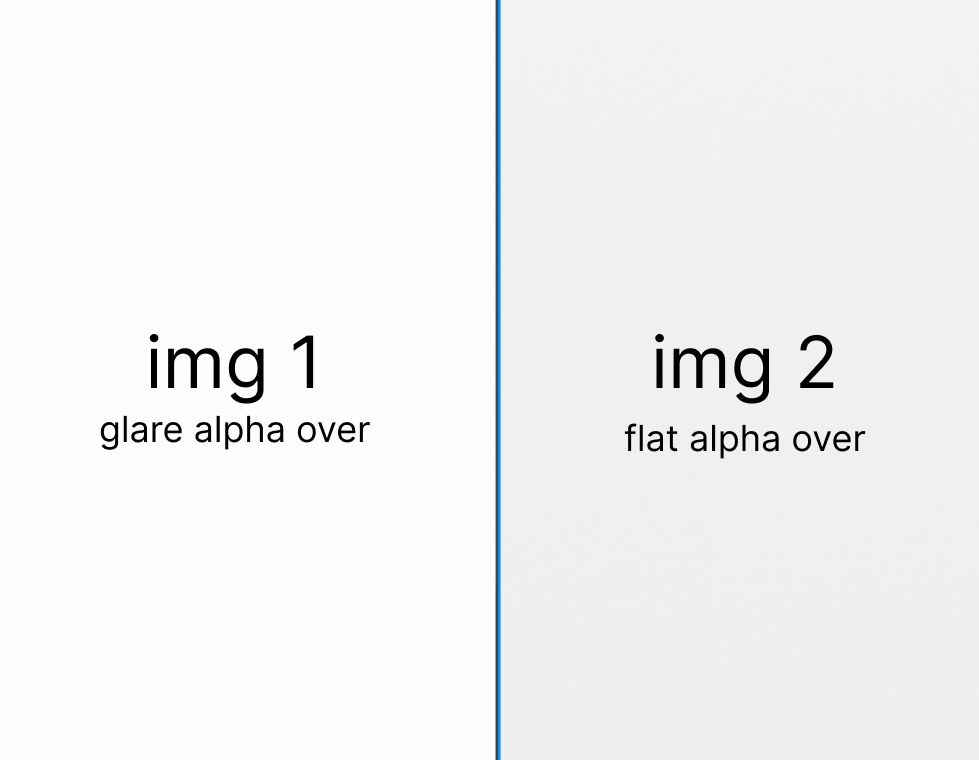
3 Comments
What you’re requesting is not possible and not advisable as it breaks color management.
The compositor working color space is Rec709 (can be changed in 5.0) the view transform happens not during compositing, but only when displaying the result on the screen or saving the render result and always happens on all pixels.
There is no way to change this as this is what color management is supposed to do. But there are ways to work around it.
You can use the VSE as that can work in standard sRGB to blend in the background color. Or you can render out with view transform and then use different scene to composite without view transform.
In future when VSE node strip is implemented this would be easier to do.
Yeah but it would be great to have it work in the real time compositor.
How come the glare node bpasses the colourspace white level limits than?
I think you are getting white because the compositor is producing colors sufficiently above 1,1,1 that when transformed to output color space and clipped to 0-255 for your images you get 1.0. Try setting your constant to 2,2,2 or something.
What is actually needed is an ability to reverse-convert a color value from output space to compositor space. Picking with the eyedropper off the screen is the primary reason this is needed. It also might make sense for typing in #xxxxxx style colors as those are assumed to be in screen color space. But the values would immediately be converted to a value in the compositor that will turn back into this number when the output is converted back to the screen.