
Auto Keying button red instead of theme color (or expose separately)
Im gonna just fire and forget here:
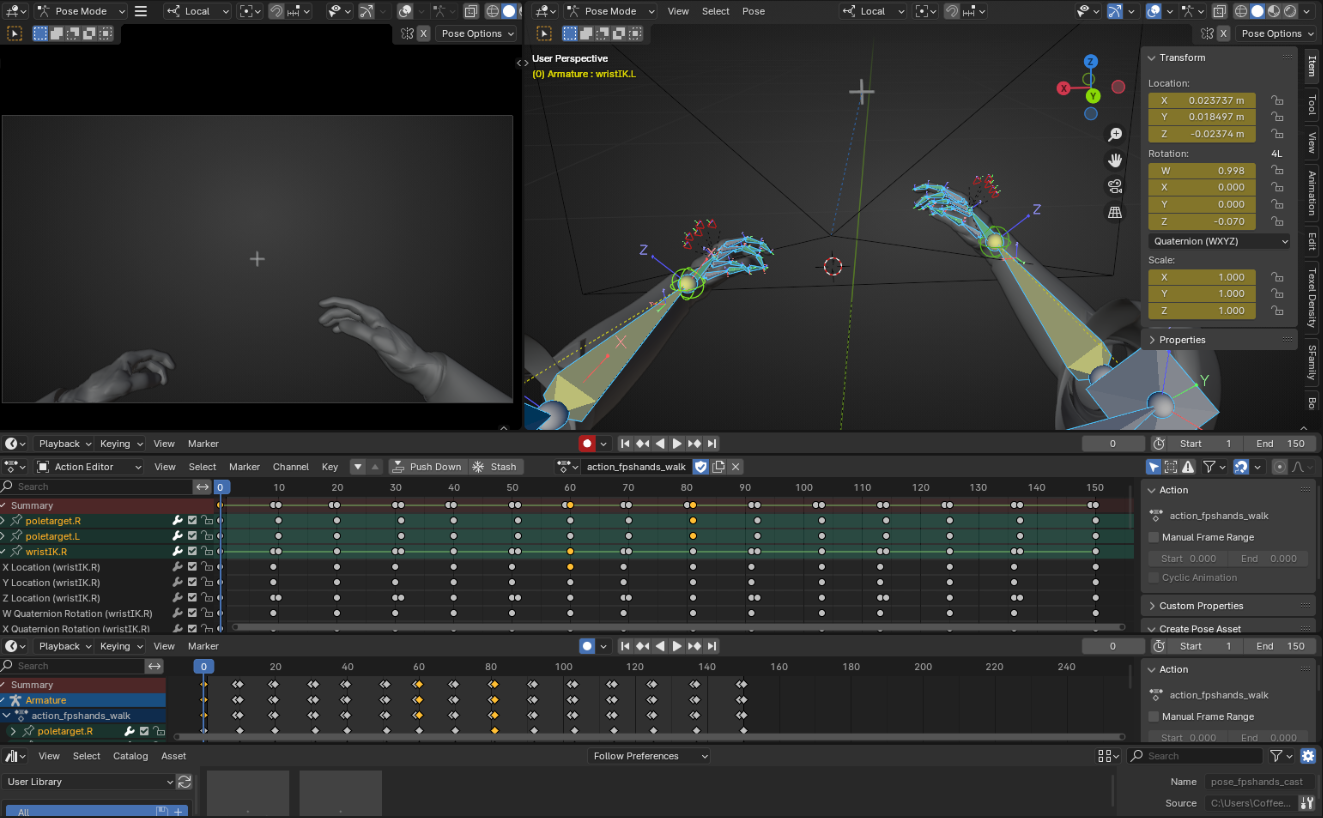
Found it confusing to have so many same color buttons around this very important one. When missed, and accidentally overwritten a keyframe, slapping self in the face while spamming Undo.
If just this one button is red, it really becomes hard to miss, has a good character to it, similar to red = record buttons in general and helps learning the UI a bit too.
Animation in general is already such a difficult area, remembering if Auto Key is unchecked is just one of those annoying things eating at motivation.
Im suggesting it since we cant really change it ourselves (without changing entire theme which would defeat the purpose).
Thanks for your hard work regardless!
4 Comments
This was changed to red since 4.3: projects.blender.org/blender/blender/pulls/126344
Plus, there is this extension in case you want auto-keying to be even more obvious: extensions.blender.org/add-ons/autokey-highlight/
This is awesome, glad I wasnt alone with this issue, thanks a bunch!
Not sure I undestand. There's no need to change the theme, by default the theme color is red.
The reason it is a theme option it's because some users may have their theme to be red, so a hardcoded red button would be hard to read.
Yeah I forgot to mention that Im 4.1 still, but its solved now with the answer above, thanks, and yes hardcoded isnt the best solution, it really just needed any color than theme, which it now does since 4.3 or the Addon, solves the problem.