
Sculpting: change shift behavior and adding a new brush
Addressing Pablo Of course
First of all i love your work both from Artist to Artist and Blender User to Blender User point of view. I would like to ask you if it would be possible to have the option to change the shift (soft) brush with something else. I prefer with my sculpts to smooth with the flatten brush rather than the soft so it would be a great thing to have that option
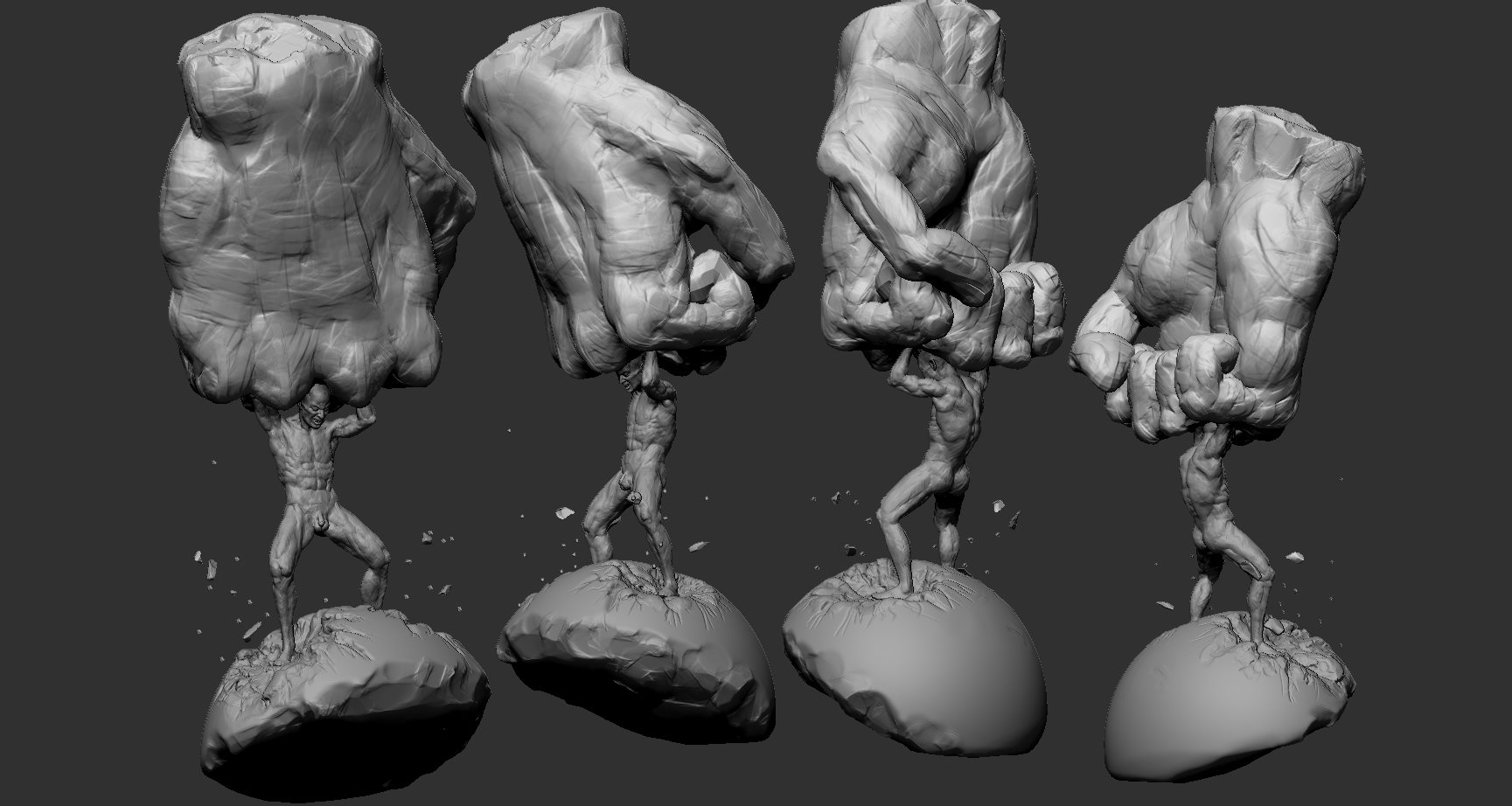
since we are here another great addition would be a brush like this on the image. I am feeling it like a brush that adds and also pushes clay away . Its like adding a curve to the brush that can also have negative values if you chose it
10 Comments
I love the idea of a brush that acts like a displacement map- pushing clay in and pulling it out. But please split this into two proposals so I can vote specifically for that and describe why I think it's such a good idea.
* @Josephbburg * i could split it but why dont you like the idea of also having the option for the second brush (it wont change anything in your workflow if you leave it default)
* @NKCGArtist * That's not the point-- the idea of this website is to be able to vote for specific features. If you separate the proposal you can tell which feature is the one people are clicking the arrow for. Also, it prevents the discussion from moving in two different directions.
* @Josephbburg * I agree with Josephburg. One suggestion per thread/post.
Did you mean to suggest being able to select a primary and a secondary (shift-enabled) brush much like you can select 2 'current' colors in (say:) Microsoft Paint? So the secondary would be the Soften brush by default, but you could replace it with the Flatten brush (or any other for that matter) at will?
(btw: awesome sculpt)
* @Ivo * exactly i am saying having the option to choose
I think I saw on Twitter that Pablo Dobarro was developing a new brush system which could be controlled by nodes, are you referring to something like that?
I second this suggestion. 👍
I would like [Shift+Left Mouse] not to inevitably smooth polygons but, instead, to flatten them.
I have tried to:
It works (sort of) but it switches to the Flatten brush completely and if I want the Draw brush to be active again, I have to use Space+X (or to click on its toolbar icon), which is a bit annoying.
It would be really convenient for the user to be able to assign the brush of his/her choice for this [Shift+Left Mouse] hotkey instead of Smooth.
* @ xan2622 * I posted this suggestion on devtalk.blender.org :
devtalk.blender.org/t/more-sculpt-modes-for-the-shift-left-mouse-hotkey/10048
* @ xan2622 * The patch : developer.blender.org/D6515