
Disabling the gradient between selected and unselected vertices
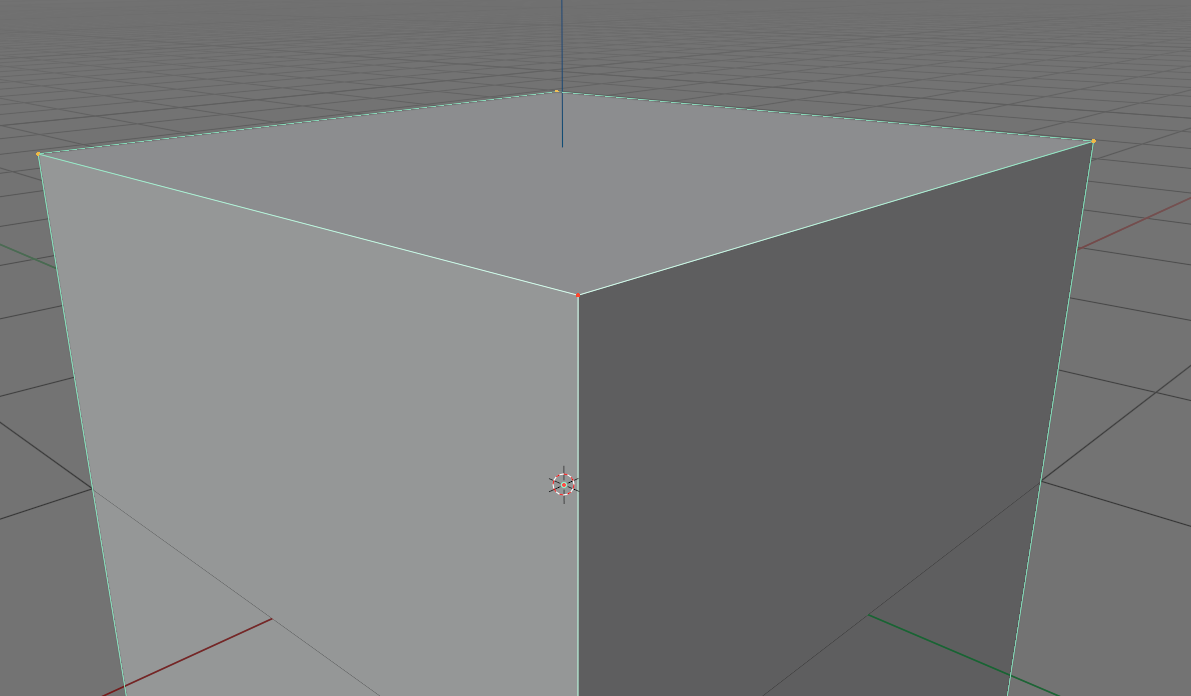
One of the users complained that because of the gradient between the selected and unselected vertices, he gets confused between the selection modes. He was very surprised that with such extensive customization there is no way to disable this gradient
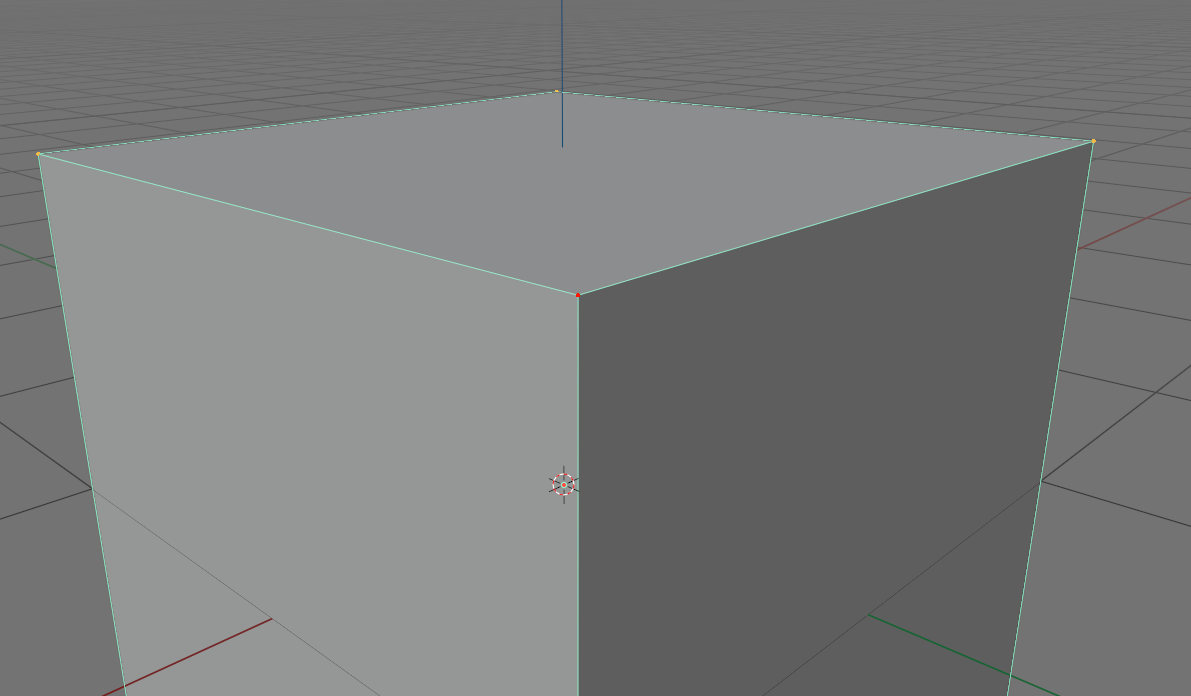
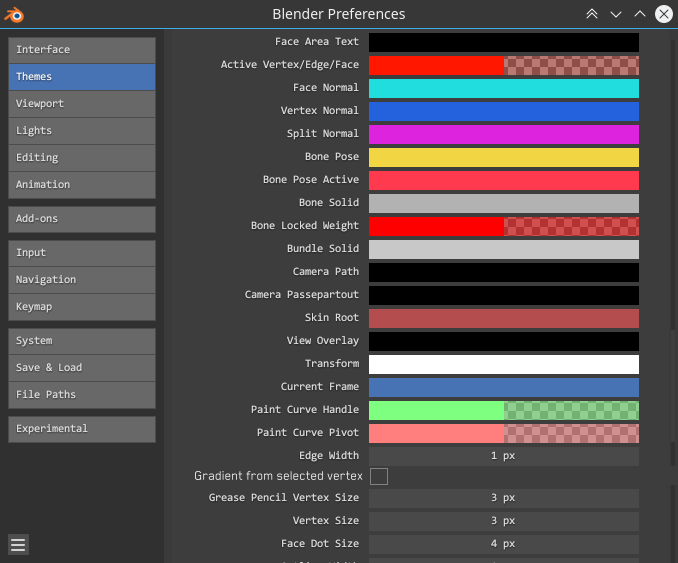
The suggestion is to add a check mark to the theme setting that allows you to enable/disable the gradient
main branch:
Suggetion:
1 Comment
It also make Optical illusion which is terrible for modeling. You can see 1 example of this optical illusion if u add a loop to a cylinder, select loop , go to vertex mode. Now in perspective view you surly see Optical illusion which make you think that cylinder's vertical lines are not absolute vertical. you can see an image below: imgur.com/pMfjP4D