
Hide - Use Symmetrize - Lasso - Reverse hidden parts - Mask
Hi,
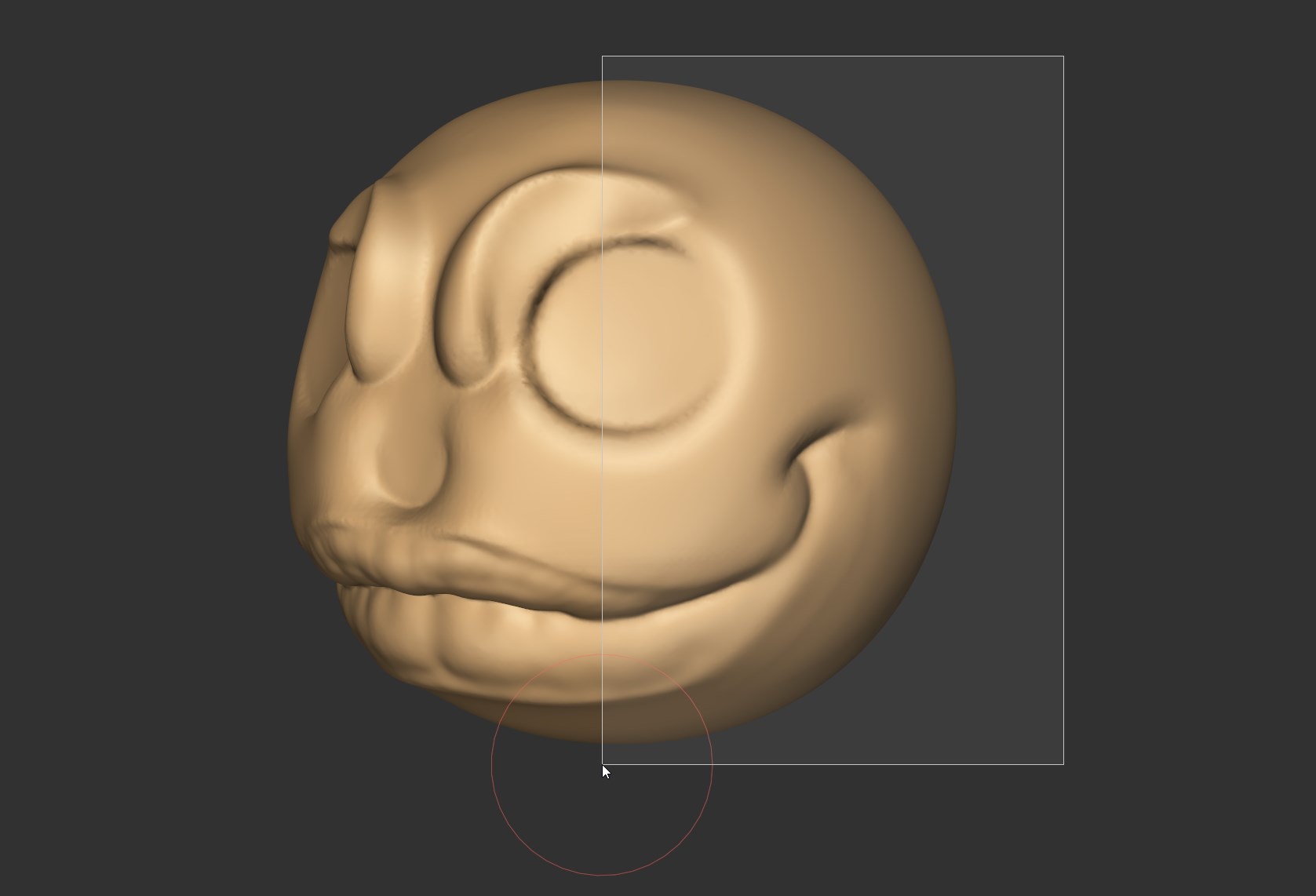
The hide function is really nice, press H and draw a rectangle to hide parts of a sculpt.
Shift H will unhidde parts too.
Right now the tool must be improved.
-
If symmetrize enabled, the hide should use it and hide the symmetrize part of the sculpt.
-
CTRL + Shift + H should reverse the hidden parts, show them and hide the previous visible parts.
CALL THE MASK BRUSH :
-
Ctrl + Shift + LMB make a lasso to mask, that should call the brush mask
-
CTRL + Shift + ALT + LMB should clear the mask when painting like the actual msk brush
-
Ctrl + Shift + RMB should call the lasso mask (to fit with the lasso in edit mode)
-
CTRL + Shift + ALT + RMB should clear the mask with the lasso
-
Need the possibility to not mask both side of the mesh
-
Need the possibility to blur the mask
-
Need the possibility to hide from mask
Like that the mask and hide tool would be more efficient and easy and fit the normal blender behavior for the mask tool
0 Comments