
Re-Scaling & Applying Scale for Rigged Models in Blender requires URGENT Automation improvements!
VIDEO: youtube.com/watch
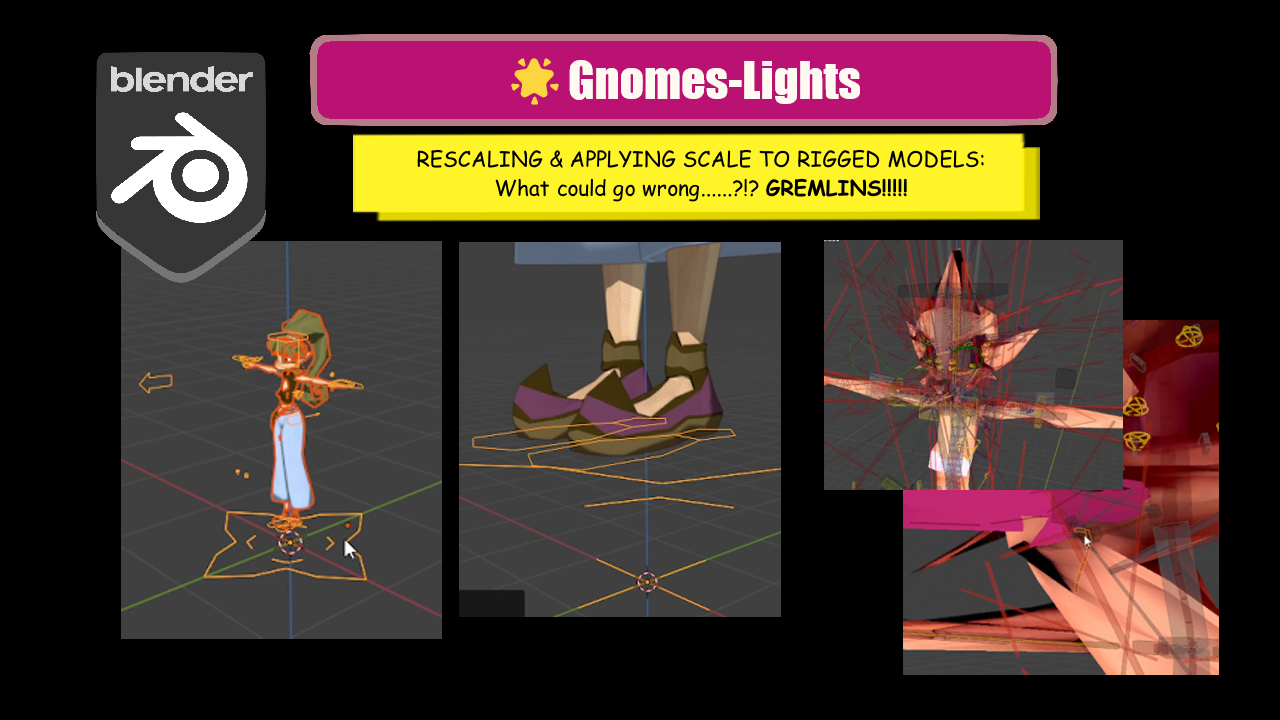
Hello, Blenderfolks. It took me a while to understand (and to be able to correctly troubleshoot) these Scaling issues in Blender when it comes to Rigged Models.
I've recorded and published on Youtube this rather long, utilitarian, documentating and prooving-of-concept Troubleshooting Workflow, expecting it to be a consistent evidence enough, that Rigging is currently compromised in Blender when it comes to the subject in question, and so that we absolutely NEED improved/revamped Automation for many isolated features/properties here and there in the UI relative to Rigged Models when using the Re-Scale & Apply Scale 'combo'.
Through my investigation (which was only possible due to a few years of experience in Rigging in Blender), I've came to the realisation that the issue indicated, is actually a pervasive problem (it occurs in many instances of the UI, as I bring list and concrete evidence), but if we can map them out properly, it should probably be a much simpler problem to solve in the near future.
Fundamentally, it looks like that all of the features/properties related to "Distance", will get broken in the process. But they are EVERYWHERE (in tiny bits though)! Some are more obvious than others to catch and fix manually; but, in the end, it looks out to be just a relatively basic issue to be addressed (Distance-related properties everywhere from the UI related to the Rigged Model don't get Auto-Updated!!) when it comes to handier Automation of an Operation in Blender.
For the time being, I can consider a versatile alternative/fix, which would be as follows: Blender users should have an Option (Last Operation Region maybe)? to Select from a simple Checkbox list of Options, which features should get Auto-Updated in the Rigged Model, in relation to the Re-Scaling & Apply Scaling changes.
PS: The good news: The factor in principle is trivial; if the Rigged Model was Upscaled by x10, then the properties in order to be manually fixed need to be multipled by x10, if it was Downscaled by /10, then then the properties need to be divided by /10. So, it's just lacking... basic Automation!🙀Well, there could exist exceptions, but I don't remember having found any so far.🧐
⁜⁜⁜⁜⁜⁜⁜⁜⁜⁜⁜⁜⁜⁜⁜⁜⁜⁜⁜⁜⁜
Beware: A WIP list of features which should break (troubleshooting) when Re-Scaling & Applying Scales to a Rigged Model:
DRIVERS: If of Location Type Distance-related...
BENDY BONES (Bendy Bones Panel, on Edit Mode): Curve In X property Curve In Z property Curve Out X property Curve Out Z property
BONE CONSTRAINTS: Stretch To (Original Length) Shrinkwrap (Distance, if different than 0) Limit Distance () Limit Location () Distance-related...
OBJECT MODIFIERS: Solidify (Thickness) Shrinkwrap (Offset) Distance-related...
OBJECT CONSTRAINTS: Distance-related...?
GEOMETRY NODES: Distance-related...?
SHADING NODES:
Distance-related...?
0 Comments