
Changes to Hard & soft edges with better AA.
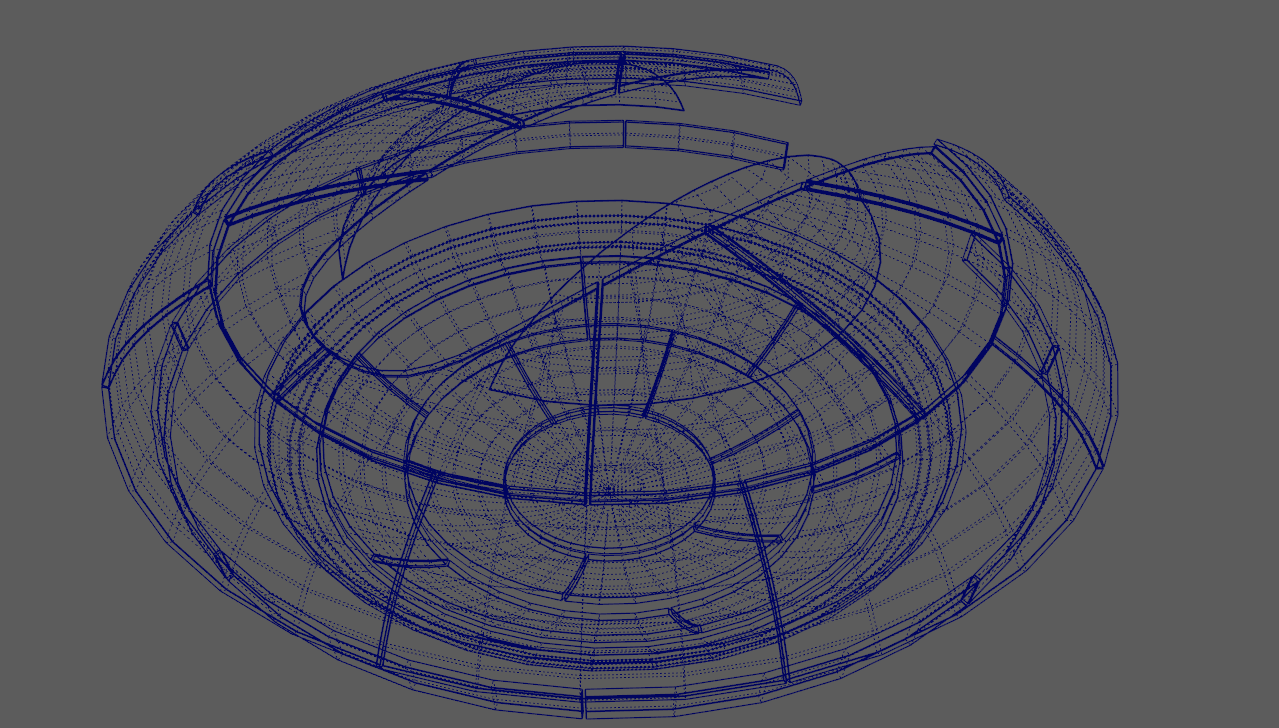
Suggestion to change Blender's sharp & soft edge to be different type( dotted for soft & solid for sharp) not only it's easy on the eyes but the model is more readable in wireframe mode. Tthe cyan color is only okay for simple objects but for more complex models it becomes bad and in the way, we should be able to also see it in object mode like in Maya with better AA in wireframe mode jus liket in this demo.
the huge difference in quality is very clear with Hard/Soft edges and also the visibility of the model in wireframe mode.

2 Comments
As long as there's an option to turn that off, I'm ok with it.
Doted lines maya style also look noisy. I'd prefer a combination of thinner lines and lower opacity for unmarked edges.