
Changing the import and export menus
Hello Everyone,
My workflow depends on FBX Obj.. etc.
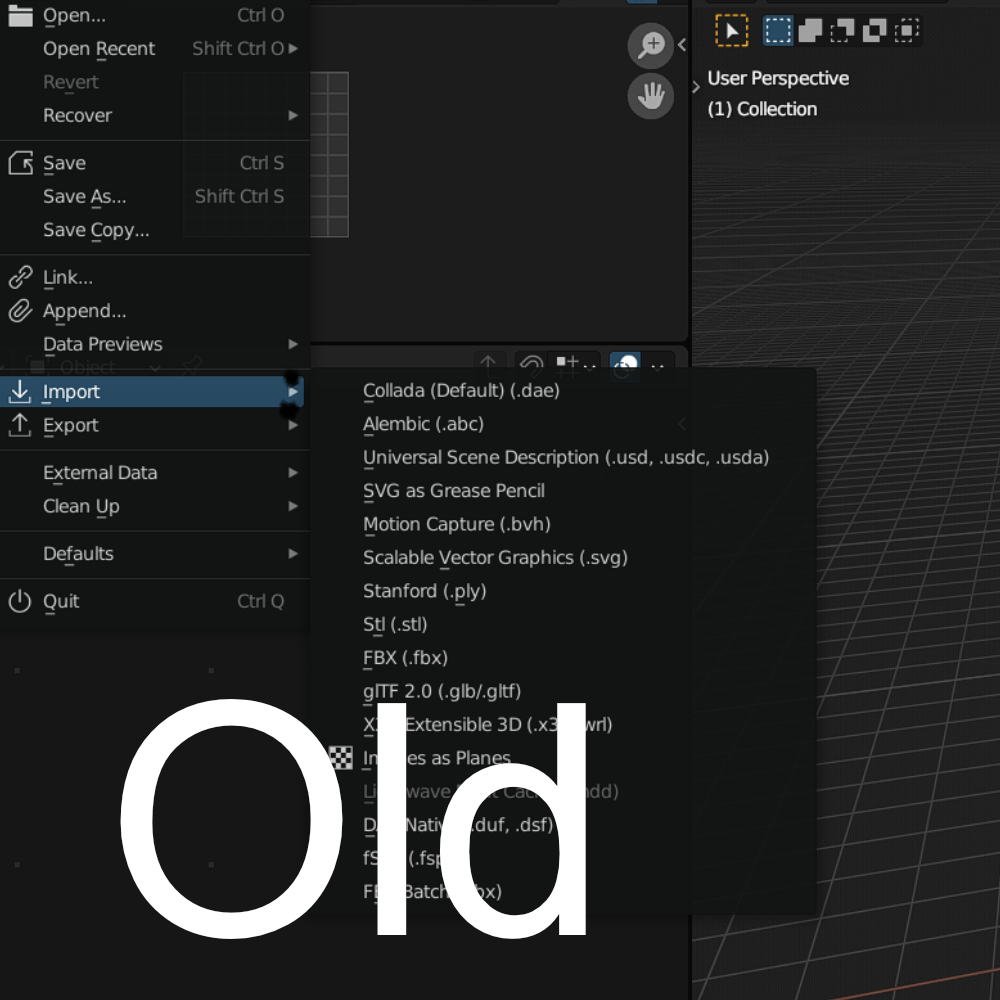
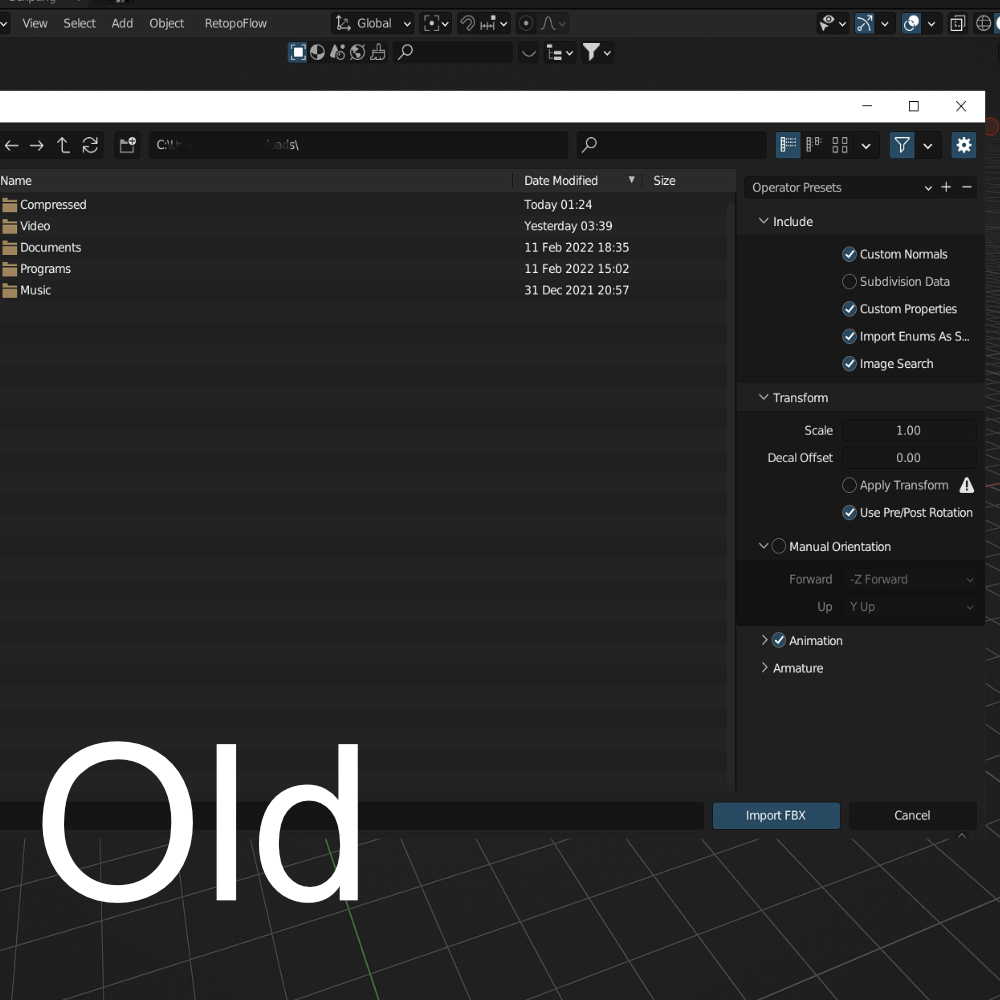
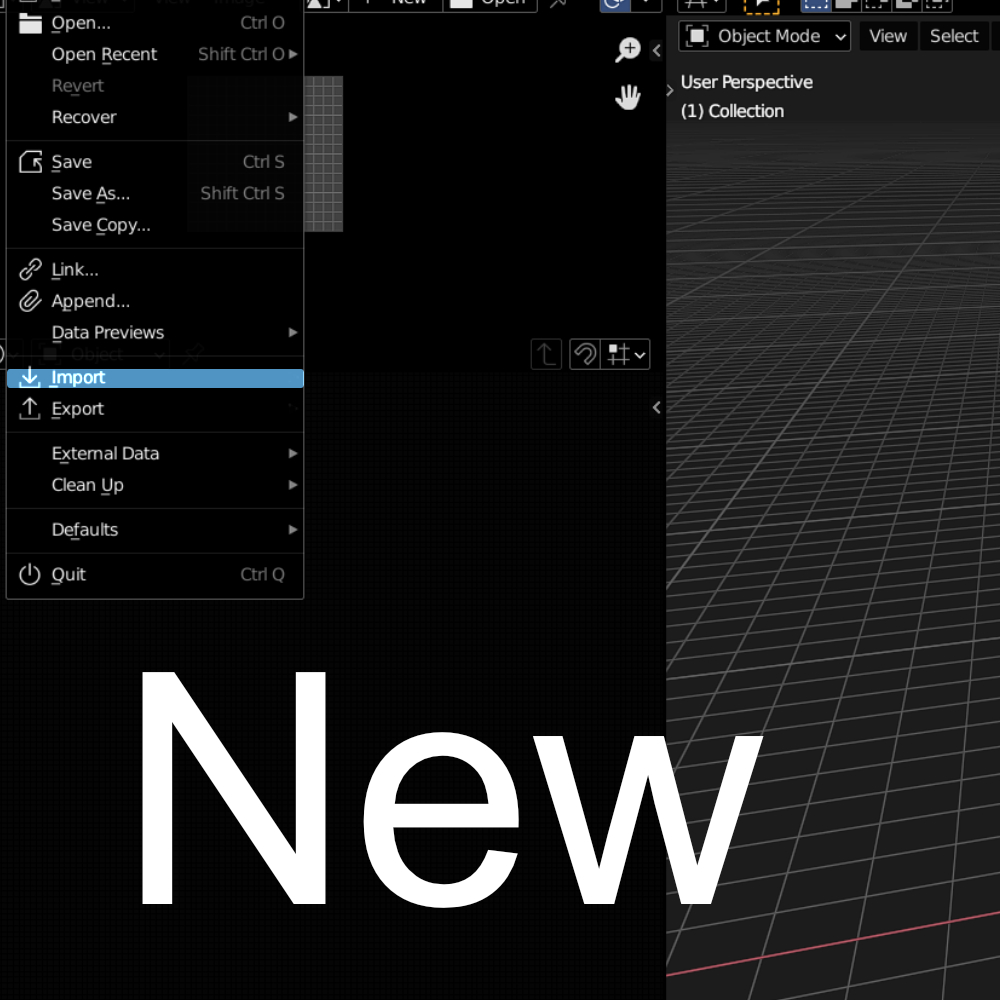
and I think I'm not alone here that having real problem every time trying to import something, the current method is not efficient because you need to choose the file type before you import or export *maybe the only program that using this weird way ,
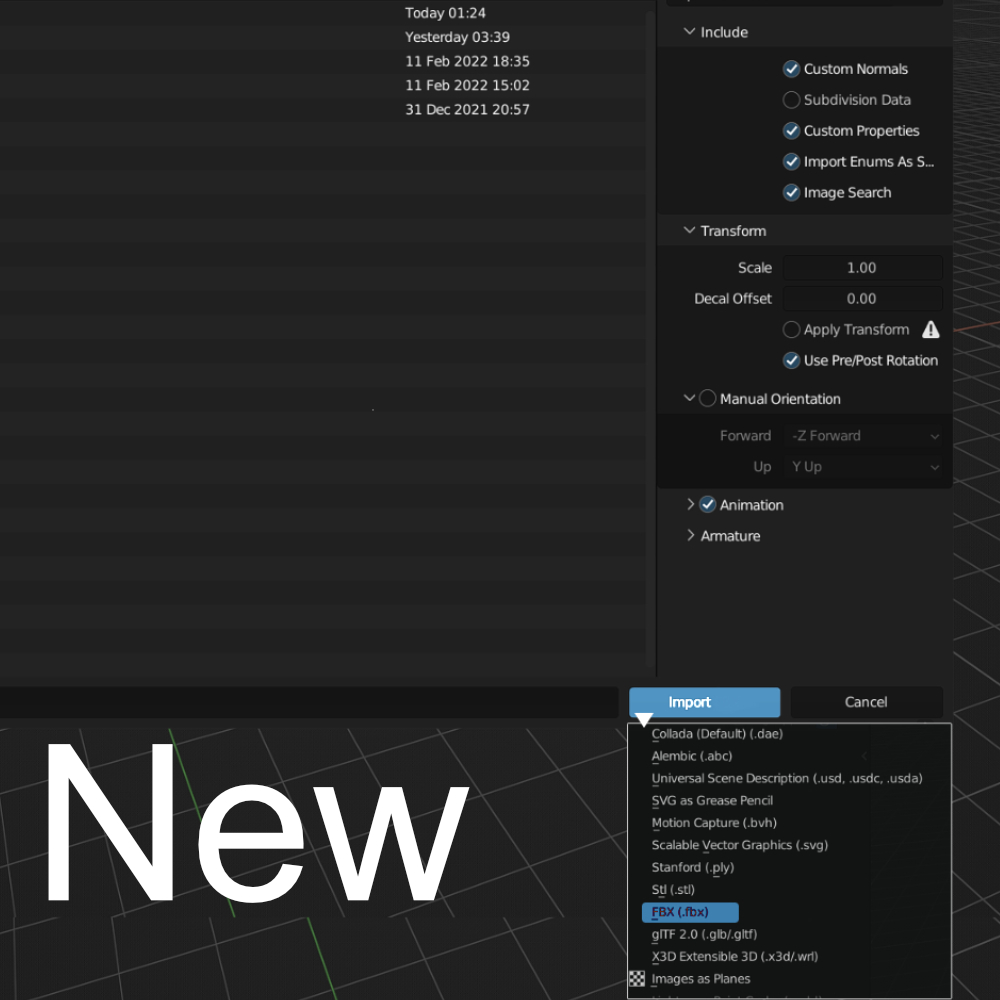
every 3d package I ever worked with uses very simple and faster way to scroll down and choose what you want without the need to repeat this tedious process 100 times..
my idea is just moving the menu to the file browser and make everybody's life easier .
14 Comments
Honestly I wish it just used the normal file import and export windows.
Almost every other program I use makes use of windows' default file explorer menus, and they work great, I know all the keybinds
I wish that too ..
as someone who bounces back and forth between mac and windows all day and almost never touches anything other than blender most of the day, I strongly prefer Blender's file browser.
Irrelevant to blender, as a life long user of both mac and windows I feel both Finder.app and Explorer.exe suck @$$.
Blender's file browser limited and missing a lot of useful features that windows has such as folder thumbnails ...etc.
loooool this is what I'm looking for or let windows users using default windos browser it is much better than blender file browser
We at work have an import script that can just import every file type at the same time and has at the import menu just a panel for every file type listed, in case you want to make any changes to the import settings
also try OD COPY & PASTE EXTERNAL plug-in. It is much faster than using fxb export/import youtube.com/watch
Thank you .. this add-on unfortunately doesn't support copy and past directly from windows.
so it is MAC OS only? I didnt know that
I meant it doesn't copy from windows files directly to blender
I assigned a shortcut to IMPORT FBX (cmd+i) so now it is way faster. Just right click on a IMPORT FBX menu option
I understand your frustation but i think is just moving one menu from one place to another. The way its implemented currently, when you select the importer type the window changes to reflect its options. When you clic "import" you are done. Other applications have a secondary window popup to config your settings. Either way it you have to click again.
I understand that blender is different but why this is not a problem in other 3d packages, I mean it is a very simple feature that available in Maya C4D ... maybe since 90s
this is a great idea. idk why they didn't go with this design originally